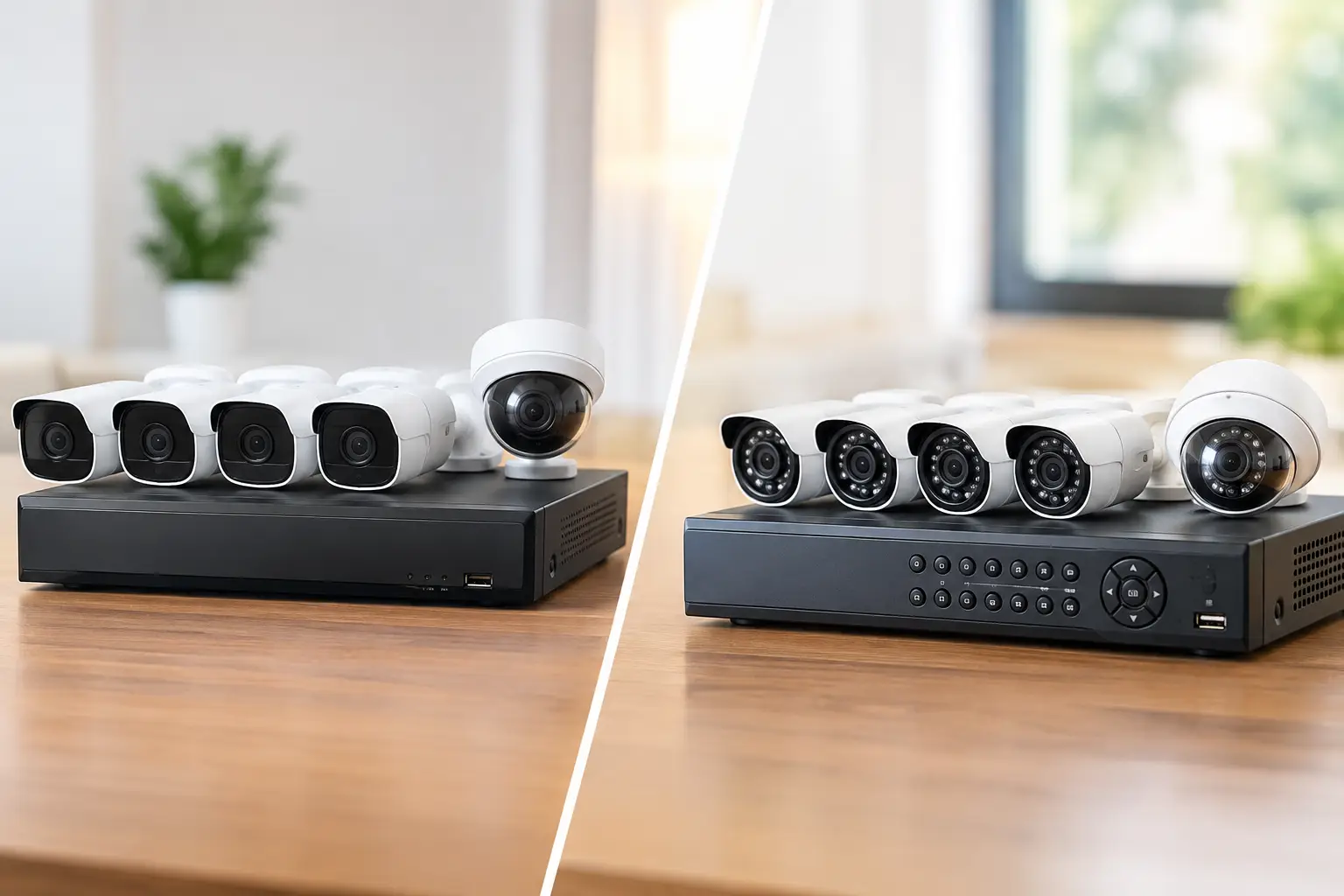
A camera that goes offline during a break-in, misses a license plate at the gate, or sends constant false alerts is not doing its job. Wired wireless cameras are often discussed as if they are interchangeable, but the right choice depends on what you need to protect, how the property is built, and how much reliability you expect from the system.
For a Las Vegas home, office, retail location, HOA, or medical facility, the best surveillance design usually starts with a simple question: what cannot be missed? A front door package delivery has different requirements than a parking lot, a cash-handling area, or a side gate with limited visibility. Once that is clear, the camera connection method becomes much easier to choose.
What “Wired Wireless Cameras” Actually Means
The phrase wired wireless cameras can be confusing because it can describe two very different types of equipment. A wired camera usually has a physical data connection back to a recorder or network switch. A wireless camera sends video over Wi-Fi, cellular service, or another radio signal instead of using a network cable.
There is also a common middle ground: a camera may be wireless for video but still require a power cable. Many indoor and outdoor Wi-Fi cameras plug into a nearby outlet. Battery-powered cameras avoid both power and data wiring, but they need charging or battery replacement and tend to make more compromises in recording and performance.
A professional system can also combine both approaches. For example, hardwired cameras may cover the perimeter, entry points, and high-value areas, while a wireless camera may be added in a detached casita, temporary construction area, or location where cabling is genuinely impractical.
Why Hardwired Cameras Remain the Reliable Choice
Hardwired IP cameras typically use Ethernet cabling and Power over Ethernet, commonly called PoE. One low-voltage cable carries both power and video data. That cable runs back to a network video recorder, PoE switch, or structured wiring location.
The practical benefit is consistency. The camera does not compete with phones, smart TVs, gaming consoles, and neighboring networks for Wi-Fi signal. It can record continuously at higher resolution, support more cameras without overloading the wireless network, and keep operating as designed without routine battery maintenance.
That matters in commercial settings. A business may need clear footage of transactions, staff entrances, loading areas, parking spaces, and public-facing areas at the same time. Continuous recording, dependable timestamps, and centralized storage are far more useful than a short motion clip that begins after the key moment has already happened.
Hardwired systems are also a strong fit for larger homes, estates, and HOA common areas. Cameras mounted at driveways, gates, side yards, pool areas, and exterior corners benefit from a stable connection. Proper placement and clean cable routing are part of the installation, not an afterthought. A camera only helps if its view is useful, its night image is clear, and its wiring is protected from weather and tampering.
The trade-off is installation. Running cable through finished walls, attics, commercial ceilings, stucco exteriors, or long outdoor pathways takes planning. It may require access points, conduit, trenching, or coordination with a remodel or new build. However, installing cable correctly often costs less over time than managing a growing collection of batteries, weak Wi-Fi signals, and disconnected consumer cameras.
PoE Makes a Difference
PoE is one reason professional wired camera systems are easier to maintain. Instead of placing individual power adapters near every camera, the system delivers managed power from a central location. If a camera needs to be restarted or replaced, a technician can diagnose the connection more efficiently.
A battery backup can also keep the recorder, network equipment, and cameras running during a short power outage. For properties where security cannot stop, this is a meaningful advantage.
When Wireless Cameras Make Sense
Wireless cameras are not automatically the lesser option. They are useful when speed, flexibility, or construction limits matter more than constant high-bandwidth recording.
A homeowner may want a camera in a rental unit, a detached garage, or a location that would require extensive wall work to reach. A builder may need temporary visibility over a jobsite. A small office may need coverage of a low-risk interior area without disrupting operations. In these cases, a quality Wi-Fi camera can provide practical coverage quickly.
Wireless cameras also make remote viewing straightforward when they are configured properly. Owners and managers can check live video, review alerts, and receive event notifications from a phone. Cloud storage may be convenient for a small number of cameras, especially when local recording equipment is not desired.
The limitations need to be understood before installation. Wi-Fi coverage is not the same thing as reliable video coverage. A phone may show two bars near a patio while a 4K camera struggles to maintain a stable upload at night. Exterior walls, metal framing, masonry, distance, competing networks, and extreme heat can all affect performance.
Battery-powered cameras add another layer of compromise. To preserve power, many record only after motion is detected. That can be fine for a porch or an occasional visitor, but it may not capture everything around a busy driveway or commercial entrance. Higher traffic means more alerts, more recordings, and more frequent charging.
Match the Camera System to the Risk
The best camera setup is not necessarily the one with the most features. It is the one that gives you usable evidence and dependable visibility in the places that matter.
For a typical residence, hardwired coverage at the front entry, driveway, side gate, and backyard often handles the most important zones. A wireless camera can supplement a difficult location, provided the Wi-Fi signal and power plan have been tested. Smart alerts can then be limited to people, vehicles, or specific activity areas so the owner is not flooded with notifications every time landscaping moves in the wind.
For a small business, wired cameras are generally the better foundation. Entry and exit points, registers, inventory areas, employee-only doors, and parking lots should be recorded consistently. A local recorder keeps footage under the business’s control, while remote access gives authorized managers a way to check the property when needed.
For HOAs and commercial properties, design becomes more involved. Camera views must support the actual operating need, whether that is gate activity, amenity areas, vandalism investigations, delivery access, or after-hours incidents. Privacy considerations matter as well. Cameras should cover property and access points without creating unnecessary views into private residences, treatment rooms, or areas where people reasonably expect privacy.
Installation Details That Decide Whether Footage Helps
Camera quality matters, but installation quality often matters more. A high-resolution camera pointed into direct sunlight, mounted too high, or aimed across a poorly lit lot may still produce weak evidence.
A site assessment should account for lighting, distance, expected activity, mounting surfaces, and network capacity. License plate capture, for example, requires a different angle and exposure setting than a wide overview of a parking lot. Facial identification at a front entrance depends on camera height, field of view, and adequate lighting. One wide-angle camera rarely replaces several properly targeted cameras.
Storage is another decision that should be made upfront. Continuous recording uses more storage but gives a complete timeline. Motion-based recording conserves space but can miss events or create gaps. Retention needs vary by property, but business owners should think about how long it may take to notice an incident and request footage.
Cybersecurity belongs in the conversation too. Cameras are network-connected devices. Default passwords should be changed, firmware should be maintained, remote access should be secured, and surveillance traffic should be planned so it does not interfere with business operations or home Wi-Fi. A camera system should improve security, not introduce a new point of exposure.
A Practical Way to Choose
Start by identifying the areas where footage would have the most value. Then decide whether each location needs continuous recording, how much detail is required, and whether cable can be installed cleanly. Use hardwired PoE cameras for critical coverage whenever feasible. Use wireless cameras where their flexibility solves a real installation problem, not simply because they appear easier on the shelf.
Las Vegas Tech Pros can assess the property, plan camera placement, run low-voltage cabling, optimize the network, and configure remote access as one coordinated project. That approach prevents the common problem of buying cameras first and discovering later that the Wi-Fi, power, storage, or viewing angles were never designed for them.
The right system should feel quiet and dependable: clear video when you need it, useful alerts when something changes, and no weekly troubleshooting routine. Build around the risks you actually have, and the camera technology will earn its place on the property.