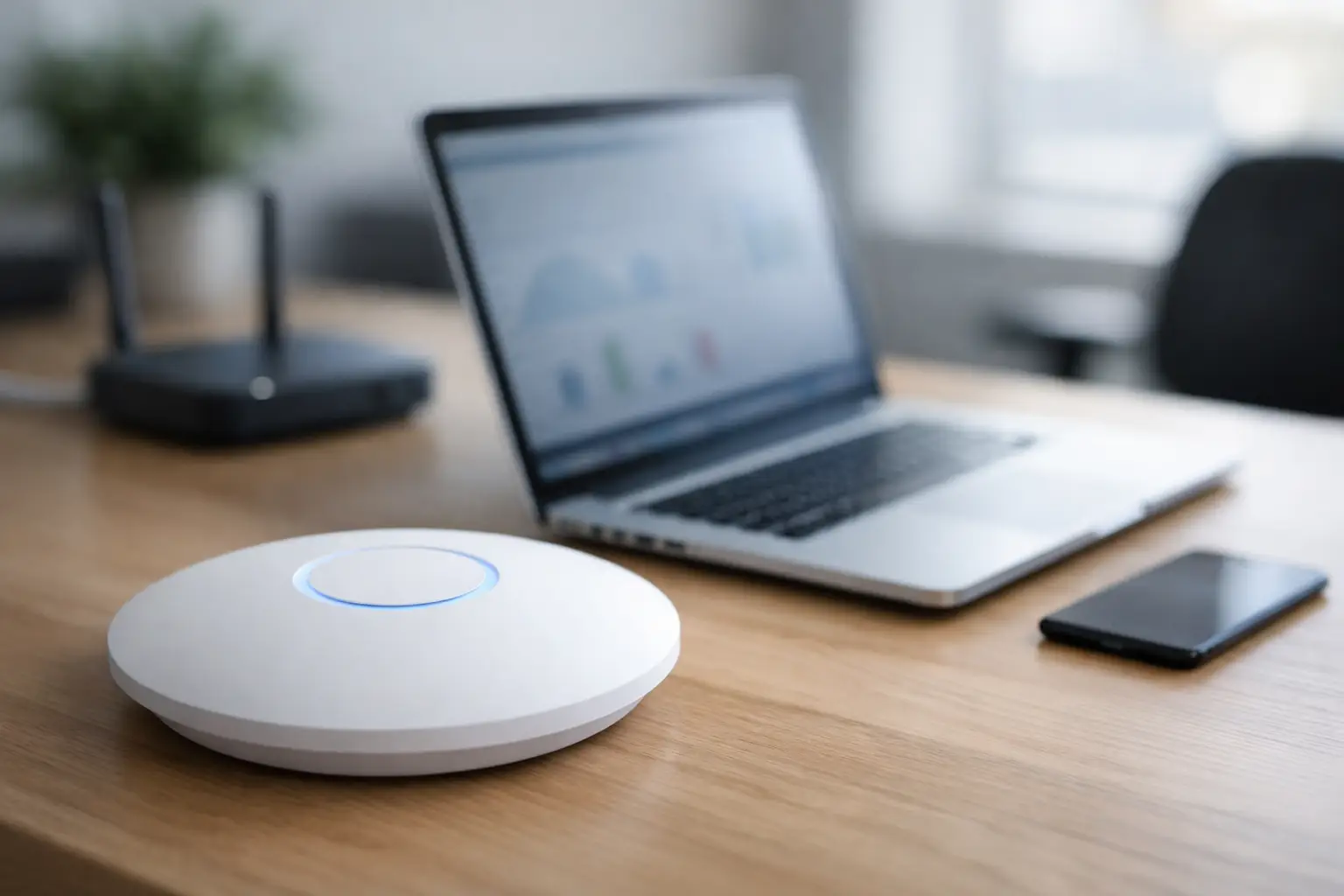
You can pay for fast internet and still get bad Wi-Fi in the room where you actually need it. That is usually not an internet provider problem. More often, it is a placement problem. The best wifi placement tips are not complicated, but they do make a real difference when your router is stuck in the wrong corner, buried in a cabinet, or blocked by construction materials.
For homes and businesses across Las Vegas, we see the same pattern all the time. The service coming into the building is fine, but the signal inside the space is weak, inconsistent, or unreliable because the equipment was placed for convenience instead of coverage. If your video calls drop, cameras buffer, TVs lag, or smart devices disconnect, router placement is one of the first things to fix.
Why placement matters more than most people think
Wi-Fi is radio signal, and radio signal does not move through a building evenly. It weakens over distance, and it struggles with dense materials, metal, mirrors, large appliances, and certain wall types. In larger homes, medical offices, retail spaces, and commercial properties, a bad starting location can create dead zones even when the internet plan itself is strong.
That is why moving a router ten feet can sometimes help more than upgrading your speed package. It is also why one building can get solid coverage from a single access point while another needs a more deliberate network layout. Square footage matters, but so does floor plan, wall construction, device count, and where people actually use the network.
Best WiFi placement tips for stronger coverage
The first rule is simple: place the router as close to the center of the coverage area as possible. If the router sits at one far end of the building, much of the signal gets wasted broadcasting outside or into areas that do not matter. A central location gives you a better chance of reaching bedrooms, offices, conference rooms, living areas, and connected devices with fewer weak spots.
Height matters too. Routers should usually sit on a shelf, cabinet, or wall mount rather than on the floor. Wi-Fi spreads outward, and low placement forces the signal through furniture and other obstacles right away. Getting the unit up higher often improves both range and consistency.
Open space is better than enclosure. If your router is inside a media cabinet, behind a TV, inside a structured wiring panel, or tucked into a closet, the signal is already fighting its way out before it reaches the rest of the building. People hide routers because they do not want to see them, which is understandable, but hidden equipment often performs worse. If appearance matters, there are cleaner installation options that still keep the hardware exposed enough to work properly.
Keep distance from large electronics and metal surfaces. Refrigerators, electrical panels, microwaves, speaker components, file cabinets, and metal shelving can all interfere with signal or reflect it in unhelpful ways. You do not need an empty room, but you do want a few feet of separation from obvious sources of interference.
Another one of the best wifi placement tips is to think about where the internet is actually used, not just where the modem enters the building. In many homes, that means the router should support home offices, streaming areas, bedrooms, patios, and smart home hubs. In businesses, it may need to prioritize workstations, VoIP phones, point-of-sale systems, waiting rooms, cameras, or access control devices. Good placement starts with usage, not convenience.
Where not to put your router
One of the worst places for a router is in the garage. It is common because that is where builders or installers sometimes terminate service, but garages are usually poor network locations. They are off to one side of the property, surrounded by heavy materials, and filled with interference from appliances, storage, tools, and metal doors.
Closets are another frequent problem, especially in larger homes and office suites. A router might technically fit there, but enclosed spaces weaken signal and make heat management worse. The same goes for network gear stuffed into low-voltage panels that were not designed for strong wireless coverage.
Behind a television is also a bad bet. TVs, media consoles, sound systems, and game hardware create clutter and interference, and they often block signal in the directions you need most. If your streaming devices are near the TV, it can feel logical to place the router there, but that location may hurt the rest of the house.
Windows are not ideal either. If the router is sitting at an exterior wall or near a front window, some of your signal is going outside. That is not helping your coverage inside, and it is not the most efficient use of your equipment.
Best WiFi placement tips for two-story homes and larger properties
Multi-story buildings need a little more strategy. If you have a two-story home and only one router, the best location is often on the first floor near the center, or on the upper floor if that is where most of the usage happens. There is no universal answer because floor materials, ceiling construction, and room layout can change the result.
In larger homes, detached casitas, long office suites, or commercial spaces with block walls, one router may simply not be enough. That is where people waste time trying to fix a design problem with endless restarts and speed tests. Placement still matters, but there is a point where the right answer is adding properly placed access points or moving to a mesh system designed for the space.
That comes with a trade-off. Mesh systems are convenient and can work well in residential settings, but they are not always the best choice for every building. In some homes and many commercial environments, hardwired access points provide better performance, better stability, and fewer surprises under heavy use. It depends on the layout, the number of users, and how critical the connection is.
Router antennas, orientation, and signal direction
If your router has external antennas, their position can affect coverage. A common starting point is to keep one antenna vertical and angle another slightly, which helps distribute signal across different planes. If all antennas point the same way, coverage can become less balanced.
That said, antenna adjustment is not a substitute for proper placement. It is a fine-tuning step, not the main fix. If the router is hidden in a bad location, changing antenna angles will not solve the larger problem.
For ceiling-mounted or wall-mounted access points, orientation matters even more because those devices are designed to spread signal in a specific pattern. Mounting them incorrectly can limit the coverage you were expecting.
Placement problems that look like internet problems
Not every slow connection means your provider is failing. If one room works well and another does not, or if your speed drops only at certain times in certain parts of the building, placement is a likely factor. So is interference from neighboring networks, especially in condos, offices, and dense communities.
Device overload can also make placement issues more obvious. A modern home might have dozens of connected devices between TVs, phones, tablets, cameras, thermostats, doorbells, speakers, and appliances. A business may add computers, printers, phones, tablets, guest Wi-Fi, and security equipment on top of that. The more devices competing for signal, the more noticeable weak placement becomes.
This is why a quick equipment swap does not always fix the issue. New hardware can help, but if it goes back into the same bad location, you may end up with the same complaints.
When to move the router and when to redesign the network
If your space is modest in size and the router is currently hidden, low, or stuck at one end of the property, relocating it may be enough. A better position can improve coverage immediately without changing your service plan.
If you still have dead zones after moving it to a central, elevated, open location, the issue may be network design rather than placement alone. That is especially common in larger custom homes, buildings with concrete or masonry walls, offices with segmented layouts, and properties where outdoor areas also need reliable Wi-Fi.
At that point, professional testing is usually faster than trial and error. A proper site review can show where the signal is dropping, where interference is happening, and whether you need one better access point or a full multi-point layout. Las Vegas Tech Pros handles this kind of troubleshooting regularly for both residential and commercial clients because weak Wi-Fi is rarely just about one device.
A practical way to test your current setup
Start by standing where the router is now and asking one question: is this where I would place it if I only cared about signal quality? If the answer is no, that is your first clue. Then test coverage in the rooms that matter most, not just the room where the router sits.
If the weak spots line up with distance, thick walls, garages, patios, upstairs bedrooms, or far-side offices, placement is likely involved. Try moving the router to a more central, elevated, open area and test again before spending money on upgrades. If performance improves but still is not where it should be, that tells you the signal path was part of the problem and the rest may need a broader solution.
Good Wi-Fi does not happen by accident. It comes from putting the right equipment in the right place for the way the building is actually used, and that one change can save a lot of frustration later.