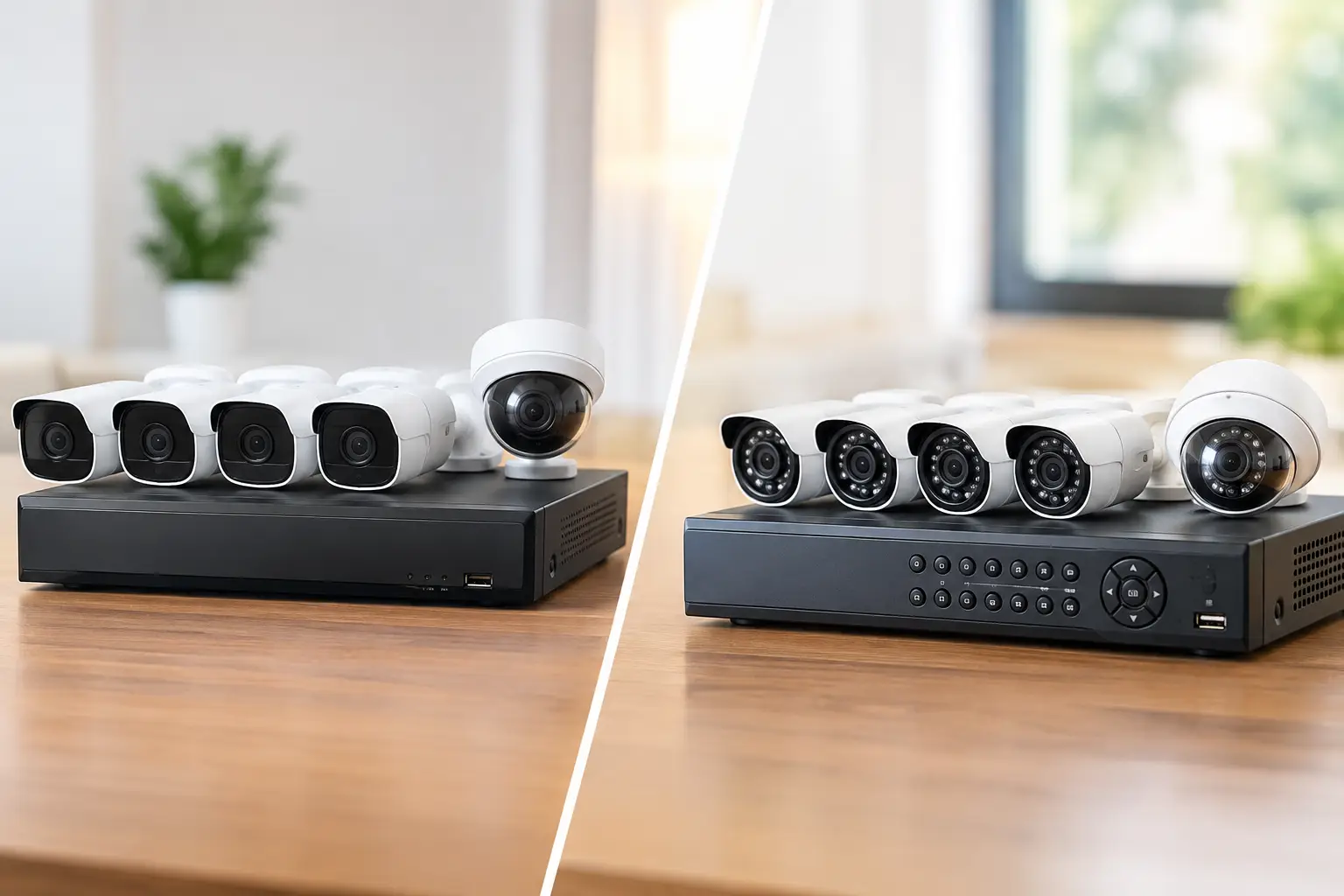
A camera can be powered on, pointed at the right area, and still fail to give you the footage you need if its recording plan depends entirely on the internet. So, do cameras work offline? Many do, but only if the system has local recording and remains powered. The important question is not whether the camera has Wi-Fi. It is where video is stored and what happens when the connection drops.
For a Las Vegas home, retail space, medical office, HOA property, or job site, that distinction matters. Internet interruptions, router failures, utility outages, and accidental cable cuts can happen without warning. A properly designed surveillance system should continue documenting events locally when it can, while making the limits of remote viewing clear.
Do Cameras Work Offline When Wi-Fi Goes Down?
A camera can keep recording without internet access if it has a working power source and a local place to save footage. Local storage may be a memory card inside the camera, a network video recorder (NVR), a digital video recorder (DVR), or a dedicated server on the property.
The camera and recorder do not need the public internet to communicate with each other on the same local network. For example, hardwired IP cameras connected through PoE – Power over Ethernet – to an NVR can continue recording during an internet outage. You may even be able to view live footage from a monitor connected directly to the recorder.
What usually stops is access from outside the property. If your phone is on cellular data and the location has no internet service, the app cannot reach the camera system. Cloud backup, push notifications, remote playback, and off-site monitoring may also be unavailable until service returns.
The same distinction applies to Wi-Fi cameras. A Wi-Fi camera with a microSD card can often record motion locally while the internet is down, as long as the camera still has power and the local Wi-Fi network is running. A cloud-only camera may continue to detect motion but have nowhere to upload the clip, leaving a gap in your record.
Power Outages Are a Different Problem
Internet outages and power outages are often treated as the same event, but they create different risks. When the internet fails, a locally recorded system can continue working. When power fails, cameras, network switches, routers, and recorders all shut down unless they are supported by battery backup or another power source.
A UPS, or uninterruptible power supply, can keep essential surveillance equipment running through a short outage. For a typical wired system, protecting the NVR, PoE switch, router, and modem is usually the priority. For a small business, the right UPS capacity depends on the number of cameras and how long you need coverage to continue. A battery that keeps equipment on for 10 minutes may protect against quick utility flickers, but it will not cover a multi-hour outage.
Some battery-powered cameras can continue operating when household power is out. Their recording time depends on battery condition, motion activity, temperature, and whether they are transmitting video. They are useful in select locations, but they are not always the best primary protection for a large property or critical entrance.
In Southern Nevada, heat also deserves consideration. Battery performance and outdoor equipment life can suffer when devices are installed in direct sun or poorly ventilated locations. Camera placement, shaded mounting options, weather-rated hardware, and protected equipment closets make a practical difference over time.
How Different Camera Systems Behave Offline
Hardwired cameras with an NVR
This is often the strongest option for consistent offline recording. IP cameras are wired back to a PoE switch or NVR, which provides both network connectivity and power through one cable. The NVR stores video on internal hard drives, so recording does not depend on a cloud subscription or active internet connection.
Hardwired systems also avoid many of the coverage issues that affect Wi-Fi cameras. A professional installation can place cameras at entries, loading areas, parking lots, hallways, cash-wrap zones, and perimeter points without relying on a crowded wireless signal. The trade-off is installation work: cables must be properly routed, protected, and sized for the building.
Wi-Fi cameras with local memory cards
A Wi-Fi camera with onboard microSD storage can be a sensible solution for a condo, apartment, single door, or temporary coverage need. During an internet outage, it may record directly to the card if it still has power and is configured for local recording.
There are limits. Memory cards have finite capacity, can wear out, and may be accessible to someone who can reach the camera. Many consumer cameras record only motion events instead of continuous video. If the camera loses its Wi-Fi connection to the local network, some models may still record to the card, while others may behave differently. The exact model settings matter.
Cloud-dependent cameras
Cloud cameras are convenient because footage and alerts are available through an app from nearly anywhere. But if the internet connection at the property drops, cloud recording generally stops. Some models provide a local fallback feature, but it should be verified before relying on it.
Cloud storage can be useful as a second copy of important clips. It should not be confused with a local recording system designed to keep working through an internet disruption.
Cellular cameras
Cellular cameras use a mobile data plan rather than property Wi-Fi. They can be valuable for construction sites, gates, vacant lots, and locations without fixed internet service. They still need power, either from a battery, solar panel, or hardwired source, and they rely on adequate cellular coverage.
They are not truly offline cameras. They simply use a different connection. Data costs, signal strength, and video quality settings should be planned carefully, especially where frequent motion could generate large amounts of footage.
Features You May Lose Without Internet
An offline-capable camera system does not necessarily retain every feature during an outage. Local recording can continue, but remote functions typically depend on outside connectivity. These may include smartphone alerts, remote live viewing, cloud backup, firmware updates, off-site user access, and certain AI analytics processed in the cloud.
Some higher-end NVR systems perform person, vehicle, line-crossing, or intrusion detection at the recorder or camera itself. Those systems can still flag and save events locally without internet access. Other systems send video to the cloud for analysis, so their smart alerts may pause when the connection drops.
This is why an installation should start with the outcome you need. If you need evidence after an incident, prioritize continuous local recording and adequate storage. If you need a manager to receive a real-time alert from home, plan for dependable internet and consider a backup connection. If both matter, use local recording as the foundation and cloud or remote access as an added layer.
Choosing an Offline-Ready Setup
A dependable design begins with a few practical decisions. First, choose local recording that matches the risk level of the property. An NVR with surveillance-grade storage is typically better suited to multiple cameras and continuous recording than individual memory cards.
Next, calculate retention time. A system that records for only two days may overwrite the footage before anyone realizes an event occurred. Retention depends on camera count, resolution, frame rate, continuous versus motion recording, and hard-drive capacity. Higher resolution can improve identification, but it uses more storage and network bandwidth.
Then protect the critical equipment. A UPS should support the recorder and network hardware, and the equipment should be installed in a secure, ventilated area. Cameras should be positioned to capture faces, vehicle paths, and entry points rather than simply covering the largest possible area. A wide view is helpful, but a camera mounted too high or too far away may not provide usable identification.
Finally, test the system. Disconnect the internet connection while the cameras remain powered and confirm that footage continues recording to the NVR or memory card. Check whether local monitoring works, how long the UPS holds power, and what happens when the internet returns. Testing turns an assumption into a verified plan.
The Best Answer Is Usually Local First
The best surveillance systems do not force you to choose between convenience and reliability. They record locally for continuity, provide remote access when the internet is available, and use battery backup where short power outages are a concern.
For properties with multiple cameras, critical operations, or valuable assets, hardwired cameras with local NVR recording are usually the most dependable path. Las Vegas Tech Pros can design the cabling, camera placement, network support, and recording strategy as one coordinated system. The right setup should keep doing its core job quietly in the background, even when the internet does not.