A clinic entry system example becomes most useful when the front desk is busy, a delivery arrives at the wrong door, and staff need to protect patient-only areas without stopping to find a key. The right setup does more than lock a door. It gives a medical office a practical way to manage arrivals, control access, and respond quickly when something does not look right.
For a clinic, entry control has to balance security with hospitality. Patients should be able to check in without confusion. Staff should move between work areas without carrying a ring of keys. Visitors, vendors, and former employees should not retain access to sensitive rooms. That balance is the foundation of a system that works in the real world.
A Practical Clinic Entry System Example
Consider a multi-provider medical clinic with a public lobby, front desk, clinical hallway, supply room, billing office, staff break room, and rear employee entrance. The office sees patients throughout the day, receives medical and office deliveries, and has staff arriving before the clinic opens.
The main patient entrance remains unlocked during posted business hours. A doorbell camera or entry camera provides a clear view of the entrance and lobby, while the front desk can see who is approaching before opening the door during early morning, lunch, or closing periods. After hours, the public door stays locked, and approved staff use a mobile credential, key fob, access card, or PIN to enter.
A second access-controlled door separates the public lobby from the clinical hallway. Staff can present their credential and enter immediately. Patients are admitted through the doorway by a receptionist when called for an appointment, or the door can be released remotely from the front desk. This keeps the treatment rooms, records, staff areas, and equipment out of the public traffic path without making the office feel unwelcoming.
The rear employee entrance uses the same access control platform. That matters because back doors are often the weakest point in a commercial property. Staff can enter before opening hours, and the office manager can see an audit trail showing which credential opened the door and when. If a fob is lost or an employee leaves, access can be removed without rekeying every lock in the building.
What the System Includes
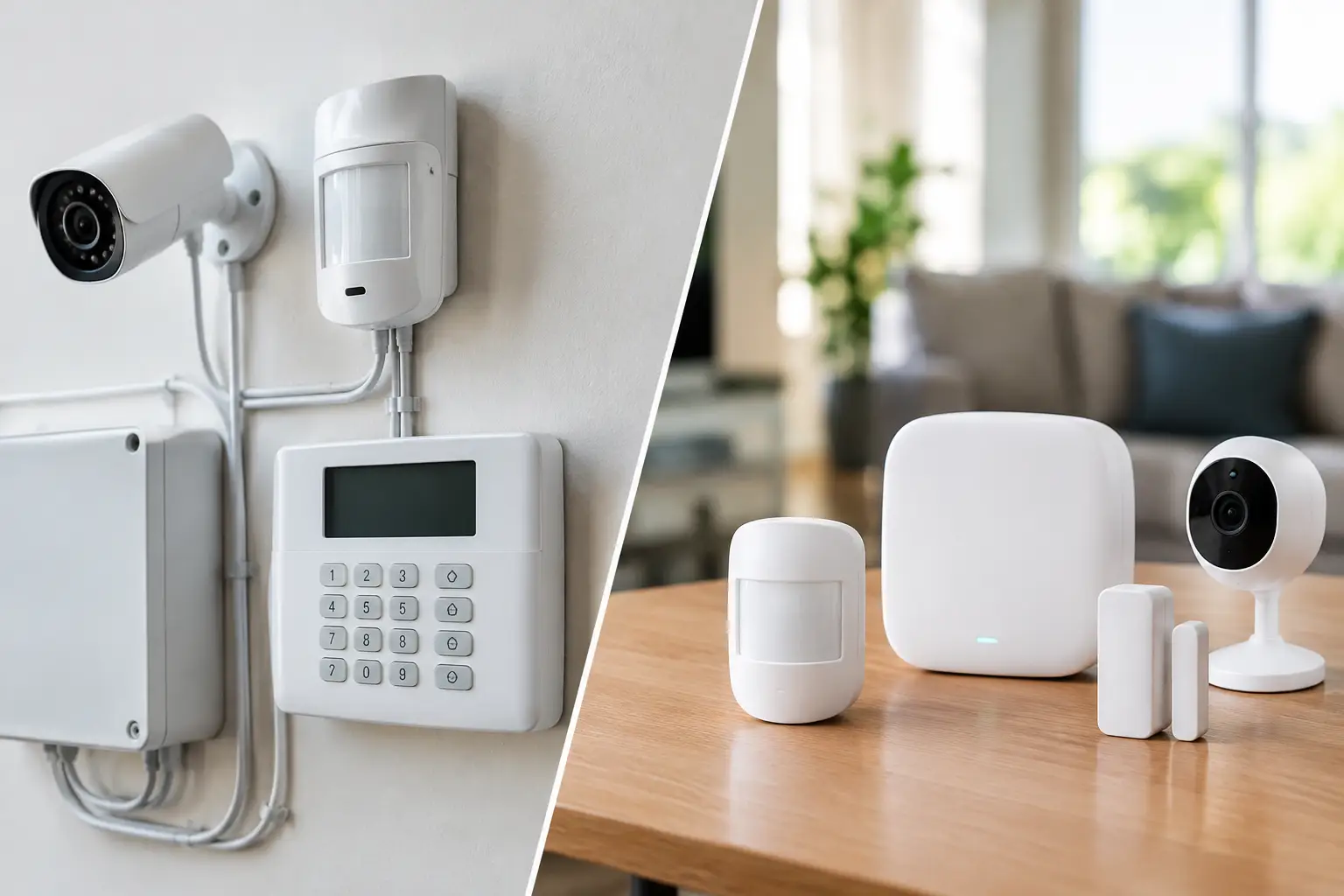
The visible pieces are usually card readers or keypad readers at controlled doors, electronic locks, door position sensors, request-to-exit devices, and a management app or software dashboard. Behind the walls, low-voltage cabling connects the system components to a secure controller and network where needed.
A properly planned installation also accounts for fire and life-safety requirements. Controlled doors must release correctly during an emergency, and exit paths cannot be blocked by a poorly chosen lock or wiring method. This is not a place for a consumer smart lock added after the fact. Clinics need equipment selected and installed for the door type, occupancy, local code requirements, and daily usage level.
For a smaller practice, two controlled doors may be enough: the rear staff entrance and the door between the lobby and clinical areas. A larger medical office may need different permission groups for physicians, nurses, administrative staff, facilities personnel, and cleaning crews. The goal is not to put a reader on every door. It is to secure the areas where unrestricted entry creates a real operational or privacy concern.
Why Access Zones Matter in a Medical Office
A clinic has several types of spaces, and each needs a different level of control. The waiting room is designed for patients and visitors. The clinical hallway may require staff approval for entry. Medication storage, network closets, records rooms, and billing offices often need tighter access based on staff responsibilities.
Access zones let the office set those boundaries without slowing down the people who need to work. A nurse can access the clinical hall and supply area, while an outside vendor might be limited to the lobby and a scheduled delivery entrance. A billing employee can enter the administrative office without automatically receiving access to medication storage.
This also helps with accountability. If a door is found open after hours, the manager has more information than a damaged lock or a missing key can provide. The system can report whether the door was forced, held open too long, or opened using a valid credential. Those details help staff respond to the right issue instead of guessing.
Pairing Entry Control With Cameras and Intercoms
Access control works better when staff can see and communicate with the person requesting entry. At a clinic entrance, a camera can verify who arrived, while an intercom or video door station lets the front desk speak with them before releasing the door.
For example, a courier may arrive with a time-sensitive package before the office opens. Rather than propping open the front door or sending an employee outside, staff can verify the delivery through the video station and release the appropriate door. A camera at the rear entrance can also help confirm that a staff credential is being used by the authorized person, not passed to someone else.
Camera placement needs care in a medical setting. Coverage should focus on entrances, exterior approaches, reception, hallways, and access points, not private treatment activities. The system should support the clinic’s privacy policies and operational needs. Installing a camera does not automatically make a practice compliant with healthcare privacy requirements, and access records should be managed with the same care as other sensitive business information.
Choosing Credentials That Fit the Staff
Key fobs and access cards are familiar, durable choices for clinics with a stable staff. Mobile credentials can be convenient for employees who already carry a smartphone and want fewer items on a badge reel. PIN codes may work at lower-risk doors, but shared codes create a management problem because they are harder to trace and should be changed when staffing changes.
Biometric readers can offer another layer of identity verification, but they are not automatically the best choice. They cost more, may create employee concerns, and can be unnecessary for a small office with a well-managed credential policy. The best credential method depends on the clinic’s size, turnover, door traffic, and security priorities.
Whatever option is chosen, the office should assign credentials to individuals, not departments. A single shared key fob at the front desk may feel convenient until no one can tell who used it. Individual credentials make onboarding and offboarding far cleaner.
Design Around Daily Workflow, Not Just the Floor Plan
The most common access control mistake is securing doors without asking how people actually move through the clinic. A door that requires staff to badge in repeatedly while carrying supplies will frustrate the team. A reader placed on the wrong side of a doorway may cause patients to gather in an awkward location. A locked delivery door without an intercom can create constant interruptions.
Before installation, walk the site during a normal workday. Identify when patients arrive, where staff park, which doors are used for deliveries, where visitors tend to wait, and which doors get propped open because the current process is inconvenient. Those observations usually reveal the right entry points to control.
In Las Vegas, exterior hardware also needs to stand up to intense heat, sun exposure, and dust. Outdoor readers, cameras, cable pathways, and enclosures should be selected and positioned for the environment rather than treated like indoor equipment mounted outside.
Build for Support and Change
A clinic entry system should be easy to manage after the installer leaves. Office leadership needs a clear process for adding a new hire, changing access levels, reviewing events, replacing a lost credential, and removing access immediately when someone departs.
It also helps to have one technology partner that can address the connected pieces: door hardware, low-voltage cabling, network connectivity, cameras, intercoms, and ongoing support. When an entry system depends on multiple vendors, a simple problem can turn into a long chain of finger-pointing. Coordinated planning reduces that risk.
The strongest clinic entry setup is not the one with the most readers or the flashiest app. It is the one that lets patients feel welcomed, gives staff reliable access, and makes sensitive areas easier to protect every day.