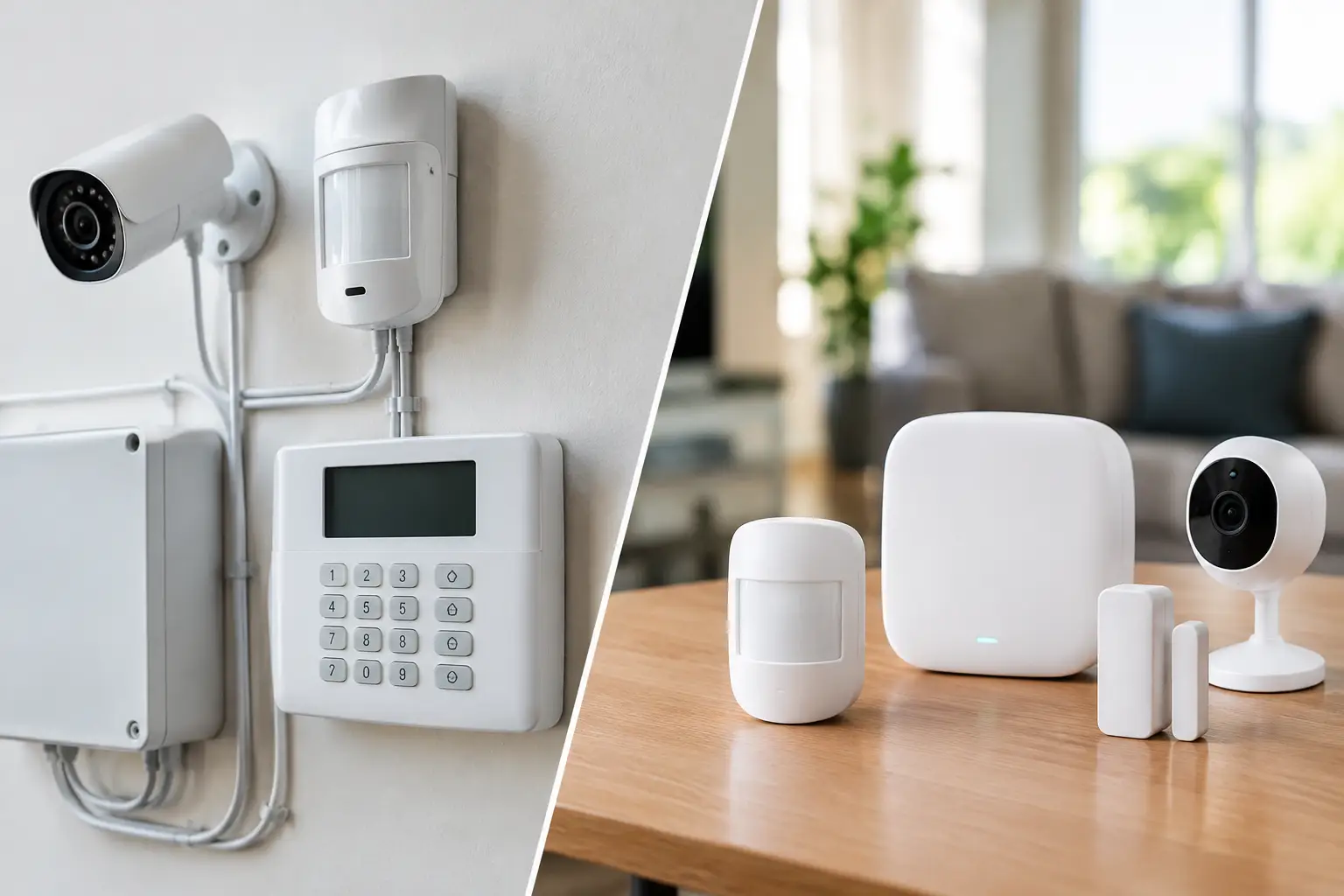
A power outage can shut down more than the lights. It can take cameras offline, stop access-control doors from responding, interrupt point-of-sale systems, drop Wi-Fi, and leave a server or smart-home hub restarting without a clean shutdown. In a Las Vegas property, where high summer temperatures can make an outage especially disruptive, backup power planning should start with the systems you cannot afford to lose.
The goal is not necessarily to power an entire house or commercial building for days. The right plan identifies critical equipment, estimates realistic run time, and uses the appropriate combination of battery backup, generator power, and electrical infrastructure. That approach controls cost while protecting the technology your property depends on.
Start Backup Power Planning With Priorities
A common mistake is choosing a generator or battery first, then trying to decide what it will support. Start the other way around. Walk through the property and separate equipment into three categories: must stay on, should stay on, and can wait until utility power returns.
For a homeowner, the must-stay-on category may include the internet modem, router, security cameras, alarm panel, gate controller, smart locks, garage-door controls, selected lighting, refrigeration, and a few outlets for phones and medical devices. A whole-home entertainment system usually does not need outage power, even if it is a major part of the home’s technology setup.
For a business, the priority list often includes network equipment, firewall, servers, cloud-managed systems, surveillance recorders, access control, phones, point-of-sale equipment, and critical workstations. Medical offices may have additional equipment with manufacturer-specific power requirements. Property managers may need gates, common-area cameras, intercoms, and network closets to remain active.
This exercise matters because every device adds electrical load. A plan that tries to run everything can become unnecessarily expensive, while a focused plan can keep the most valuable functions available for the duration that matters.
Consider What Happens When Equipment Reboots
Some equipment tolerates an outage poorly. A sudden shutdown can corrupt data, interrupt recordings, damage a storage array, or create a longer recovery process after power returns. Other devices simply take several minutes to reconnect, which can leave a property without remote camera access or working Wi-Fi during a critical window.
A properly sized uninterruptible power supply, commonly called a UPS, gives equipment short-term battery power and helps smooth brief voltage events. It also bridges the gap while a generator starts. For network racks, security recorders, and managed IT equipment, that bridge is often as valuable as the longer-duration backup source.
Choose the Right Type of Backup Power
There is no single best solution for every property. The right equipment depends on load, required runtime, budget, space, fuel availability, and how much automation the owner expects.
A UPS is best for keeping low- to moderate-power equipment running for minutes or, in some cases, a few hours. It is a practical fit for routers, switches, modems, cameras powered through network switches, NVRs, desktop computers, and small server equipment. UPS units are not designed to run air conditioning, electric ranges, large home theaters, or most high-draw appliances.
A portable generator can support selected circuits during an extended outage, but it requires safe placement, fuel management, and a proper connection method. It is often a cost-conscious option for homes or small operations that can accept some manual setup. Never rely on extension cords as a permanent strategy for technology infrastructure, and never operate a generator indoors, in a garage, or near openings where exhaust can enter the building.
A standby generator is a stronger fit for properties that need automatic response. When paired with an automatic transfer switch, it can start when utility power fails and supply designated loads without someone being on-site. This can be especially useful for commercial buildings, large residences, gated properties, and facilities where security or connectivity cannot wait for manual intervention.
Battery energy storage can provide quiet, automatic power without generator fuel, though runtime and cost depend heavily on the loads selected. It can be a good option for critical circuits and sensitive electronics. For long, widespread outages or large HVAC loads, a battery-only design may require significant capacity. In many cases, a UPS plus generator or battery system provides the most practical balance.
Do Not Forget the Network Closet
The network closet is frequently the weak point in an otherwise well-planned property. Cameras may have power, but if the switch, router, recorder, internet gateway, or fiber equipment is off, remote access and recording can fail.
For security systems, map the entire signal path: camera, PoE switch or injector, network switch, recorder or cloud gateway, router, modem, and internet service equipment. Each component needs appropriate backup power. A camera system cannot protect the property as intended if only the cameras are powered while the recording and network equipment are down.
The same is true for access control. Door strikes, maglocks, controllers, readers, intercoms, and gates may behave differently during a failure depending on their configuration. Some doors are designed to fail secure, while others must unlock for life-safety reasons. Backup power planning must account for those operational and code-related requirements rather than treating every door the same.
Calculate Runtime Before Buying Equipment
Runtime is the question that turns a good idea into a workable design. Ask how long each critical system needs to operate: 15 minutes for a controlled computer shutdown, two hours for a short utility interruption, or a full day for a security-sensitive facility.
Equipment labels and manufacturer documentation provide wattage or amperage information. Actual consumption can be lower than the maximum listed rating, but planning only around best-case usage creates risk. Network switches also need enough allowance for the cameras, wireless access points, or phones they power through PoE.
A professional assessment can measure existing load, identify circuits, and account for startup demand. Motors, pumps, compressors, and HVAC equipment can require much more power at startup than during normal operation. This is one reason a backup system that looks large enough on paper may struggle in the field.
Plan for growth, too. A four-camera system may become an eight-camera system. A small rack may gain a server, access-control panel, or additional wireless access points. Leaving reasonable capacity avoids replacing the backup solution every time the property’s technology expands.
Protect Equipment From Heat and Power Quality Problems
Las Vegas heat adds another layer to backup design. Batteries and electronic equipment do not perform their best in uncontrolled hot spaces, and generator equipment needs adequate ventilation and service access. Avoid placing UPS batteries, networking gear, or recorders in attics, unconditioned garages, or exterior enclosures unless the equipment and enclosure are specifically designed for those conditions.
Power restoration can also create a surge or voltage fluctuation. Quality surge protection, proper grounding, and correctly configured UPS equipment help protect sensitive electronics from the moment utility power returns. These details are less visible than a generator, but they can prevent costly damage and nuisance failures.
For businesses, temperature control may itself be a priority. A server room can overheat quickly when HVAC stops. If the IT environment must remain online for more than a short period, determine whether cooling is part of the backed-up load or whether systems should shut down safely before temperatures become a problem.
Test the Plan Before an Outage Tests It
Backup systems need maintenance. UPS batteries age, generator fuel can degrade, transfer switches need periodic verification, and equipment loads change over time. A system installed years ago may no longer support the technology currently connected to it.
Schedule routine tests that confirm more than whether a generator starts. Verify that critical circuits transfer correctly, cameras remain online, recording continues, remote access works, network gear stays powered, and automatic shutdown procedures perform as expected. Document the results so a property manager, office administrator, or homeowner knows what to do if an outage lasts longer than planned.
For properties with IT, security, cabling, and AV systems spread across multiple rooms, having one technology partner review the full chain can prevent gaps between trades. Las Vegas Tech Pros can help evaluate critical technology loads and coordinate practical backup power planning around the systems that keep your property connected, protected, and operational.
The best time to identify a dead network rack, unsupported gate controller, or undersized battery is during a planned test – not when the utility power is already out.