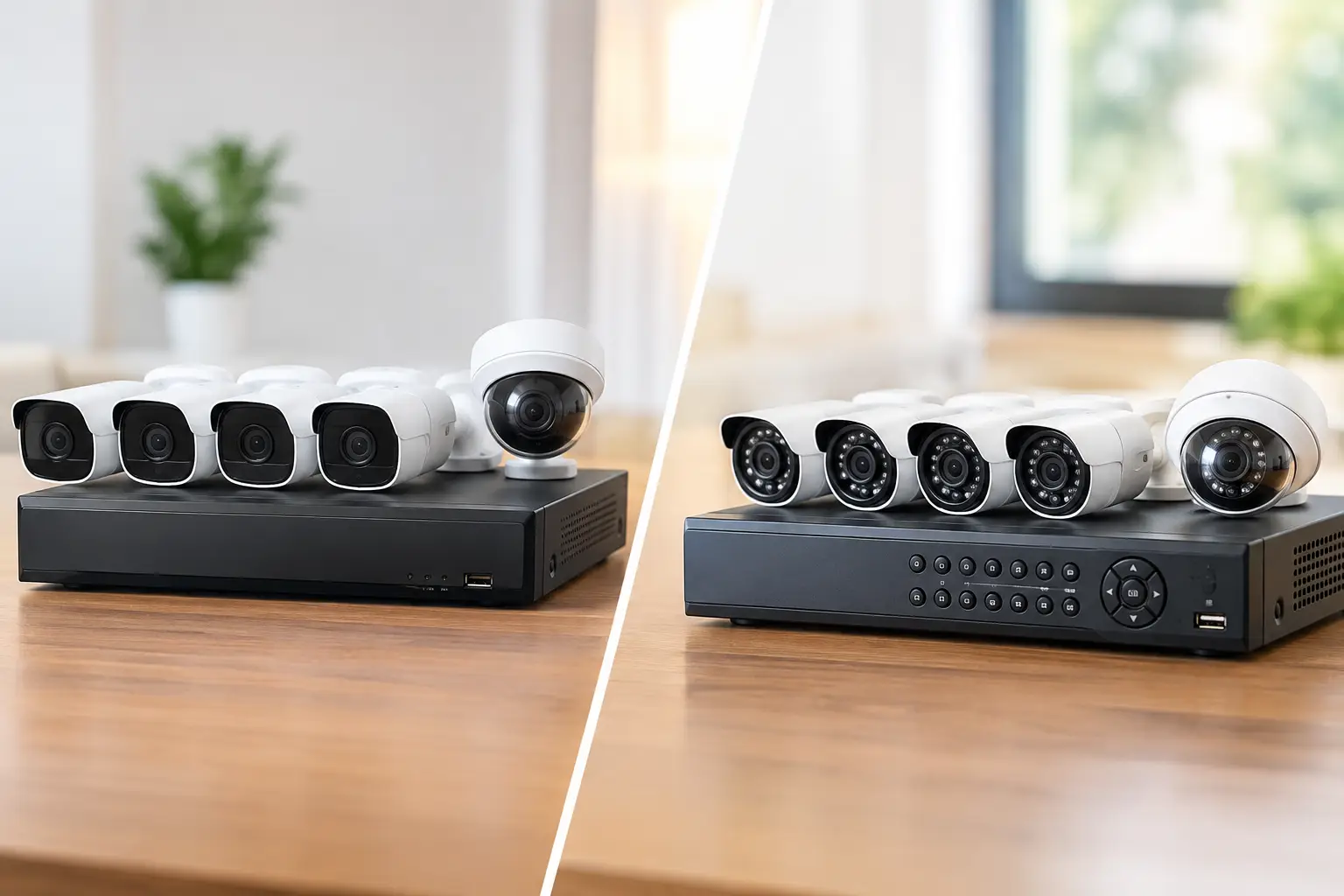
A dropped internet connection during a client call, a printer that disappears from the network, or a security camera system that stops recording can disrupt far more than one task. Businesses searching for business tech support near Summerlin NV need more than a help desk ticket. They need a local technology partner that can identify the real issue, respond quickly, and keep the systems behind daily operations working.
For many offices, retail locations, medical practices, and commercial properties, technology problems are rarely limited to one device. Wi-Fi, network hardware, workstations, access control, cameras, cabling, and audiovisual systems often overlap. Fixing one part without checking the rest can leave the same problem waiting to return.
What Reliable Business Tech Support Should Cover
Business technology support should begin with the immediate problem, but it should not stop there. If employees are losing connectivity, the answer may be a failing access point, poor cable termination, an overloaded network, outdated equipment, or interference from nearby devices. A technician who only restarts the router may get everyone online temporarily without correcting the cause.
The right support team can handle remote troubleshooting when a fast adjustment or software fix is enough, then come on-site when hands-on diagnosis is needed. That combination matters for businesses that cannot afford to wait days for a technician while employees work around a preventable outage.
Network and Wi-Fi Problems That Affect Daily Work
A strong business network is not simply an internet connection with a password. It is the foundation for cloud applications, point-of-sale systems, shared files, VoIP phones, cameras, guest access, and employee devices. When it is poorly designed, everyday tasks become slower and less reliable.
Common warning signs include dead zones in key work areas, video calls that freeze, frequent Wi-Fi reconnects, slow performance at busy times, and devices that work in one room but not another. These issues may call for better access point placement, wired backhaul connections, network segmentation, upgraded switching equipment, or a review of internet service capacity. The right solution depends on the building, device count, and how the business operates.
Separating guest Wi-Fi, employee devices, cameras, and sensitive business systems is also a practical security measure. It helps limit unnecessary traffic and reduces the chance that an unsecured device becomes a path into the rest of the network.
Why On-Site Support Still Matters
Remote support is valuable for many software, account, and configuration issues. It can save time when a user needs access restored, a workstation needs maintenance, or a common setting needs correction. But it has limits.
Physical technology problems need someone who can inspect the environment. That includes tracing cables, testing wall jacks, checking network closets, reviewing camera angles, finding power issues, and confirming that equipment is installed correctly. In a commercial space, a loose cable, overheated switch, damaged conduit, or poorly placed access point can create problems that remote access cannot see.
Local service is especially useful when a business is opening, remodeling, expanding into another suite, or adding new systems. Cabling and network infrastructure should be planned before walls are closed and furniture is in place. Addressing it early costs less than trying to retrofit every connection later.
Business Tech Support Near Summerlin NV for More Than Computers
The best technology support is broad enough to prevent vendor confusion. A business should not have to call one company for computers, another for low-voltage cabling, a third for cameras, and a fourth for conference room equipment when those systems all depend on the same network.
A single technology partner can coordinate the full picture: structured cabling, Wi-Fi coverage, managed IT, security camera systems, access control, network equipment, and audiovisual installations. That does not mean every business needs every service. A small professional office may need responsive IT support and reliable Wi-Fi, while a medical facility or multi-tenant commercial property may need secure access, surveillance coverage, dedicated network segments, and documented cabling.
The advantage is accountability. When one team understands how the systems connect, there is less finger-pointing when an issue crosses categories. If a camera is offline, for example, the question is not only whether the camera works. It is also whether the cable, power source, switch port, network configuration, storage system, or internet connection is causing the failure.
Security and Access Systems Need Ongoing Attention
Security systems are often installed with care and then ignored until something goes wrong. A camera may be blocked by a new display, an access control reader may lose communication, or recording storage may fill without anyone noticing. These are not minor details when an incident occurs.
Commercial surveillance should be planned around actual risks and operations. Entry points, cash handling areas, loading zones, inventory rooms, parking areas, and public-facing spaces each require different coverage. Clear footage depends on camera placement, lighting conditions, retention settings, and dependable network connectivity, not just camera resolution.
Access control also deserves a practical plan. Businesses need to know who can enter specific areas, when credentials should be removed, and what happens during an outage. A system that is difficult to manage will eventually be managed inconsistently.
How to Choose a Technology Support Partner
Start with response expectations. Ask how urgent issues are handled, whether remote support is available, and when on-site service is appropriate. A low monthly price is not a bargain if a critical outage leaves your team waiting without a clear plan.
Next, look for practical experience with the systems your business actually uses. A provider should be comfortable diagnosing both the visible issue and the infrastructure behind it. That means they can work on user devices and network equipment while also understanding cabling, camera connectivity, conference room hardware, and the physical conditions of the property.
Documentation is another sign of organized support. Your business should know what equipment is in place, how key systems connect, who has administrative access, and what should happen if a device fails. This becomes more valuable as employees change, locations grow, or a property manager needs to coordinate maintenance.
Finally, choose a team that explains recommendations clearly. Not every intermittent problem requires a full equipment replacement. Sometimes a firmware update, cable repair, better Wi-Fi placement, or a properly configured backup is the right fix. When replacement is warranted, you should understand why, what risk it solves, and how the work will affect operations.
A Practical Plan for Fewer Technology Interruptions
Businesses get better results when support is proactive rather than purely reactive. A short review of the network, equipment age, security coverage, user access, and backup practices can reveal weak points before they become an outage. This is particularly helpful before a busy season, office move, tenant improvement, or major staffing change.
For a small office, the plan may be straightforward: dependable Wi-Fi, protected workstations, secure user accounts, and a clear point of contact when something fails. For larger operations, it may include managed support, multiple access points, network segmentation, structured cabling, surveillance, controlled entry, and regular system checks.
Las Vegas Tech Pros helps businesses bring those pieces together without making technology management more complicated. The goal is simple: systems that support the work, security that fits the property, and responsive help when a problem cannot wait.
Technology should not demand constant attention from business owners and office managers. With the right local support, your team can spend less time chasing outages and more time serving customers, managing operations, and moving the business forward.