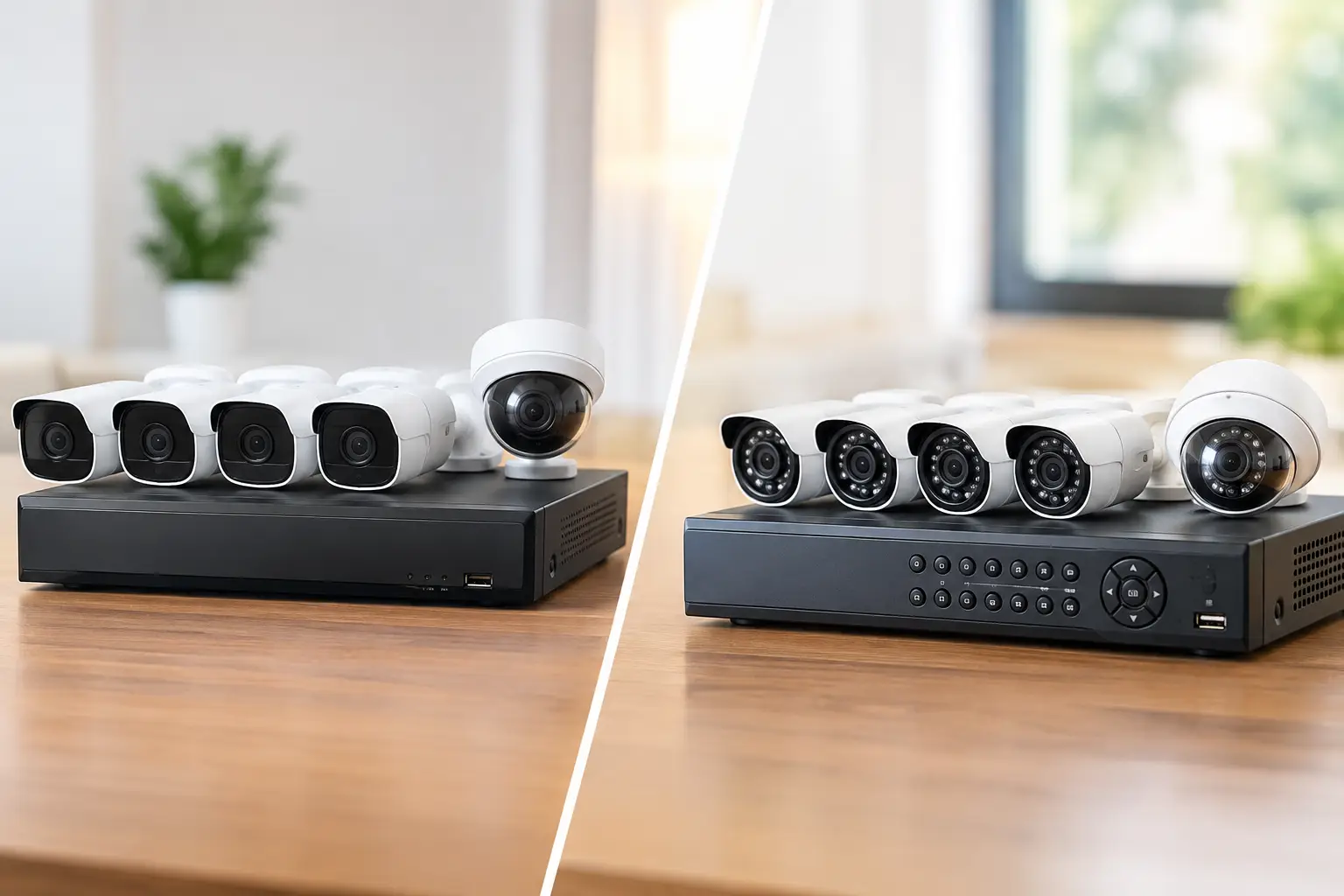
A camera over the front door is not an office security plan. Neither is a bargain system that records blurry video, floods your phone with harmless motion alerts, or stops working when the network is busy. The right system gives you usable evidence, visibility into key areas, and a practical way to respond when something is wrong. That is the standard to use when deciding how to choose office security cameras.
For offices in Las Vegas, camera selection also has to account for bright exterior sunlight, harsh heat, after-hours access, shared buildings, and the day-to-day reality of employees and visitors moving through the space. The goal is not to put a camera in every corner. It is to cover the places that matter with equipment, recording, and network capacity that work together.
Start With the Risks You Need to Address
Before comparing camera brands or resolution numbers, identify what you want the system to help you see, deter, or document. A small professional office may need clear views of entry points, reception, equipment rooms, and parking access. A medical facility may need better visibility around controlled areas while carefully protecting patient privacy. A warehouse or multi-tenant property may need wide exterior coverage and reliable identification at gates, loading areas, and side doors.
Think through incidents that would create a real problem for your business: unauthorized entry, theft, vandalism, disputes at reception, package loss, employee safety concerns, or a door being left open after hours. Each scenario calls for a different camera view. A camera meant to identify a person at a doorway needs a tighter, more detailed image than one intended to show general activity in a parking lot.
This step prevents two common mistakes: buying too few cameras for meaningful coverage or buying more cameras than the recording system and network can support. A site walk with a qualified installer is usually the fastest way to turn those risks into a practical coverage plan.
How to Choose Office Security Cameras by Location
Camera placement determines whether expensive hardware produces useful footage. Start by separating indoor and outdoor requirements.
Entrances, exits, and reception
Doorways are high-value camera locations because they capture who enters, leaves, or approaches the office. Position cameras to capture faces rather than only the tops of heads. Backlighting from glass doors and windows can make faces appear dark, so look for cameras with strong wide dynamic range. This feature balances bright and dark parts of the image, which is especially useful at sunlit Las Vegas entrances.
Reception coverage should show interactions clearly without aiming directly at computer screens, paperwork, or areas where sensitive information is handled. The goal is accountability, not unnecessary monitoring.
Hallways, work areas, and equipment rooms
A compact turret or dome camera often works well indoors because it provides a clean appearance and can cover a broad area. Hallways may require a narrower field of view to avoid wasting pixels on walls. Server rooms, network closets, storage rooms, and areas with company equipment typically benefit from dedicated coverage, particularly if access is limited to specific staff.
Avoid treating cameras as a substitute for access control. Cameras show what happened; properly managed locks, door credentials, and alarms can help prevent unauthorized access in the first place. The strongest office security setups connect these systems into one workable plan.
Parking lots and exterior areas
Outdoor cameras need weather-rated housings and dependable night performance. In the desert, direct sun and heat exposure matter just as much as rain protection. Cameras installed under eaves, shaded where possible, and mounted away from reflective surfaces tend to perform better over time.
For parking areas, do not expect one wide-angle camera to identify every person or vehicle across a large lot. Wide views are valuable for tracking activity, but identification usually requires additional cameras positioned at entrances, drive lanes, gates, or pedestrian paths. If license plate capture is a priority, it often requires a purpose-built camera and placement designed for the direction, speed, and lighting of approaching vehicles.
Prioritize Image Quality That Matches the Job
Resolution is easy to market, but more megapixels do not automatically mean better evidence. A 4K camera can provide excellent detail when it is aimed correctly and supported by enough bandwidth and storage. However, a well-placed 4-megapixel camera may outperform a poorly placed 4K camera that tries to cover too much space.
For most office applications, choose cameras based on the detail needed at the target distance. Ask whether the view needs to detect movement, recognize a familiar person, or identify an unfamiliar person. Identification demands the most detail and the right camera angle.
Low-light performance deserves equal attention. Look for quality infrared night vision for dark indoor areas and exterior spaces. In locations with mixed lighting, such as a lobby with glass doors or a loading dock with bright lights behind a subject, wide dynamic range is often more valuable than a higher resolution number.
A fixed-lens camera is cost-effective when the field of view is known. A varifocal lens is more flexible because it can be adjusted during installation to frame a gate, doorway, cash-handling area, or parking lane precisely. Pan-tilt-zoom cameras can cover large spaces, but they are not a replacement for fixed cameras. When a PTZ camera turns to follow one event, it is no longer watching the rest of the area.
Choose Recording That Works When You Need It
Footage has no value if it is overwritten before anyone discovers an incident. Decide how long you need to retain recordings based on your operations, insurance requirements, internal policies, and the time it may take to report a problem. Many offices choose several weeks of retention, but the right period depends on the number of cameras, recording quality, activity levels, and available storage.
Local network video recorders provide fast on-site access and predictable long-term storage costs. Cloud recording can add convenience, off-site protection, and easier remote access, but it may involve recurring fees and depends on reliable internet service. A hybrid approach can make sense when a business wants local recording with selected cloud backup for critical cameras.
Continuous recording captures every moment but requires more storage. Motion-based recording conserves space, although poorly configured motion detection can miss relevant activity or create too many clips. Smart event detection is often the better middle ground. Cameras with person, vehicle, or line-crossing detection can reduce false alerts from shadows, tree movement, and routine activity.
Do Not Overlook Network Capacity and Cybersecurity
Office cameras are network devices, and the system should be planned with the same care as business Wi-Fi and workstations. A multi-camera installation can place significant demand on a network, especially with high-resolution cameras recording continuously. A separate network segment for surveillance can help protect business traffic and make the system easier to manage.
Hardwired Power over Ethernet connections are generally the most dependable choice for office cameras. One cable provides both power and data, avoids battery maintenance, and is less vulnerable to wireless interference. Wi-Fi cameras can be useful in limited situations, but they should not be the default for a critical commercial system.
Use unique passwords, multifactor authentication where available, current firmware, and restricted user permissions. Avoid sharing one administrator login with every employee who needs to view footage. Your camera vendor should also explain who can access the system remotely, where video is stored, and how future software updates will be handled.
Build Privacy and Policy Into the Plan
Security cameras should protect people and property without creating avoidable privacy concerns. Do not place cameras in restrooms, locker rooms, or other areas where employees have a reasonable expectation of privacy. Be cautious with audio recording as well, since consent and notification requirements can vary by situation.
Create a written policy that explains where cameras are used, who can view footage, how long recordings are retained, and how incidents are handled. For businesses serving customers or patients, the policy should also account for confidential conversations, records, and screens. Good placement, access controls, and clear expectations protect the business as much as the cameras do.
Plan for Installation, Growth, and Support
The cleanest camera system is one that is designed with cabling, mounting, network equipment, and future expansion in mind. Exposed wires, improvised power supplies, and cameras mounted too high or too low can compromise both appearance and performance. Professional low-voltage cabling makes a major difference in reliability and serviceability.
Leave room for growth. An office may add staff, expand into a neighboring suite, add access control, or need cameras at a new entrance later. Choosing a recorder and network switch with available capacity can save a costly rebuild. Las Vegas Tech Pros can assess camera coverage alongside your network, cabling, Wi-Fi, and access needs, so the system supports the whole office rather than becoming another disconnected technology problem.
The best office camera system is not the one with the longest feature list. It is the one that captures clear footage in the places that matter, alerts the right people without constant noise, and remains dependable long after installation day.