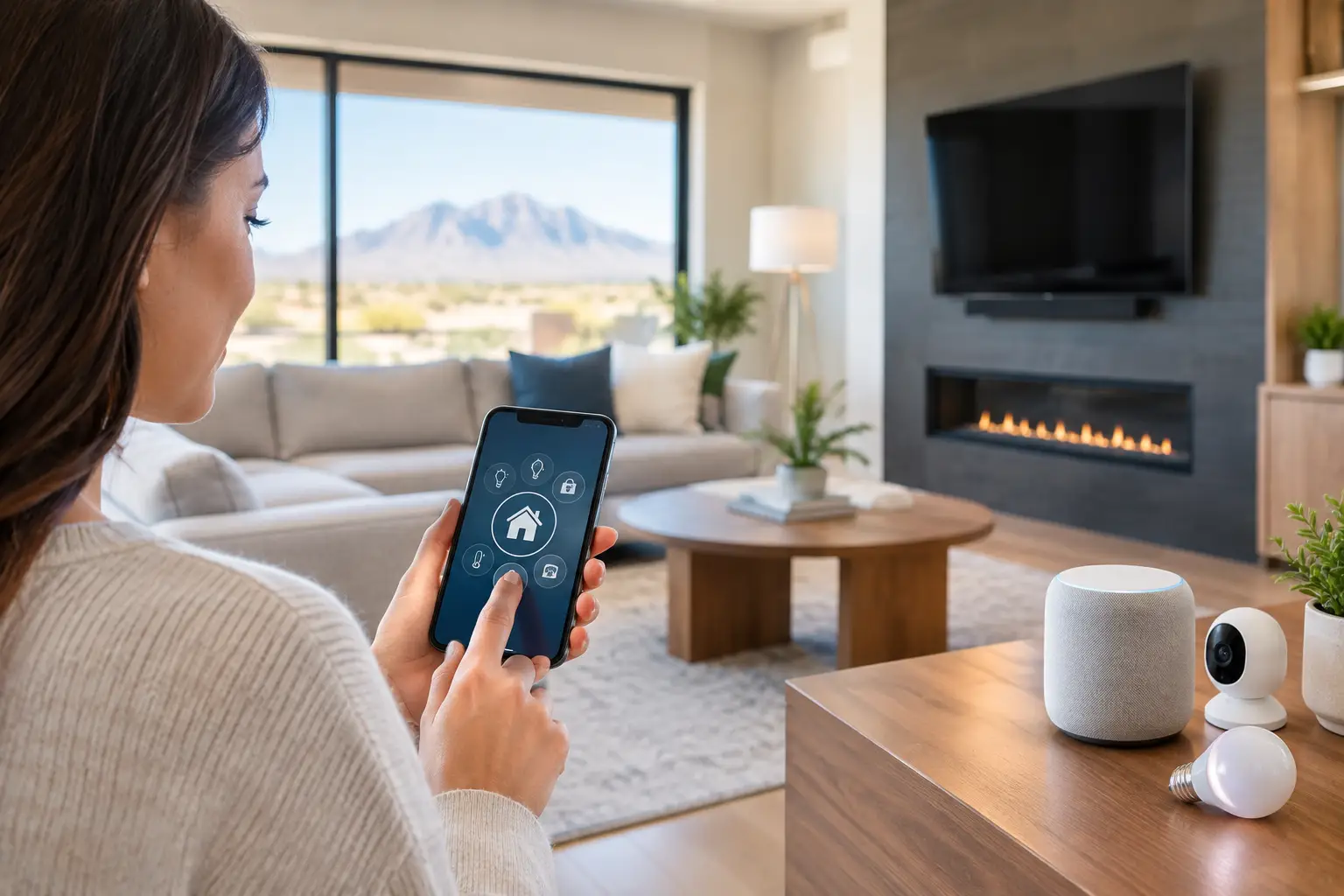
Most smart home frustration starts the same way: one app for the lights, another for the cameras, a weak Wi-Fi signal in the back bedroom, and a video doorbell that lags when someone is actually at the door. The top home automation upgrades are not the flashiest gadgets. They are the ones that make your home easier to manage, more secure, and less dependent on constant troubleshooting.
For most homeowners, the best results come from choosing upgrades that work together instead of stacking random devices over time. A smart home should save time and reduce friction. If it creates more alerts, dead zones, and setup problems, it is not really doing its job.
What makes top home automation upgrades worth the money
The right upgrade depends on how you live. A family with kids may care most about door locks, cameras, and automated lighting. Someone who works from home may care more about stable Wi-Fi, whole-home audio, and room-by-room climate control. If you travel often, remote access and real-time alerts may matter more than entertainment features.
That is why it helps to think in terms of daily problems first. Are you dealing with porch theft concerns, uneven cooling, spotty internet, or lights left on all over the house? Start there. Good automation should solve a recurring issue, not just add another thing to manage.
1. Smarter security cameras and video doorbells
Security is still one of the most practical places to begin. Modern camera systems do far more than record clips. They can send person or vehicle alerts, give you remote live views, and store footage in ways that are easier to access when you actually need it.
The trade-off is that not all camera setups are equal. Battery-powered units are easier to install, but hardwired systems are often more reliable and better suited for full-time coverage. Placement matters just as much as the camera itself. A high-resolution camera pointed at the wrong angle will still miss what matters.
Video doorbells also make sense for many homes, but they work best when paired with solid Wi-Fi and proper notification settings. Too many alerts can cause people to ignore the important ones.
2. Smart locks and better entry control
Smart locks are one of the top home automation upgrades for convenience alone. They let you stop hiding spare keys, create temporary codes for guests or service providers, and check whether the door is locked without walking back home.
They also help with day-to-day control. If you have older kids, frequent deliveries, dog walkers, or rental guests, custom access codes are far more manageable than copying physical keys. Some systems can also tie into cameras or door sensors so you know exactly when someone enters.
There are a few things to think through before installing one. Battery maintenance is real, and some doors need adjustment before a smart lock works smoothly. If the deadbolt is already sticking, adding a motorized lock does not fix the underlying door alignment issue.
3. Lighting that actually fits how you live
Smart lighting gets dismissed as a luxury until people use it correctly. Done right, it improves security, comfort, and energy use all at once. You can automate entry lights at sunset, dim living room scenes for movie nights, or set pathway lighting for late arrivals.
The real value comes from consistency. Lights that respond to schedules, occupancy, or routines reduce the little tasks that add up over time. For larger homes, this can make the house feel more organized without requiring constant manual control.
There is a difference between swapping in a few smart bulbs and building a reliable lighting system. Bulbs are fine for simple needs, but smart switches and professionally planned scenes are often the better long-term route. They keep control familiar at the wall and avoid the problem of someone cutting power to a smart bulb with the physical switch.
4. Whole-home Wi-Fi and network upgrades
A lot of smart home complaints are really network problems. Devices drop offline, video feeds buffer, and app commands lag because the Wi-Fi was never designed for the number of connected devices in the house.
That is why network performance belongs high on any list of top home automation upgrades. If your home has dead zones, overloaded routers, or poorly placed access points, every connected system suffers. Cameras, locks, thermostats, streaming devices, tablets, and work laptops all compete for the same network.
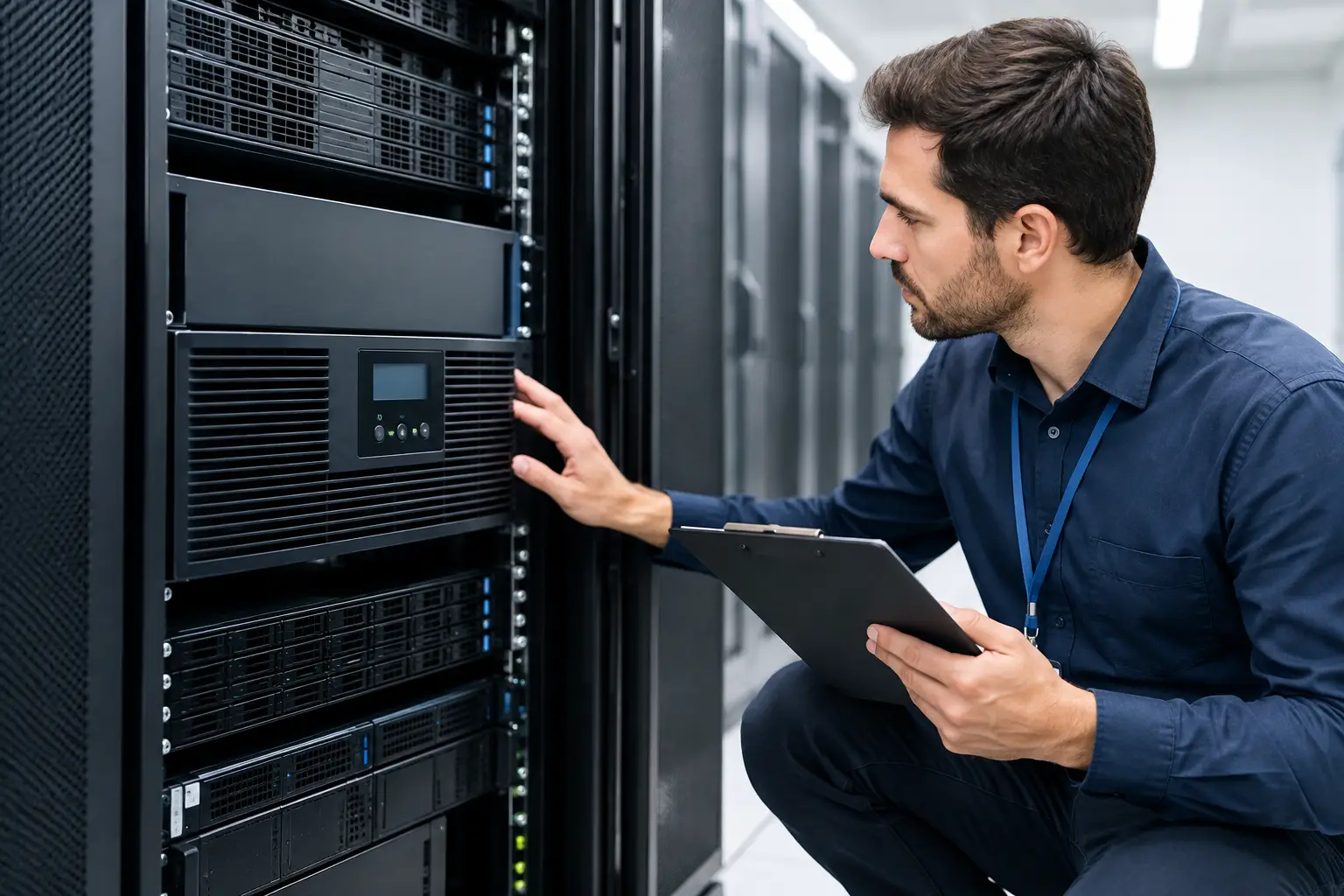
A stronger setup may include better router placement, added access points, hardwired backhaul, or structured cabling in key areas. For larger properties or homes with heavy concrete, tile, or multi-story layouts, this makes a noticeable difference. It is not the most glamorous upgrade, but it often has the biggest impact on how reliable everything else feels.
5. Smart thermostats and climate zoning
In a place like Southern Nevada, climate control is not a small issue. Cooling costs matter, and comfort can change from one room to another fast. Smart thermostats help by learning schedules, adjusting settings remotely, and reducing waste when no one is home.
The bigger opportunity is zoning. If parts of the house run hotter than others, or if upstairs and downstairs never seem balanced, smart zoning can provide much better control. Instead of treating the entire house as one environment, you can manage specific areas based on use and occupancy.
This is one of those upgrades where compatibility matters. Not every HVAC system supports every thermostat or zone setup. A quick product purchase does not guarantee a better result. Proper evaluation upfront saves a lot of frustration later.
6. Motorized shades and daylight control
Motorized shades are often seen as a high-end add-on, but they solve real problems in homes with large windows, strong sun exposure, or rooms that heat up quickly during the day. They protect furniture and flooring, reduce glare on TVs and monitors, and support better temperature management.
They also make automation more useful beyond novelty. Shades can open in the morning, close during peak heat, or adjust with custom scenes for privacy and lighting. In media rooms, they pair especially well with smart lighting and audiovisual systems.
The main consideration is cost. This upgrade can be significant depending on window count and fabric choice. But for homes where sunlight is a constant battle, it can deliver more value than another entertainment gadget.
7. Integrated audio and TV control
Entertainment is one of the easiest places to simplify a home. Instead of juggling multiple remotes, apps, and input settings, a well-designed control setup can make watching TV or playing music feel straightforward again.
This might mean mounted TVs with hidden wiring, in-ceiling speakers, or a central control system that handles audio, lighting, and media scenes together. For homeowners who host often, or just want less clutter in living spaces, this is a practical quality-of-life upgrade.
The key is to avoid overbuilding. Not every house needs a dedicated theater or whole-home audio in every room. Sometimes the better investment is upgrading the main family room and patio, where people actually spend time. Good design follows real usage, not showroom trends.
8. A single control platform instead of device sprawl
This may be the most overlooked upgrade of all. Many homes already have smart devices, but they were added one by one without a plan. The result is a patchwork of brands, apps, passwords, and partial automations that do not communicate well.
Bringing those systems into one control platform can make the house feel dramatically more usable. Instead of managing separate tools for lighting, cameras, locks, thermostats, and AV, you get a cleaner interface and more reliable routines. You can create scenes like Away, Good Night, or Arriving Home that trigger multiple systems together.
It does take planning. Some older devices may not integrate cleanly, and sometimes replacement makes more sense than forcing compatibility. But if your smart home feels disjointed, consolidation is often the fix.
How to prioritize your home automation upgrades
If you are deciding where to start, focus on pain points with the highest daily impact. If safety is the concern, begin with cameras, locks, and lighting. If the house already has smart devices but they perform poorly, address the network first. If your goal is comfort, thermostats, shades, and lighting scenes may give you the best return.
It also helps to think beyond the first install. The best systems are the ones you can expand without starting over. A homeowner in Las Vegas may begin with Wi-Fi and surveillance, then add access control, AV, or outdoor automation later. Planning for that growth saves money and avoids messy retrofits.
A good installer should also be honest about trade-offs. Some upgrades look great on paper but add complexity without much everyday benefit. Others are less visible, like cabling and network design, but quietly improve everything else in the home.
The best smart home is not the one with the most devices. It is the one that responds when it should, stays connected, and makes the house easier to live in every day. If an upgrade solves a real problem and keeps working without constant attention, it is probably the right one.