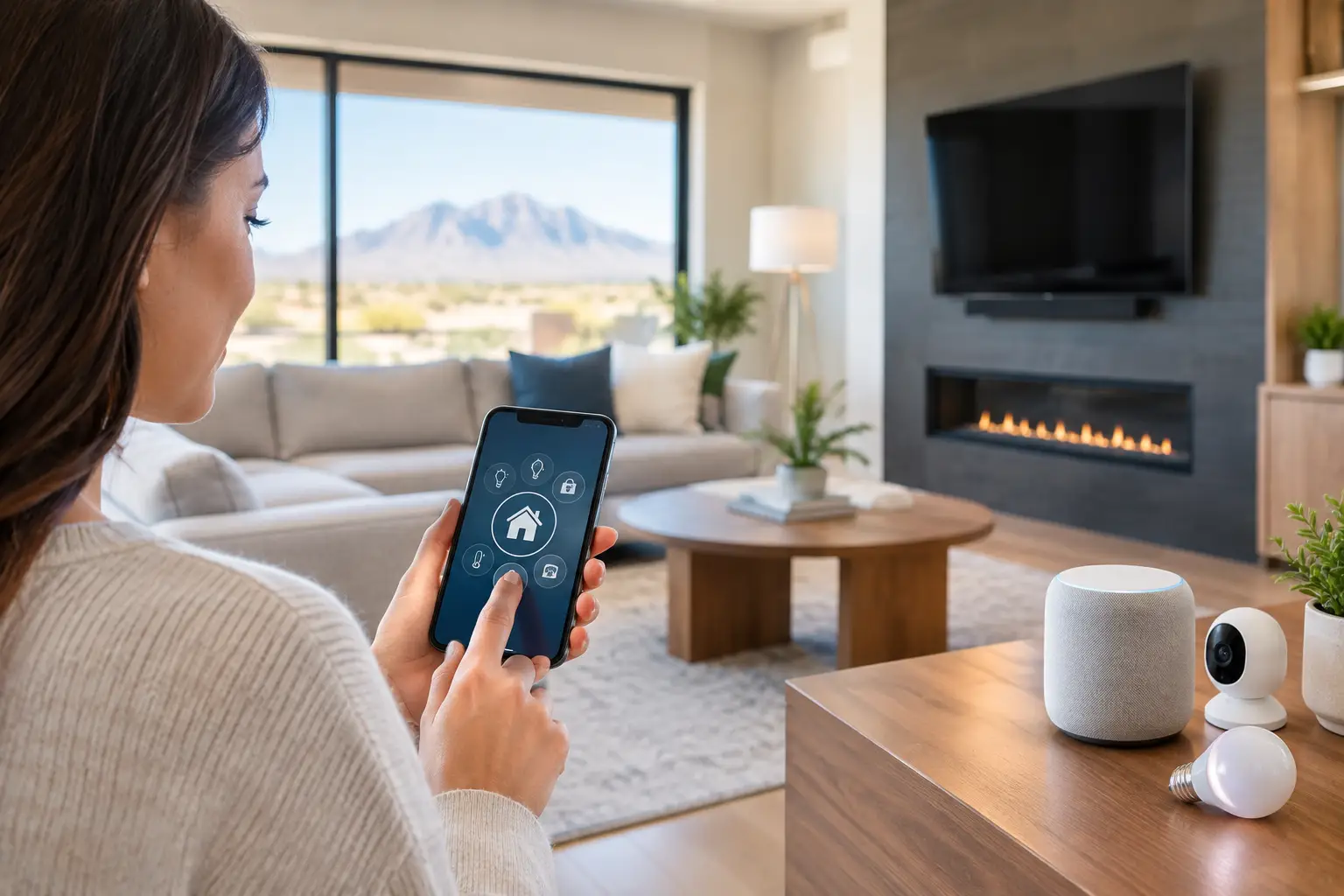
Most smart home problems start before the first device is installed. A homeowner buys a video doorbell, then adds smart lighting, then a thermostat, then motorized shades, and pretty soon nothing works together the way it should. If you want to plan smart home automation that actually improves daily life, the real job is not buying gadgets. It is making smart decisions about wiring, network strength, device compatibility, and how you want the house to function.
That matters even more in larger homes, remodels, and properties with detached garages, guest houses, outdoor entertainment areas, or heavy Wi-Fi usage. A good system should feel easy to live with. Lights respond the way you expect. Cameras load quickly. Music plays in the right rooms. Your network stays stable. And when something needs service, you are not juggling five vendors who all blame each other.
Start by planning the lifestyle, not the products
The best way to plan smart home automation is to begin with routines. Think about what happens in the home from morning to night. Do you want exterior lights to turn on at sunset? Do you want the thermostat to adjust automatically when everyone leaves? Should the front door unlock for family members but alert you when a service provider arrives? Should the media room dim lights, lower shades, and power on the TV with one command?
These are not small details. They shape what kind of hardware you need and how those systems need to connect. A homeowner focused on security may need hardwired cameras, smart locks, sensors, and strong mobile access. Someone focused on comfort may care more about lighting scenes, climate control, and whole-home audio. A family working from home may need better zoning for Wi-Fi and stronger network performance before any automation goes in.
This is where many projects go off track. People start with individual devices because they are easy to buy, but that often creates a patchwork system. Some products work through one app, some through another, and some only work part of the time because the underlying network was never designed for the load.
Your network is the foundation
No matter how advanced the devices are, smart home performance depends on the network. If Wi-Fi is weak, inconsistent, or poorly distributed, automation becomes frustrating fast. Delayed camera feeds, devices dropping offline, voice assistants missing commands, and TVs buffering during peak usage usually point back to the network.
Before adding connected devices, look at the home like a technology environment. Where are the dead zones? How many devices are already connected? Are there concrete walls, metal framing, detached structures, or outdoor spaces that need coverage? Is the home relying on a basic retail router when it really needs a properly designed wireless network with multiple access points?
If you are building, remodeling, or opening walls anyway, this is also the time to think about low-voltage cabling. Hardwired connections for cameras, wireless access points, TVs, and streaming equipment add reliability that Wi-Fi alone cannot match. Wireless devices are useful, but the most dependable systems usually combine strong Wi-Fi with strategic hardwiring.
Plan for security from day one
Security should not be an afterthought in smart home design. It should be part of the initial plan. That means thinking beyond a single video doorbell and considering the full picture: camera placement, entry points, lighting, locks, alarms, mobile notifications, and remote access.
The right setup depends on the property. A single-family home might need perimeter cameras, smart locks, garage integration, and motion-triggered lighting. A gated property or HOA-managed community may need a broader approach that includes access control, shared surveillance coverage, and stronger network support across multiple structures.
There is also a trade-off between convenience and control. Cloud-connected devices are easy to manage and often simple to scale. Hardwired systems usually provide stronger reliability, better image consistency, and more predictable long-term performance. For many homeowners, the answer is not one or the other. It is choosing the right mix based on risk, budget, and how critical the system is.
Plan smart home automation with compatibility in mind
One of the biggest mistakes in home automation is assuming every smart device plays well with every other one. Some do. Many do not. Before you commit to platforms or products, make sure your core systems can work together in a way that makes sense for the house.
What should work together?
At minimum, most homeowners want some level of coordination between lighting, climate, security, entertainment, and voice control. That does not mean every device has to come from one manufacturer. It does mean someone should evaluate whether the app experience, automation rules, and control options will stay manageable over time.
A simple setup might only need integrated lighting, thermostats, and door locks. A more advanced home may combine distributed audio, surveillance, shades, garage doors, pool controls, and dedicated touch panels. The more complex the environment, the more important it is to think about the control layer early.
This is another place where a professional plan saves money. Replacing incompatible devices later usually costs more than designing the system correctly at the beginning.
Think room by room, then system by system
A smart home should support how each area is used. The front entry may need a camera, lock, intercom, and lighting scene. The living room may need TV mounting, hidden wiring, surround sound, and one-touch control for entertainment. The backyard may need outdoor Wi-Fi, speakers, and security coverage. Bedrooms may need blackout shade scheduling and independent temperature control.
Planning room by room helps expose weak points. Maybe the home office needs a hardwired data drop because video calls keep freezing. Maybe the garage needs a stronger signal for cameras and smart access. Maybe the primary suite needs simpler controls, not more of them. Good automation is not about adding features everywhere. It is about placing the right technology where it improves use of the space.
After that, look at the house system by system. Lighting, audio, surveillance, networking, access control, and AV installation all affect one another. If those pieces are planned separately, the result often feels disconnected. If they are planned together, the system is easier to use and easier to support.
New construction and remodels have a major advantage
If the walls are open, use that opportunity. It is much easier to run cable, position equipment, and prepare for future upgrades during construction than after finishes are complete. Even if you are not installing every smart feature immediately, prewiring for cameras, speakers, TVs, access points, and key control locations gives you flexibility later.
That matters for homeowners, but also for builders and property managers who want to deliver better long-term value. A house that is ready for strong networking, security, and AV integration is easier to upgrade than one that has to be retrofitted piece by piece.
Still, retrofit projects can absolutely work. They just require a more realistic plan. In finished homes, the best design often blends wireless devices, strategic hardwiring where possible, and equipment placement that minimizes disruption while preserving performance.
Budget for phases, not just a single install
Not every smart home project needs to happen at once. In fact, phased planning is often the smartest approach. The key is making sure phase one supports phase two and phase three. If your first step is networking and security, that should be done in a way that supports future lighting, audio, or access control expansion.
This approach helps homeowners control cost without creating rework. It also helps avoid the common trap of overspending on visible devices while ignoring the infrastructure that keeps everything stable. A well-planned first phase may not look flashy, but stronger Wi-Fi, proper cabling, and clean equipment layout usually pay off more than another app-controlled gadget.
For many properties, the best sequence is network first, then security and access, then entertainment and convenience features. That order is not universal, but it is often practical because it builds from core infrastructure outward.
Service matters after installation
A smart home is not a one-time purchase. Devices need updates. Networks need troubleshooting. Families change routines. New equipment gets added. Internet providers swap hardware. At some point, something needs adjustment.
That is why support should be part of the planning process. The question is not just who can install the system. It is who can step in quickly when the camera feed drops, the Wi-Fi starts failing in one wing of the house, or the control app no longer behaves the way it used to.
This is where working with a local partner who understands networking, security, AV, and low-voltage infrastructure makes a real difference. For homeowners and property managers in the Las Vegas area, that kind of hands-on support can prevent small issues from turning into bigger disruptions.
Las Vegas Tech Pros approaches smart home work the same way it handles other technology systems: solve the root problem, build for reliability, and make support easy when you need it.
The smartest homes are not the ones with the most devices. They are the ones that were planned clearly, installed correctly, and built around the people who use them every day. If you start there, the technology stays useful instead of becoming one more thing to manage.