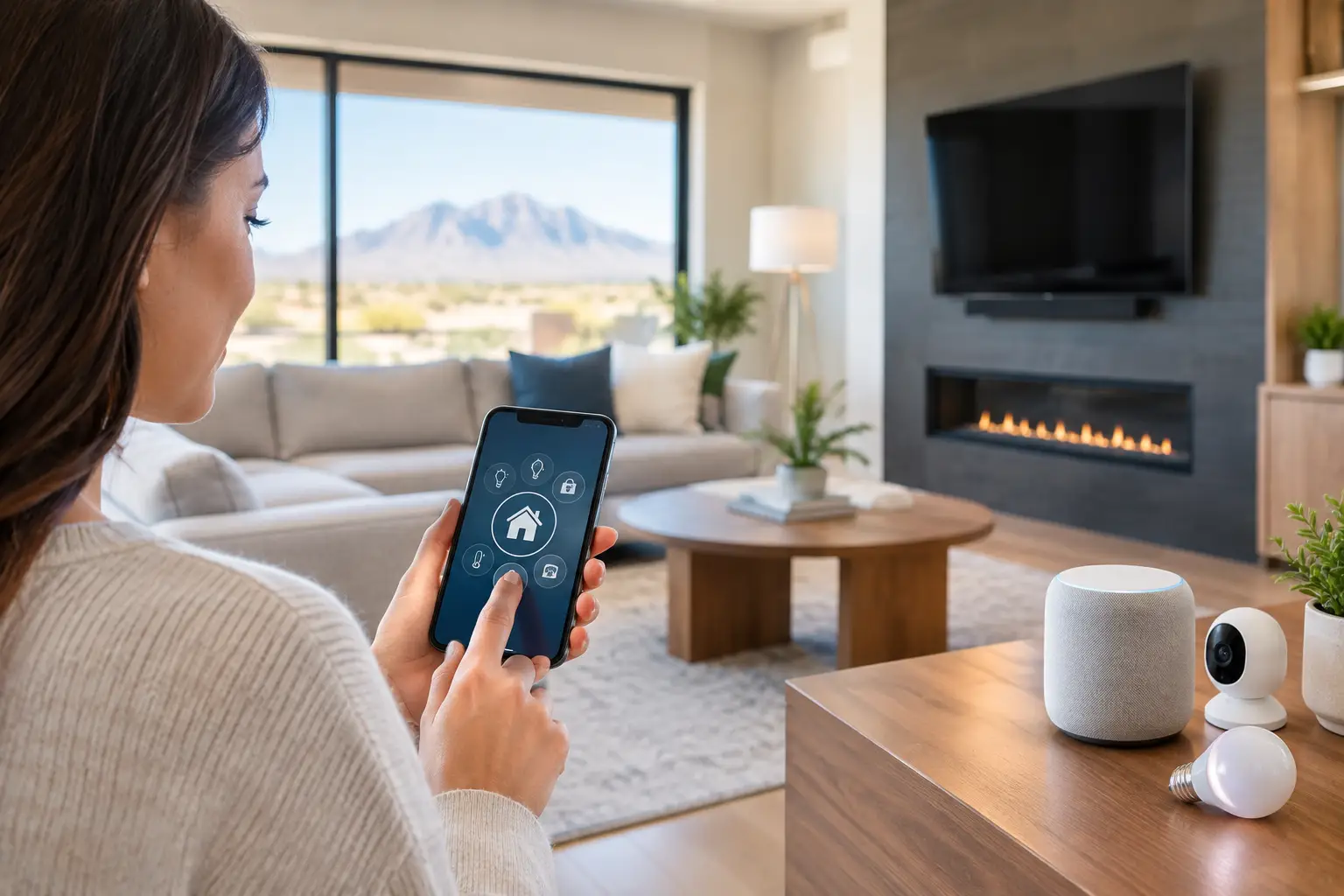
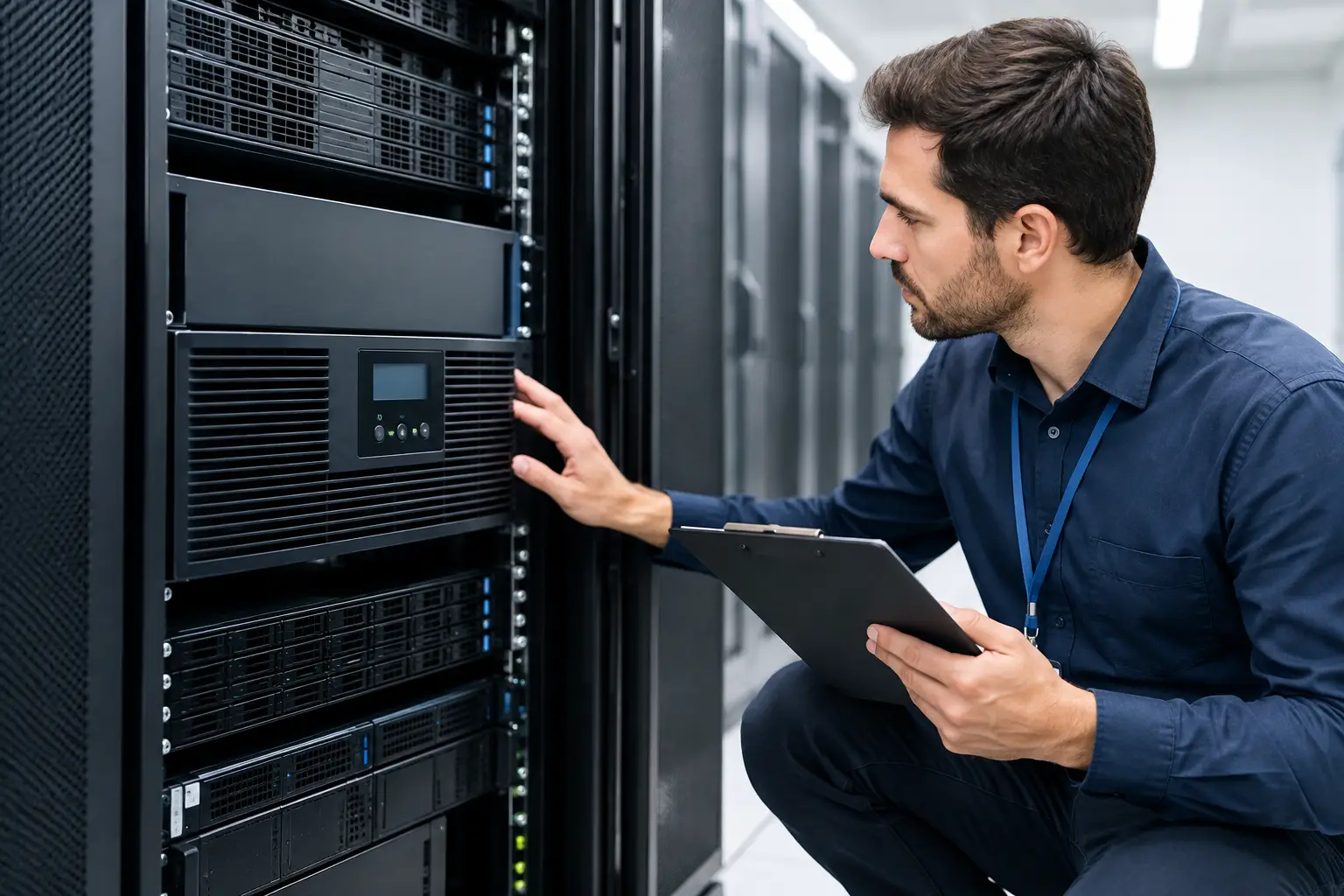
A home can have the latest smart devices and still feel frustrating if the Wi-Fi drops in the primary bedroom, the cameras miss the driveway, or five apps are needed to turn off the lights at night. The most useful residential technology design trends are not about adding more gadgets. They are about planning the infrastructure, controls, and support that make everyday technology dependable.
For homeowners building, remodeling, or simply tired of patchwork upgrades, the shift is clear: technology is becoming part of the home’s design process, not an afterthought. That means thinking about wiring before drywall, wireless coverage before buying more devices, and serviceability before choosing a platform.
Residential Technology Design Trends Start With Infrastructure
The strongest trend is also the least visible. Homeowners are putting more value on the backbone behind their connected systems: structured cabling, network equipment, power protection, equipment racks, and properly located access points.
A modern home may carry video calls, 4K streaming, gaming, security cameras, smart TVs, doorbells, thermostats, pool controls, appliances, and dozens of phones and tablets. A basic router placed in a closet is rarely enough to serve all of that reliably, especially in larger homes with concrete block walls, metal framing, guest houses, garages, or outdoor living areas.
Hardwired connections remain the preferred option for stationary, high-demand equipment. TVs, gaming systems, cameras, wireless access points, desktop computers, and theater components benefit from Cat6 or better cabling. Wiring costs more during a project, but it is far less expensive than opening finished walls later. It also gives a home options when wireless standards change.
In Las Vegas, equipment placement matters just as much as the cable itself. Network gear installed in a hot garage, unventilated closet, or exterior enclosure can have a shorter lifespan and more performance issues. A designed technology location with ventilation, power, labeling, and room for future equipment saves trouble when the system needs service.
Wi-Fi Is Becoming a Designed Home Utility
Homeowners are no longer treating Wi-Fi as a utility supplied by an internet provider. They expect consistent coverage from the front door to the backyard, with enough capacity for a full household and visiting guests.
That expectation is driving professionally planned Wi-Fi systems with multiple wired access points. Unlike a single all-in-one router, this approach distributes coverage where people actually use devices. It can also separate a homeowner’s personal devices from guest access, smart-home equipment, and work devices. That separation improves organization and can limit the impact of a compromised device.
Mesh kits can be a practical answer for smaller homes or temporary needs, but they are not always the best long-term design. Wireless mesh nodes often depend on the same radio signal they are extending, which can reduce available speed and create inconsistent performance at the far end of a property. A wired access-point design is usually the better fit for larger residences, multi-story layouts, detached structures, and homes with heavy streaming or security demands.
The goal is not to chase a speed-test number in one room. It is to make video calls stable, camera feeds responsive, and connected devices reliable throughout the property.
Security Systems Are More Intentional and More Useful
Residential surveillance has moved beyond a single doorbell camera and a few alerts. Homeowners want clear coverage of the places that matter: entry points, driveways, side yards, pool gates, package delivery areas, detached garages, and perimeter approaches.
Camera design is becoming more purposeful. Instead of installing devices wherever they are easiest to mount, a professional plan considers viewing angle, lighting changes, facial detail, license plate visibility, privacy boundaries, cable routes, and recording retention. A camera that sees a wide area may not capture the detail needed to identify a person or vehicle. Placement and lens selection make the difference.
AI-assisted detection is also becoming standard in higher-quality systems. When configured well, it can distinguish people, vehicles, animals, and relevant motion, reducing the stream of alerts caused by wind, shadows, or passing tree branches. The trade-off is that smart detection needs careful setup. Overly broad zones and aggressive settings can create just as much noise as basic motion alerts.
Many homeowners are choosing hardwired cameras with local recording alongside secure remote access. This approach reduces dependence on battery changes and can continue recording during an internet outage when the local network and recorder remain powered. Cloud storage can be useful for off-site backup, but subscription costs, retention limits, and internet dependence should be understood before committing to a system.
One Control Experience Beats an App Collection
Lighting, shades, climate, locks, music, televisions, security, and pool equipment can all be connected. The problem is not a lack of options. It is the growing number of disconnected apps, accounts, notifications, and voice commands that residents must manage.
The better residential technology design trend is selective integration. Homeowners are choosing a few routines that genuinely remove friction: an “away” command that adjusts lights, locks doors, arms designated security zones, and changes the thermostat; a bedtime routine that turns off common-area AV; or outdoor lighting schedules that adjust with seasonal daylight.
Wall keypads, touch panels, and well-programmed remotes are gaining ground because they work for everyone in the house. Guests, children, and family members should not need access to a personal phone or a tutorial to watch TV, lower shades, or turn on patio lights. Physical controls also remain useful when a phone battery is dead or an app has logged out.
Not every device needs to be automated. A kitchen light that is easy to operate manually may be more valuable than a complicated automation rule that behaves unpredictably. Good design keeps common tasks simple and reserves automation for repeatable actions that residents actually want.
Entertainment Spaces Are Flexible, Not Just Dedicated Theaters
Dedicated home theaters still have a place, particularly in larger homes, but entertainment design is increasingly moving into multipurpose rooms, covered patios, game rooms, and primary living spaces. Homeowners want high-quality sound and video without turning every room into a visible equipment display.
That is creating demand for recessed speakers, hidden wiring, clean TV mounting, centralized equipment, and control systems that reduce remote-control clutter. A properly mounted television is more than an aesthetic upgrade. The installation should account for wall structure, viewing height, heat management, power location, signal cabling, and future service access.
Outdoor AV deserves similar planning. Las Vegas heat, dust, sunlight, and irrigation exposure can quickly damage equipment that was not selected or installed for the environment. Outdoor-rated displays, weather-appropriate speakers, protected connections, and a network signal that reaches the patio are all part of a system that will hold up.
Privacy, Power, and Support Belong in the Plan
Convenience brings responsibility. Every camera, lock, voice assistant, television, and smart appliance adds another device to the network. Homeowners should know who has administrative access, where recordings are stored, how accounts are protected, and what happens when an installer or previous owner is no longer involved.
Strong passwords, multi-factor authentication, regular firmware updates, and network segmentation are practical safeguards. They are not glamorous, but they matter more than another app feature. Equipment should also be documented and labeled so future troubleshooting does not begin with guesswork.
Power planning is another overlooked issue. A short outage can take down internet service, cameras, network gear, and automation hubs. Battery backup systems can keep critical equipment running long enough to ride through brief interruptions or allow for an orderly shutdown. For homes with gate access, security systems, or work-from-home needs, that resilience can be worthwhile.
Finally, homeowners are prioritizing technology they can get serviced. A system with a local partner, clear documentation, accessible equipment, and a defined support path is easier to live with than a collection of consumer devices purchased at different times. Las Vegas Tech Pros helps homeowners coordinate networking, low-voltage cabling, surveillance, AV, and smart-home technology as connected parts of one property.
The right design does not try to make every room feel futuristic. It makes the home easier to use, safer to manage, and ready for the next change without forcing you to start over.