A remote employee who cannot join a client call, reach a shared file, or connect securely to a business system is not dealing with a minor inconvenience. They are dealing with lost work time, delayed decisions, and a potential security exposure. Remote work technology trends are moving beyond video calls and chat apps because businesses now need the same dependable experience whether a team member is in the office, at home, or working from a job site.
For small businesses, medical offices, property operators, and growing teams, the priority is not chasing every new platform. It is building technology that stays secure, works consistently, and can be supported quickly when something goes wrong.
Remote Work Technology Trends Changing Daily Operations
The biggest shift is that remote work is no longer treated as a temporary exception. Many organizations operate in a hybrid model, with some staff in the office every day, some working remotely, and others moving between locations. That creates a practical challenge: systems must work across different networks, devices, and environments without making employees jump through unnecessary hoops.
Cloud-based collaboration remains central, but it is becoming more structured. Businesses are paying closer attention to how files are shared, who can access sensitive information, and which communication channels are approved for company work. Convenience matters, but uncontrolled access can create costly problems when an employee leaves, loses a device, or falls for a phishing message.
At the same time, more work is happening through mobile devices. Staff may review documents, respond to requests, or access scheduling and customer systems from phones and tablets. This makes mobile device management, multi-factor authentication, and clear access policies more useful than ever. The goal is not to make every device feel locked down. It is to make sure one missing phone does not become a company-wide incident.
Secure access is replacing the old office perimeter
Years ago, a business could focus much of its security effort on the network inside the office. That model does not hold up when employees sign in from home Wi-Fi, hotel networks, mobile hotspots, and satellite offices.
A stronger approach verifies the person, the device, and the request before granting access. Multi-factor authentication is now a baseline for email, financial systems, cloud storage, and administrative accounts. Managed endpoint protection helps monitor computers for threats, while timely software updates close known vulnerabilities before they can be exploited.
Virtual private networks still have a place, particularly when employees need to reach an internal server or specialized business application. However, a VPN alone is not a complete security plan. It must be configured properly, paired with strong account controls, and supported by a network that can handle the traffic. For some businesses, secure cloud access tools may be a better fit than routing every connection back through a single office firewall.
The right choice depends on where your applications live, what data you handle, and how your staff actually work. A medical office handling protected patient information has different requirements than a construction company sharing plans and schedules. Both still need clear access controls and someone accountable for keeping them in working order.
The Home Network Has Become Part of Business IT
A home office can look perfectly functional until a video meeting freezes during a sales presentation or an employee loses access to a critical system. In many cases, the problem is not the laptop. It is poor Wi-Fi coverage, an overloaded router, weak internet service, or devices competing for bandwidth.
Modern home networks now carry work calls, cloud backups, security cameras, streaming entertainment, smart TVs, gaming systems, and connected home devices. That demand makes placement, equipment quality, and network configuration matter. A single router tucked into a closet may not provide dependable coverage across a larger home, especially in rooms separated by concrete, metal framing, or exterior walls.
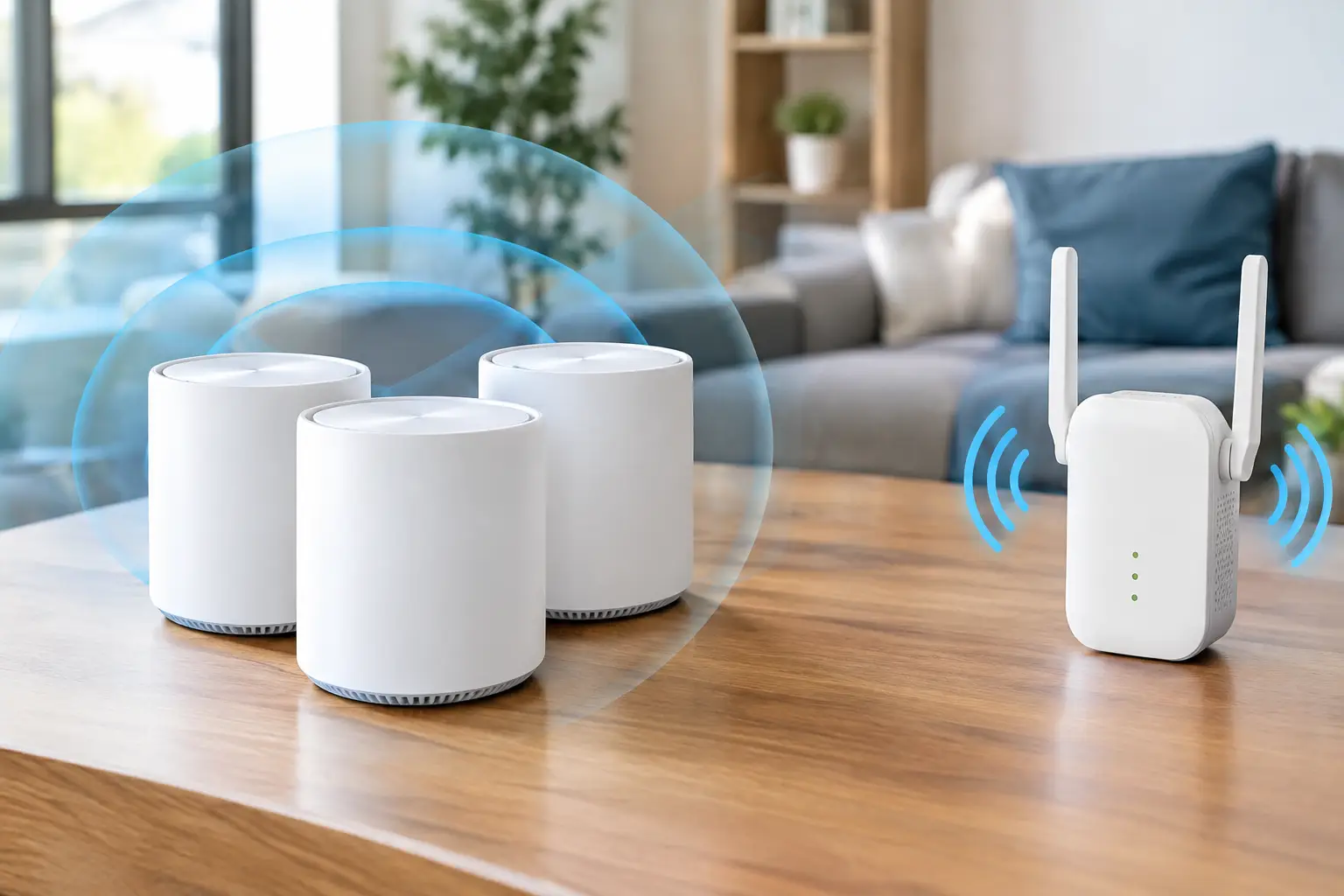
Mesh Wi-Fi can help in the right home, while wired access points are often the more reliable solution for larger properties or locations with heavy usage. Hardwired connections are especially valuable for workstations, conference room equipment, and cameras because they reduce the variability that comes with wireless signals.
For employers that issue remote-work equipment, it is also smart to set minimum standards. That may include a current computer, supported operating system, updated antivirus protection, a quality webcam or headset, and a stable connection. Requiring an expensive dedicated office at home is not realistic for every role. Providing clear expectations and practical support is.
Better meeting rooms support hybrid teams
Hybrid meetings expose weak audiovisual setups quickly. When remote participants cannot hear the people in the room, cannot see the shared presentation, or spend the first ten minutes waiting for someone to find the right cable, the meeting becomes frustrating for everyone.
The trend is toward simple, purpose-built meeting spaces with reliable displays, wide-angle cameras, quality microphones, and easy screen sharing. A small huddle room does not need the same equipment as a large boardroom. In fact, overbuilding a small room can make it harder to use. The best setup matches the room size, expected meeting type, and platform the team already uses.
Wired connections remain valuable in conference rooms, even when wireless sharing is available. They offer a dependable backup for guests, presentations, and devices that do not cooperate with the preferred sharing method. Proper cable management and professionally installed low-voltage wiring also keep the room clean, safe, and easier to maintain.
Businesses should think about the meeting experience from the remote attendee’s perspective. Can they clearly hear every speaker? Can they see the whiteboard or shared content? Can an employee start a meeting without calling IT? These questions reveal whether a room is truly hybrid-ready.
AI Is Helping, but It Needs Guardrails
AI tools are appearing in email, customer support, note-taking, meeting transcription, security monitoring, and everyday office software. Used well, they can reduce repetitive tasks and help teams move faster. Meeting summaries, for example, can help employees who were unable to attend or need to confirm action items.
The trade-off is data handling. Employees should not paste confidential client records, financial details, passwords, or sensitive internal documents into unapproved AI tools. Businesses need a clear policy that explains which tools are permitted, what information can be used, and when human review is required.
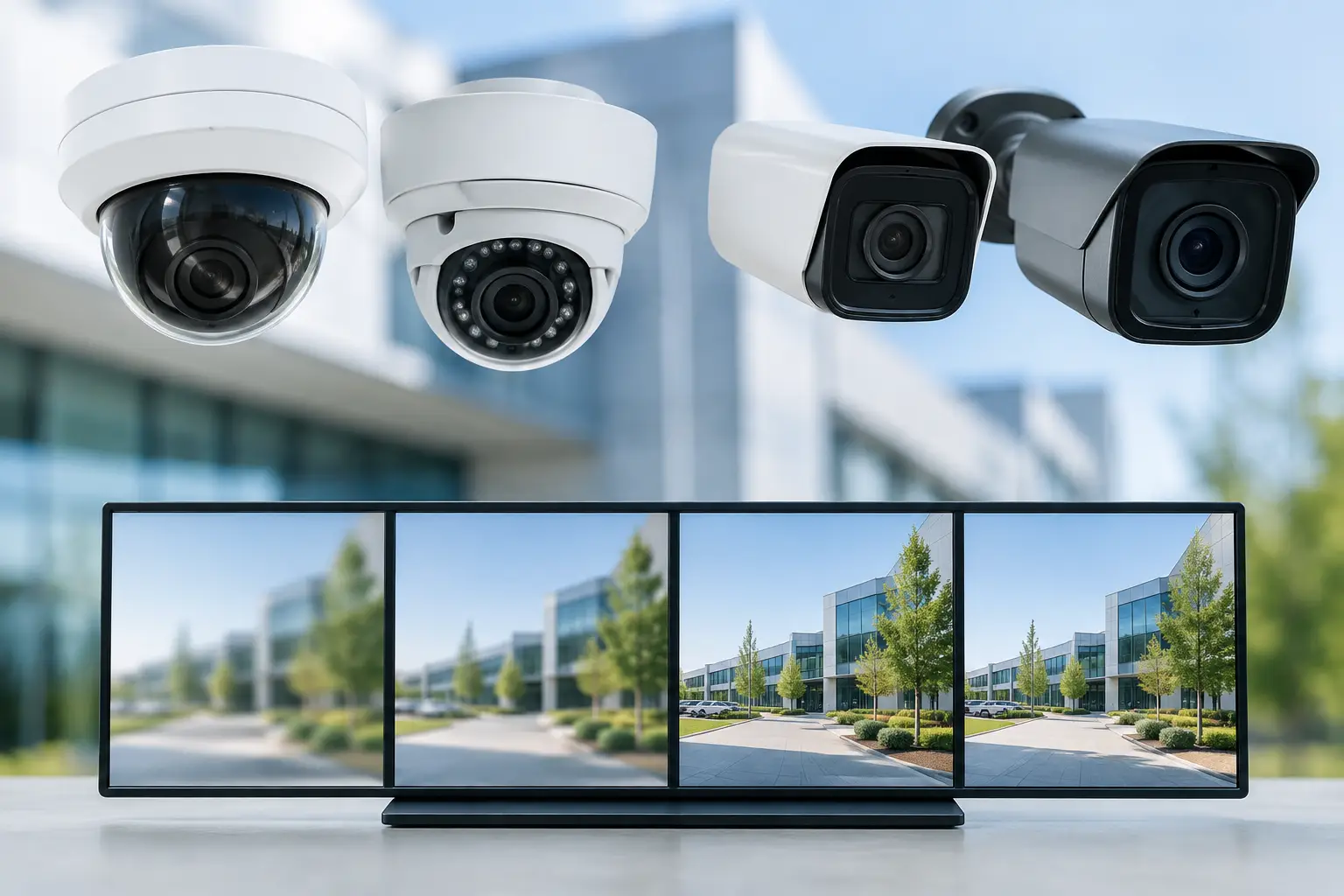
AI is also improving physical security systems. Modern surveillance cameras can distinguish between people, vehicles, and general motion, helping reduce unnecessary alerts. For commercial properties and remote offices, this can make it easier to review events without sorting through hours of irrelevant footage. Still, camera placement, retention settings, privacy expectations, and network capacity all need to be considered before installation.
Managed Support Matters More Than More Software
One overlooked remote work trend is the growing value of responsive, hands-on IT support. Businesses often accumulate collaboration apps, security tools, cloud subscriptions, and devices without a clear owner for the full environment. When a new employee starts, a laptop fails, Wi-Fi slows down, or an account is compromised, the gaps become obvious.
Managed IT support brings consistency to user accounts, device setup, backups, security monitoring, updates, and troubleshooting. It also gives business owners a clearer picture of what they are paying for and what risks need attention. For companies with no internal IT staff, having one local technology partner can prevent the usual scramble between internet providers, software vendors, cabling contractors, and computer repair shops.
That local support can be particularly useful in Las Vegas, where businesses may operate across offices, retail floors, medical suites, rental properties, and field locations. Some issues can be resolved remotely. Others, such as network hardware failures, cabling problems, camera connectivity, or conference room installation, require an experienced technician on site.
Las Vegas Tech Pros helps clients connect those pieces, from secure business networks and managed IT to Wi-Fi optimization, low-voltage cabling, audiovisual systems, and surveillance. The benefit is not simply having more technology. It is having technology that is planned, installed, and supported as one working system.
Build for the Work Your Team Actually Does
The best remote-work setup is not the one with the longest feature list. It is the one that lets your team communicate, access systems, protect information, and serve customers without constant workarounds.
Start with the pain points that interrupt work most often: unreliable Wi-Fi, inconsistent video meetings, unmanaged devices, slow onboarding, or unclear access to files and business applications. Fixing those fundamentals creates a stronger foundation for every new tool that follows. When technology becomes easier to use and easier to support, remote work stops feeling like a patchwork arrangement and starts functioning like a dependable part of the business.