A smart lock that will not respond when you are carrying groceries is not convenience. A camera alert that arrives too late is not security. And a smart thermostat cannot help much if the Wi-Fi drops every afternoon. Home automation works best when the individual devices are planned as one dependable system, not purchased as a collection of apps.
For homeowners, property managers, and business operators, the goal is straightforward: make routine tasks easier, improve visibility over the property, and keep critical technology working without constant troubleshooting. The right system can manage lighting, climate, access, cameras, entertainment, shades, and network-connected devices from simple controls you actually use.
What Home Automation Should Solve
The best automation starts with a real problem. Maybe the front entry needs better control for family members, guests, vendors, or cleaners. Maybe outdoor lighting is inconsistent, the theater equipment requires too many remotes, or the house has dead Wi-Fi zones that make smart devices unreliable. In Las Vegas, managing cooling costs and receiving reliable alerts while away from a seasonal property are also common priorities.
A well-designed system turns those pain points into routines. You might use one button or voice command to lock exterior doors, arm selected cameras, turn off lights, lower shades, and set the thermostat for the evening. A business owner might schedule lights and displays around operating hours while maintaining separate access permissions for staff and contractors.
Automation is not about making every device smart. It is about choosing the functions that save time, reduce risk, or remove daily friction. A few well-executed controls are usually more valuable than an overbuilt system with features nobody remembers how to use.
Start With the Network, Not the Gadgets
Every connected device relies on the network. That makes Wi-Fi coverage, hardwired connections, and equipment placement the foundation of any home automation project.
Consumer routers may be adequate for basic browsing, but a larger home, a detached casita, dense construction materials, outdoor cameras, streaming systems, and dozens of smart devices create a different demand. If cameras freeze, voice assistants miss commands, or devices regularly show as offline, adding another smart product will not fix the underlying issue.
A professional network design considers where people use devices, where cameras and access points need coverage, and which equipment should be hardwired. Wired connections are especially valuable for fixed devices such as surveillance cameras, televisions, streaming equipment, access control panels, and network racks. They reduce wireless congestion and provide more predictable performance.
This is also where planning pays off for new builds and remodels. Low-voltage cabling installed before walls are closed gives you options later. It can support cameras, wireless access points, audio, television distribution, doorbells, access control, and future upgrades without relying on exposed wires or improvised extensions.
Wired, wireless, or both?
It depends on the device and the property. Wireless sensors, smart switches, and certain locks can be practical when running cable is not realistic. Fixed equipment that carries video or needs continuous power generally benefits from a hardwired connection. Most reliable systems use both: wired infrastructure for critical devices and wireless controls where flexibility matters.
Build Around Security and Access
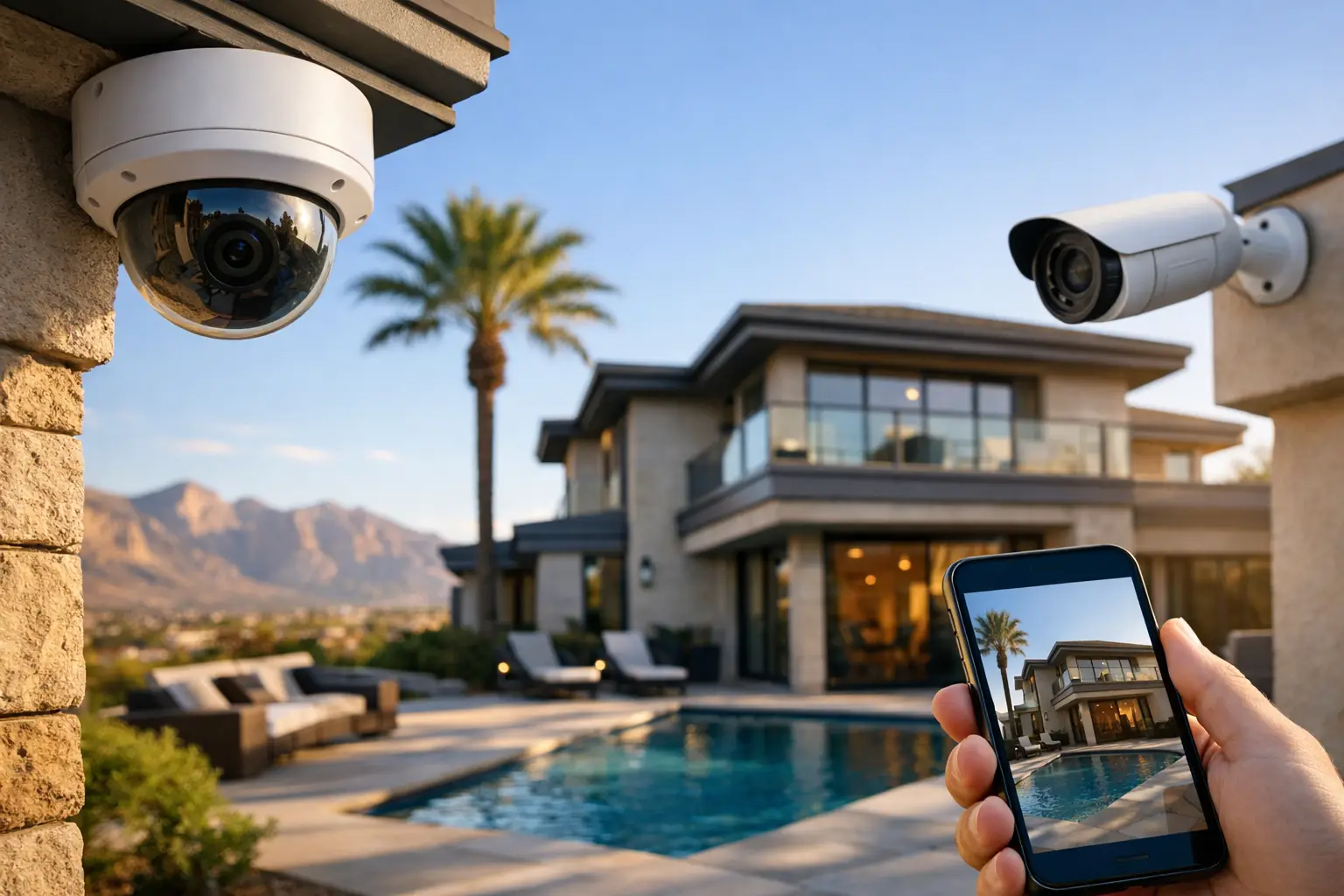
Security is often the strongest reason to invest in automation, but the technology should be matched to the property rather than chosen by a product label. A single front-door camera may be enough for a condo. A larger home, retail location, HOA common area, or medical facility may need multiple camera views, recording retention, remote monitoring, controlled entry points, and clear user permissions.
Camera placement matters as much as camera resolution. A high-resolution camera aimed poorly can still miss faces, license plates, or important activity. Proper placement accounts for lighting, sun exposure, height, approach angles, night visibility, and areas where wiring can remain protected. For exterior installations, the goal is useful coverage, not simply more cameras.
Access control can also reduce the headache of managing physical keys. Smart locks and managed entry systems can create individual codes or credentials, establish schedules, and remove access when an employee, contractor, or tenant no longer needs it. That is useful for short-term visitors at a residence, but it is even more valuable for offices and managed properties where turnover and vendor access are routine.
Privacy deserves attention, too. Interior cameras, microphones, and remote access should be configured intentionally. Homeowners need clear control over who can view footage. Businesses should define who administers the system and how long recordings are retained. Convenience should not come at the cost of unclear permissions.
Make Everyday Routines Easier
Once the network and security systems are stable, automation can improve the parts of a property people interact with every day. Lighting control is a strong example. Instead of replacing every fixture or creating complicated schedules, start with useful areas: entry lighting, hallways, exterior pathways, living spaces, conference rooms, or common areas.
A lighting scene can set several lights to the right level at once. “Away” can turn off selected lights and secure the property. “Movie” can dim the room, lower motorized shades, and power on the right AV components. “Open” at a business can activate public-area lighting while leaving restricted spaces unchanged.
Climate control is another practical category, particularly during long Nevada summers. Smart thermostats can follow schedules, respond to occupancy patterns, and provide remote control. However, they are not a substitute for a properly functioning HVAC system or a thoughtful zoning plan. In a large home with hot and cool spots, the solution might include better sensor placement, multiple zones, or an evaluation of airflow rather than another thermostat setting.
Motorized shades can reduce glare, protect interiors from direct sun, and help manage heat gain. They can be scheduled around the time of day or included in broader scenes. Their value depends on window exposure, room use, and budget. They make the most sense where sun and glare are an ongoing problem, not as a blanket upgrade for every room.
Keep Control Simple for Everyone
A home automation system should be easy for the least technical person who uses it. If guests, family members, front-office staff, or maintenance personnel need a detailed tutorial for basic tasks, the design needs refinement.
The strongest setups offer a few clear ways to control the property: wall keypads or switches for everyday use, a mobile app for remote access, and optional voice control for hands-free requests. Physical controls remain important. A homeowner should be able to turn on a light at the wall, and an office employee should not need a phone to start a meeting-room presentation.
Avoid relying on one app for cameras, another for locks, a third for lights, and a fourth for audio if those functions should work together. Centralized control reduces confusion, but only when the platform is compatible with the equipment and is configured correctly. Compatibility should be confirmed before installation, especially when integrating existing televisions, speakers, cameras, gates, or legacy alarm equipment.
Plan for Support, Updates, and Change
Technology changes after installation. Phones are replaced, Wi-Fi passwords change, households add users, businesses hire staff, and software updates can affect connected devices. A good project includes documentation of equipment, user access, network details, and basic operating instructions.
It should also include a plan for support. Remote troubleshooting can resolve many software and configuration issues quickly, while local technicians are needed for cabling, equipment replacement, camera positioning, and on-site diagnostics. Working with one technology partner helps prevent the familiar problem of each vendor blaming another system when something stops working.
Before committing to a project, define which functions matter most, who needs access, and what happens if the internet goes down. Some automation functions can continue locally, while cloud-dependent features may be limited during an outage. Knowing that difference upfront helps set realistic expectations.
Choose a System That Fits the Property
A well-planned home automation system does not need to begin with a full-property overhaul. Many successful projects start with a reliable network and security upgrade, then add lighting, AV, climate, or access control as needs and budgets develop. The key is selecting infrastructure that supports that path instead of forcing a costly reset later.
For Las Vegas homeowners and businesses, Las Vegas Tech Pros can coordinate the network, low-voltage cabling, surveillance, access, AV, and ongoing support that make those systems work together. Start with the daily annoyance or security concern you want removed, then build the right solution around it.