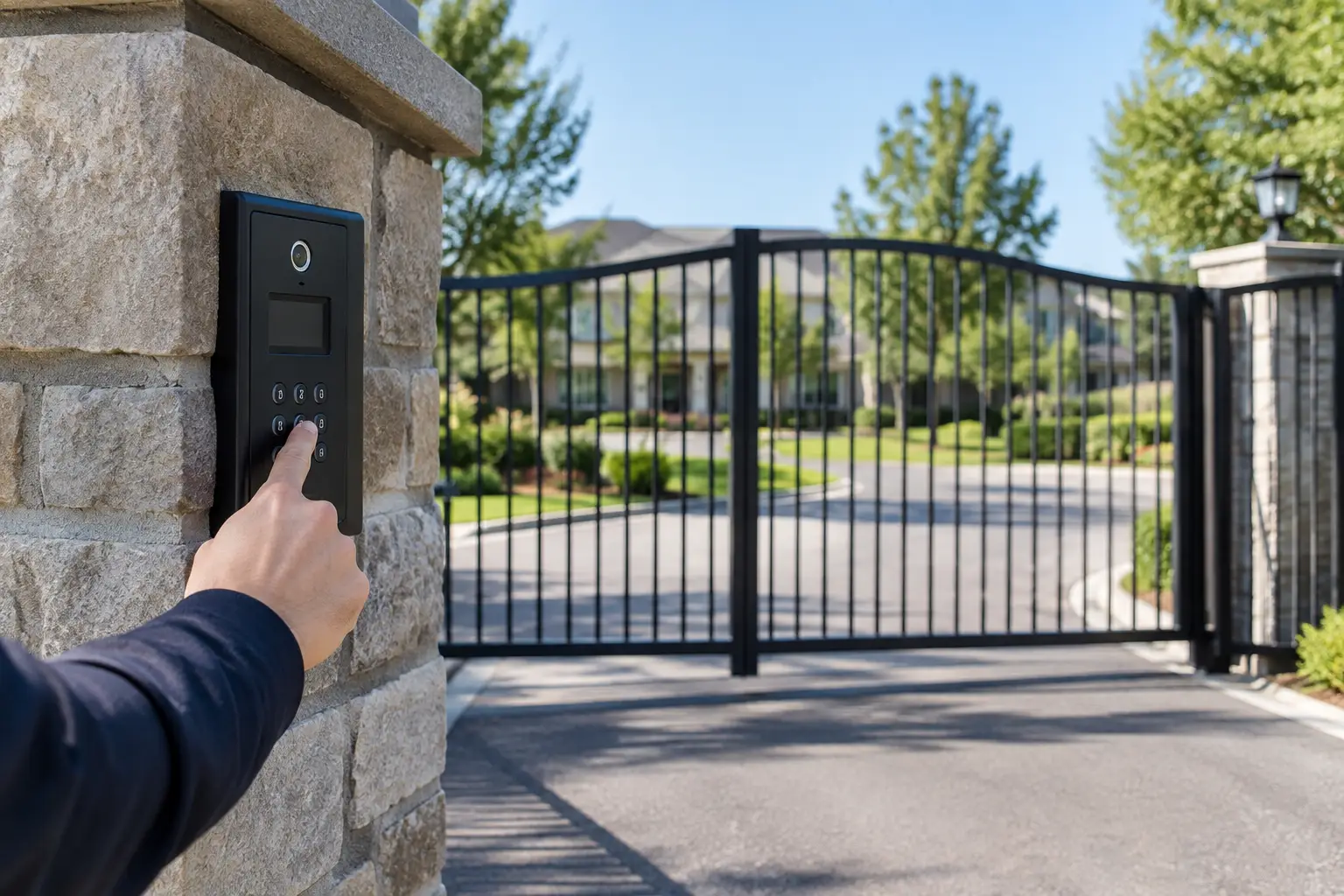
A smart lock that will not open at 10 p.m. is more than an inconvenience. For a homeowner, it can mean being locked out after a long day. For a business, it can delay staff, disrupt deliveries, or leave a restricted door unsecured. So, can smart locks fail? Yes. Like any device that combines mechanical hardware, batteries, wireless communication, and software, a smart lock has potential failure points.
That does not mean smart locks are unreliable or a poor choice. A properly selected and installed lock can provide dependable access, better visibility into who comes and goes, and fewer concerns about lost keys. The key is understanding what can go wrong, choosing a lock that fits the door and use case, and keeping a practical backup plan in place.
Can Smart Locks Fail in a Power Outage?
Most residential smart locks run on batteries, not household power. That means a neighborhood power outage usually does not stop the lock from operating at the door. You can still enter with a PIN, fingerprint, key fob, mobile credential, or physical key, depending on the model.
The feature most likely to be affected is remote access. If the home internet connection, router, hub, or cloud service is offline, you may not be able to check the lock status or send a command from across town. The lock itself may still work locally.
Commercial access control systems can be different. Electrified strikes, magnetic locks, door controllers, and network equipment may rely on building power. A well-designed system includes battery backup and is configured correctly for life safety requirements. Doors must be set to fail secure or fail safe based on their function, occupancy requirements, and applicable code. This is not a detail to leave to guesswork.
The Most Common Reasons Smart Locks Stop Working
The most common smart lock problem is also one of the easiest to prevent: weak batteries. A lock uses more power than people expect because the motor must physically turn the bolt. Batteries can drain faster in high-traffic doors, on doors with alignment problems, or when the lock struggles to move the deadbolt.
Low battery alerts should be treated as a service reminder, not something to dismiss for later. Replace batteries with the manufacturer-recommended type and avoid mixing old and new batteries. In Las Vegas, extreme heat can also shorten battery life, especially on doors exposed to direct afternoon sun.
Mechanical alignment is another major issue. A smart lock can be electronically healthy but still fail to lock or unlock because the deadbolt is rubbing against the strike plate. This often happens after seasonal movement, settling, worn hinges, weatherstripping changes, or a door that was never aligned properly. If you have to push, pull, lift, or shoulder the door to make the lock work, the issue is not likely to be software.
Wireless connectivity causes a different kind of failure. Wi-Fi, Bluetooth, Z-Wave, Zigbee, and Matter-enabled locks all depend on the surrounding network or compatible hub for certain features. A weak Wi-Fi signal near the front door, a router replacement, a changed password, or an offline smart home hub can take away remote controls and notifications. It usually will not prevent local entry, but it can make the lock feel unavailable.
Software and account issues are less common, yet still possible. A firmware update may need to be completed, a mobile app may need to be reauthorized, or an expired credential may prevent a user from entering. For short-term rental properties, offices, and homes with multiple users, access schedules need regular review. An old code that still works is as much of a problem as a code that fails unexpectedly.
Finally, the lock itself can wear out. Motors, clutches, key cylinders, thumb turns, and deadbolt components are physical parts. Heavy daily use, exposure to dust or moisture, forced entry attempts, and low-quality hardware can shorten their service life.
Warning Signs You Should Not Ignore
Smart locks usually provide clues before they stop working completely. A slow or strained locking cycle is one of the clearest signs. So are repeated error tones, a bolt that stops halfway, frequent offline notices, or battery alerts that return soon after replacement.
If a lock works only when the door is pushed into a specific position, schedule an adjustment. Continuing to force the motor can drain batteries and damage internal components. If remote access drops intermittently, test the Wi-Fi signal at the door rather than assuming the lock is defective.
For a business or HOA, inconsistent access logs, delayed door releases, and users repeatedly reporting failed credentials deserve prompt attention. A door that controls access to sensitive records, equipment, medications, tenant spaces, or employee-only areas should not be managed as a casual consumer device.
How to Prevent Smart Lock Problems
Reliability starts before installation. Choose a lock from a reputable manufacturer that matches the door type, backset, handing, and existing deadbolt preparation. A lock that is technically compatible on paper can still perform poorly if the door frame and strike are not correctly aligned.
For a home, a keypad lock with a physical keyway or emergency external power contacts offers useful redundancy. The right backup depends on your household. A physical key may make sense for some families, while others prefer a secure key holder, a secondary entrance, or temporary codes for trusted people.
For commercial properties, use access control hardware designed for commercial duty cycles. The system should have clear credential management, appropriate battery backup, documented user permissions, and a plan for internet or power interruptions. It is worth deciding ahead of time who can administer the system, who receives alerts, and how emergency access will work.
A practical maintenance routine helps:
- Replace batteries when the lock alerts you, not after it becomes unreliable.
- Test the physical key or alternate entry method a few times each year.
- Confirm the deadbolt moves freely with the door open and closed.
- Review user codes, app access, and schedules when employees, tenants, guests, or contractors change.
- Keep the lock firmware, home network, and connected hub current when updates are available.
These are small tasks, but they prevent the most frustrating kind of failure: discovering a weak point when you are standing outside the door.
When Smart Lock Failure Is Really a Door or Network Problem
It is easy to blame the lock because it is the visible piece of technology. In many cases, the real problem is elsewhere. A sagging door, poorly placed strike plate, weak Wi-Fi coverage, overloaded router, or improperly installed smart home hub can create symptoms that look like lock failure.
This is where an integrated approach matters. If the lock, Wi-Fi, cameras, alarm, intercom, and access control system are all handled by separate providers, troubleshooting can turn into a round of finger-pointing. A single technology partner can inspect the door hardware, verify network performance, check power and backup options, and make sure the security system works as a whole.
Las Vegas Tech Pros helps residential and commercial clients address those connected issues, from smart lock installation and access control planning to Wi-Fi troubleshooting, surveillance, and low-voltage infrastructure. The goal is not simply to install a device. It is to make sure the device works when people need it.
A Smart Lock Should Have a Backup Plan
No lock is failure-proof, including a traditional keyed deadbolt. Keys break, cylinders wear down, doors shift, and people lose keys. Smart locks add convenience and control, but they also add batteries, connectivity, and software to maintain.
The right question is not whether a smart lock can ever fail. It is whether the system has been installed well, maintained sensibly, and designed with a backup method that fits the property. When those basics are handled correctly, smart access can be a dependable part of a safer, easier-to-manage home or business.