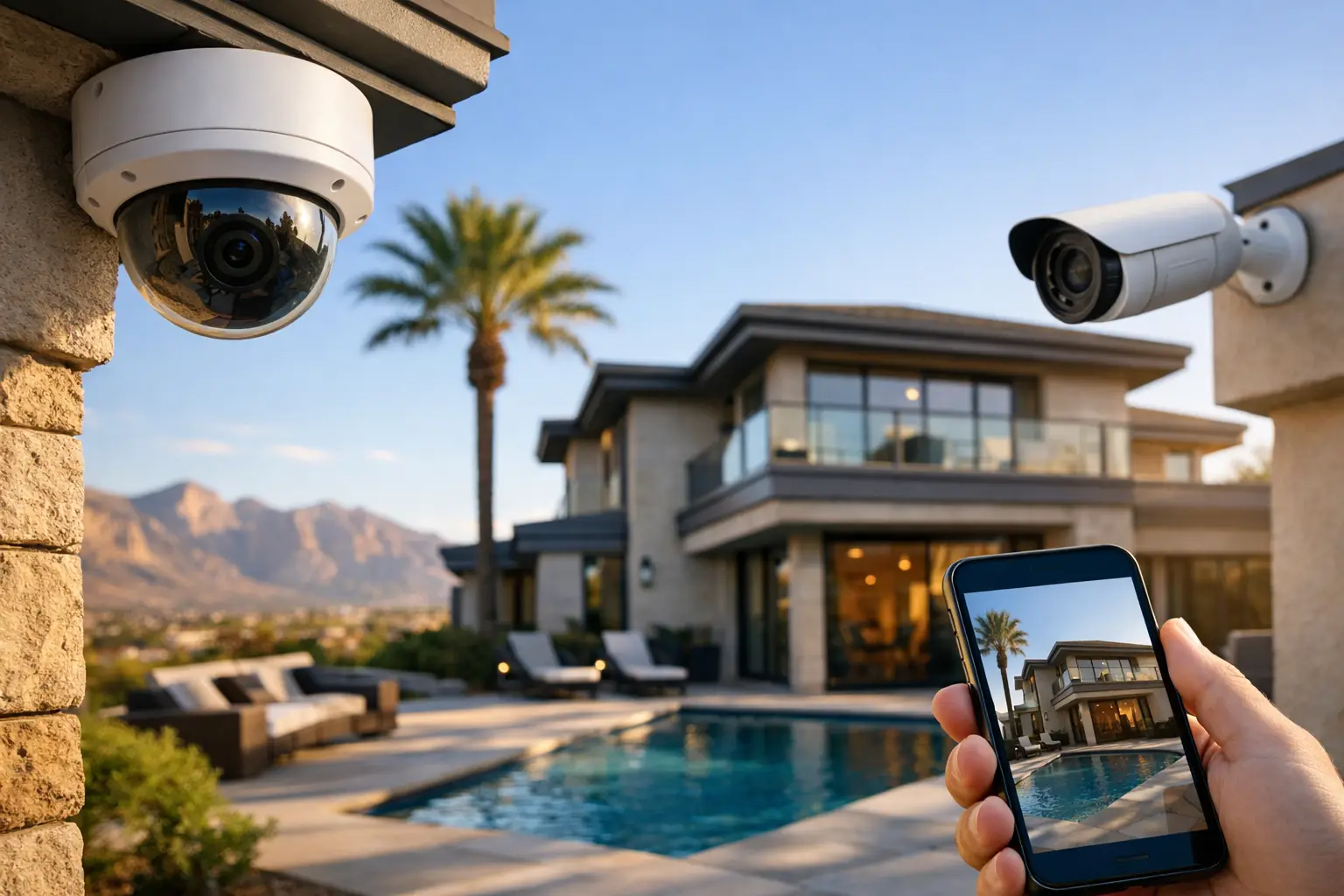
A lot of business owners start with the same question: how many cameras does business need? The honest answer is rarely a flat number. A small office might be well covered with four to six cameras, while a retail store, warehouse, or multi-entrance property may need a dozen or more. What matters is not hitting an average. It is making sure the right areas are covered without wasting money on cameras that do not solve a real problem.
How many cameras does a business need to be properly covered?
The camera count depends on your layout, daily traffic, risk level, and what you need the footage to prove later. If your goal is simply to see who came in and out, you can get by with fewer cameras than a business that needs to track transactions, monitor inventory, watch parking areas, and document after-hours activity.
That is why a square-foot estimate alone can be misleading. Two businesses with the same footprint can need very different systems. A 2,500-square-foot accounting office with one entrance and limited public access has different security needs than a 2,500-square-foot convenience store with a register, stock room, side door, and steady customer flow.
For most businesses, a good starting point is to think in zones rather than totals. Entry points, customer-facing areas, cash handling locations, back-of-house workspaces, storage rooms, loading areas, and exterior approaches all deserve separate consideration. Once you map those zones, the right number becomes much easier to see.
Start with your biggest risk areas
If you are trying to control costs, do not start by asking how many cameras you can afford. Start by asking where incidents are most likely to happen. In many businesses, the most valuable camera is the one pointed at the main entrance. After that, high-priority areas usually include the front counter, register area, back door, warehouse access points, and parking lot approaches.
Some businesses also need stronger internal coverage. Medical offices may need to monitor reception and controlled-access areas without creating privacy issues in treatment spaces. Restaurants often need coverage at entrances, POS stations, dining rooms, kitchens, and delivery doors. Offices may care less about broad interior coverage and more about entrances, server closets, and shared work areas where equipment or records are stored.
This is where overinstalling and underinstalling both become expensive. Too few cameras leave blind spots that make footage less useful when something actually happens. Too many cameras can drive up hardware, cabling, storage, and maintenance costs without adding much value.
Common camera counts by business type
There is no universal formula, but there are practical ranges that make sense.
A small office with one public entrance, a reception area, and a back exit often needs around four to six cameras. One camera at each door, one covering reception, and one or two watching interior traffic paths may be enough.
A small retail store often lands in the six to ten camera range. You usually need coverage for the front entrance, checkout area, sales floor, stock room, rear exit, and sometimes the exterior front of the building.
A restaurant may need eight to twelve cameras depending on its layout. Front door, register, dining room, kitchen line, back door, patio, and delivery areas all add up quickly.
A warehouse, auto shop, or larger commercial property can easily require twelve to twenty or more cameras. Fewer cameras with wider views are not always the answer because you still need enough image detail to identify faces, read activity clearly, or review events at loading docks and fenced areas.
These ranges are useful for planning, but they are not a substitute for a site walkthrough. Ceiling height, lighting conditions, aisle spacing, and whether you need identification versus general observation all affect final count.
One camera can cover space, but not always detail
This is where many systems fall short. A single wide-angle camera may technically view a whole room, but if the image is too broad, you may not get the detail you need. Seeing that a person was present is different from being able to identify their face, see what was taken, or verify exactly what happened at a register.
The result is that fewer cameras are not always cheaper in the long run. If footage cannot answer the question you bought the system to solve, the savings are not real.
What affects the number of cameras most?
Entrances and exits are the biggest factor. Every exterior door should usually have coverage, and many businesses benefit from both inside-facing and outside-facing views. That helps you capture approach, entry, and departure rather than just one angle.
Blind spots are next. Hallways, corners, shelving, partitions, and tall fixtures can block key views. Retail floor plans are a common example. A store might look open on paper, but gondolas, displays, and signage create hidden pockets that need additional coverage.
Then there is the difference between monitoring and evidence. If you only want general awareness, camera count may stay lower. If you need footage that holds up during an employee dispute, theft review, or liability claim, placement becomes more precise and camera count often increases.
Operating hours matter too. Businesses open late, handling cash, or dealing with public access after dark may need stronger exterior coverage and better night performance. Parking lots, side gates, dumpsters, and alley access points are easy to ignore until they become the location of the problem.
Storage and resolution also change the plan
More cameras mean more recorded data. Higher resolution means more detail, but it also increases storage requirements. That does not mean you should lower image quality just to fit more cameras into a budget. It means the system should be designed as a whole, including retention time, recording schedule, and whether you want continuous recording or motion-based recording in certain zones.
A poorly planned system often looks affordable up front and frustrating six months later. Cameras are installed, but footage retention is too short, remote viewing is inconsistent, or one important angle was missed because the plan focused on quantity instead of coverage.
How to decide if you need interior cameras, exterior cameras, or both
Most businesses need both, but not always in equal numbers. Exterior cameras help document approach, trespassing, break-ins, vandalism, and parking lot incidents. Interior cameras are usually better for tracking movement, verifying transactions, reviewing employee access, and understanding what happened after someone entered the building.
If your main concern is after-hours security, exterior coverage may deserve more attention. If your concern is shrinkage, customer disputes, or operational oversight, interior placement may matter more. For many businesses, the right answer is a balanced system where exterior cameras provide early visibility and interior cameras capture the detail needed to investigate.
This is especially true for businesses with multiple vendors, delivery drivers, or public traffic moving through the site daily. You want continuity. Knowing that someone approached the building is helpful. Seeing where they went and what happened next is what makes the footage usable.
How many cameras does a business need if it wants room to grow?
This is one of the smartest questions a business can ask. If you are planning to add offices, expand into neighboring suites, reconfigure your floor, or add access control later, it makes sense to build the camera system with some headroom.
That does not always mean installing every future camera now. It often means planning the recorder capacity, network infrastructure, and cabling paths so the system can expand without becoming a patchwork. A business that starts with six cameras today may need ten next year. If the original system was sized correctly, that growth is straightforward. If it was not, expansion turns into replacement.
For businesses in Las Vegas, that planning matters even more when properties have mixed-use spaces, outdoor exposure, or multiple structures on one site. Heat, distance, and building layout all affect how cleanly a system can scale.
The best number is the one that covers decisions, not just doors
A business camera system should help answer real questions fast. Who entered? What happened at the register? Was the delivery completed? Which door was used? Did someone tailgate through a restricted area? If your camera layout cannot answer those questions clearly, the total count is wrong no matter how impressive the number sounds.
A practical camera plan starts with risk, follows the flow of people and property, and leaves as few blind spots as possible. That is how you avoid both overspending and under-protecting. If you are not sure where to start, a site assessment usually reveals the answer quickly – not as a guess, but as a coverage plan that fits how your business actually operates.
The right system should feel simple once it is in place: clear views, dependable recording, and coverage that gives you useful answers when you need them most.