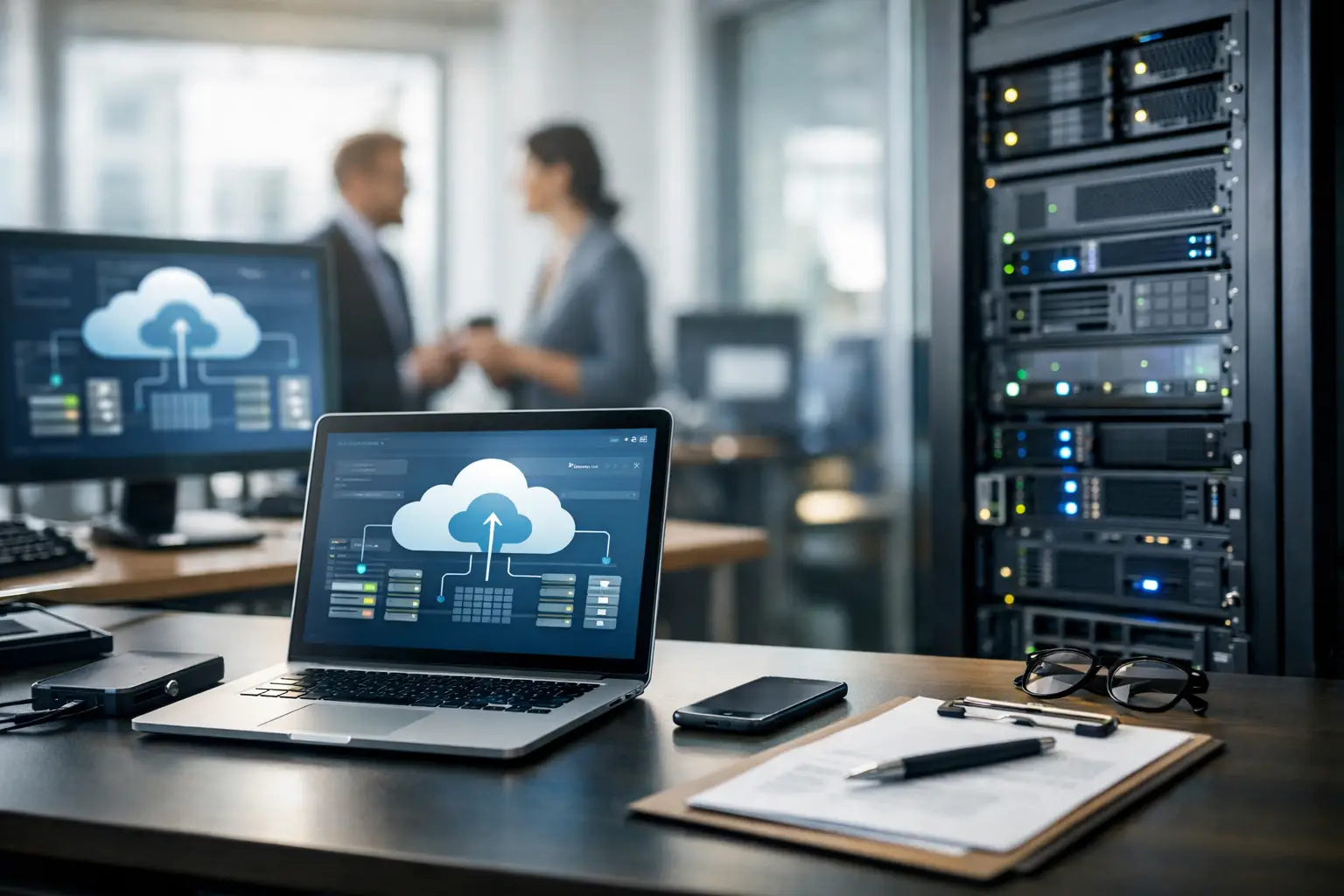
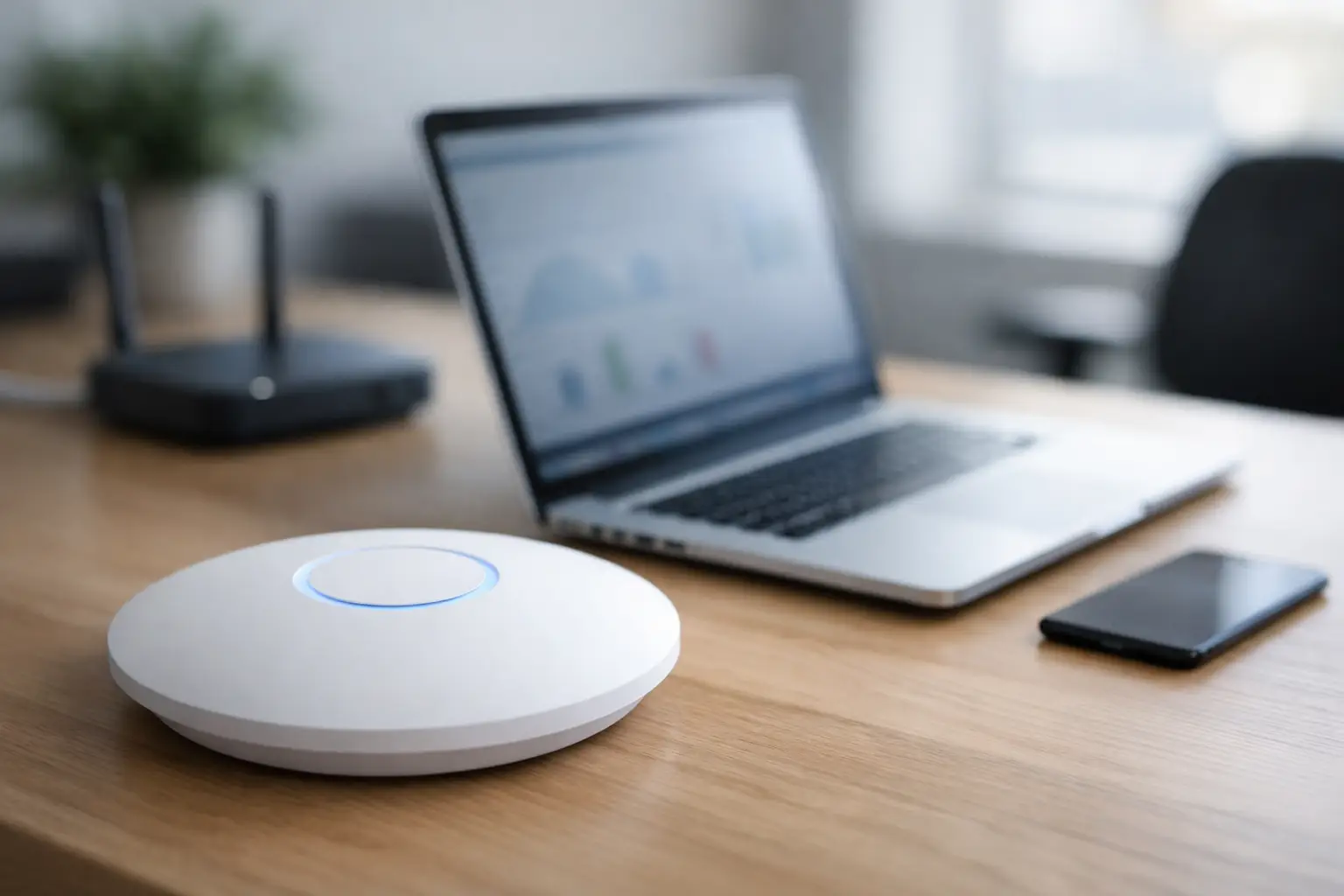
A frozen office computer at 8:15 a.m. can throw off your whole day. A VPN issue can keep staff idle. A Wi-Fi problem can make a smart home feel anything but smart. That is where a remote IT support guide becomes useful – not as theory, but as a practical way to understand what can be fixed quickly, what requires a visit, and how to avoid losing hours to preventable tech problems.
Remote support is often the fastest path to getting systems back on track. For many homeowners and businesses, the real question is not whether remote help works. It is whether the problem in front of them is the kind of issue that can be solved without rolling a truck.
What remote IT support actually covers
Remote IT support means a technician connects to your device, network, or cloud environment from another location to diagnose issues, make changes, install updates, remove software problems, or guide users through a fix. It is not limited to computers. Depending on the setup, it can also apply to printers, network equipment, user accounts, email platforms, business apps, security software, and certain smart technology systems.
For a small business, that might mean restoring access to Microsoft 365, troubleshooting a shared printer, mapping a drive, removing malware warnings, or fixing user permissions. For a homeowner, it might mean solving laptop performance issues, adjusting a router setting, reconnecting a smart device, or helping secure a home network after suspicious activity.
The big advantage is speed. If the issue is software-based, account-related, or tied to settings, remote access often eliminates the delay of scheduling an on-site appointment. A qualified technician can see the problem directly instead of trying to interpret it through screenshots and phone descriptions.
Where remote support works best
The strongest use case for remote support is urgency paired with accessibility. If the device powers on, connects to the internet, and allows secure remote access, many issues can be addressed right away.
That includes slow computers caused by startup clutter, software conflicts, email sync failures, password resets, browser issues, antivirus alerts, backup checks, and user permission problems. In office environments, remote support is also effective for line-of-business software errors, workstation setup, patch management, and routine maintenance.
Remote support also makes sense when the problem affects multiple users at once. If a cloud app is misconfigured, a security policy needs to be updated, or several employees need help after a system change, remote work allows one technician to handle those tasks efficiently without moving from desk to desk.
For organizations with recurring needs, remote support is even more valuable when it is part of an ongoing service plan. Monitoring, patching, user support, and proactive maintenance can happen in the background before a minor issue turns into downtime.
When on-site service is the better call
A good remote IT support guide should be honest about the limits. Not every issue belongs on a screen share.
If hardware has failed, cabling is damaged, internet service is physically down, or a network closet needs hands-on testing, someone needs to be there in person. The same goes for camera installations, access control hardware, TV mounting, low-voltage cabling, Wi-Fi access point placement, and any job involving physical infrastructure.
There are also gray areas. A printer that appears offline may be a simple driver issue, or it may have a bad network connection. A weak Wi-Fi signal may be solved with configuration changes, or it may point to poor access point placement, interference, or cabling problems. Good support does not force every issue into a remote box. It starts remote when that makes sense, then shifts on-site when the evidence points to a physical problem.
That blended model matters for businesses and homeowners who do not want to coordinate separate vendors for network, AV, security, and IT. One provider that can troubleshoot remotely and show up on-site when needed tends to reduce finger-pointing and speed up resolution.
How a remote IT support guide helps you choose the right provider
Not all remote support is the same. Some providers are reactive and only step in after something breaks. Others are structured to reduce the number of emergencies in the first place.
If you are comparing providers, start with response time. Fast help is the whole point. Ask how requests are submitted, what normal response windows look like, and whether urgent issues are prioritized differently from routine tickets.
Next, look at scope. Some companies handle basic desktop support but stop at networking, security systems, or connected devices. That may be fine if your environment is simple. If your property or business relies on Wi-Fi, cameras, smart devices, cloud platforms, and structured cabling working together, broader technical coverage is usually a better fit.
Security should also be part of the conversation. Remote access has to be controlled, documented, and used responsibly. You want a provider that uses secure remote tools, follows access protocols, and treats your network like critical infrastructure, not an afterthought.
Then consider whether support is one-off or ongoing. Break-fix service works for isolated incidents, but it can become expensive and disruptive if the same systems keep failing. Managed support offers more consistency, especially for businesses that need uptime and homeowners who prefer not to troubleshoot every device issue themselves.
A practical remote IT support guide for common problems
When people call for remote support, they are usually not thinking in categories. They are thinking, my email stopped working, the office printer disappeared, the Wi-Fi is slow, or the cameras are not loading on my phone.
That is why triage matters. A capable technician will usually sort the issue into one of three buckets.
The first is user-level problems. These include password issues, application errors, account lockouts, email sync failures, and settings mistakes. These are often the quickest remote fixes.
The second is system-level problems. These include update failures, performance slowdowns, software conflicts, endpoint security alerts, and workstation configuration issues. These may take more time, but they are still well suited to remote work if the device is reachable.
The third is infrastructure-level problems. These involve routers, switches, access points, wiring, internet handoffs, hardware damage, and installation-related faults. Some of these can be diagnosed remotely, but many eventually require on-site service.
Understanding that split helps set realistic expectations. Remote support is not magic, but it is extremely effective when the issue lives in software, settings, accounts, or monitored systems.
What to do before you request remote support
You do not need to be technical to make remote help easier. A few details can shorten the process.
Know which device is affected and whether the issue is isolated or widespread. If possible, note when the problem started and whether anything changed right before it happened, such as a power outage, software update, new equipment, or password change. If error messages appear, take a photo instead of trying to retype them from memory.
For businesses, it also helps to identify the impact. One user down is different from the whole office losing access to shared files. For homeowners, mention whether the issue affects one room, one device, or the whole property. That context tells the technician whether the likely fix is local, account-based, or network-wide.
And if remote access is going to be used, make sure someone is available to approve the session and test the result. The fastest fix still needs a final check.
Why local support still matters in a remote-first model
Remote support is efficient, but local presence still matters when systems are tied to real buildings and real infrastructure. In places like Las Vegas, where homes and businesses often rely on a mix of networking, surveillance, AV, and access systems, the provider who knows the local environment can usually move faster from diagnosis to resolution.
That is especially true when a remote issue exposes a deeper physical problem. Maybe the camera app is not the problem at all – the switch powering the cameras is failing. Maybe the office Wi-Fi complaint has less to do with internet speed and more to do with access point placement, interference, or old cabling. In those cases, remote support is the first step, not the whole solution.
Las Vegas Tech Pros works well in that kind of environment because the service model is not locked into one lane. Remote support handles the immediate need, and on-site crews can step in when the issue turns out to involve wiring, devices, installation quality, or physical network layout.
The real value of remote support is less downtime
The best reason to use remote support is simple: it protects momentum. Staff keep working. Households get their systems back. Small problems get handled before they stack up into something more expensive.
That value is not just about convenience. It is about continuity. If your business depends on connected devices, cloud apps, secure access, cameras, Wi-Fi, and communication tools, every delay has a cost. If your home depends on smart devices, streaming, security, and reliable connectivity, frustration adds up quickly too.
A strong remote support setup gives you a faster first move. Not every issue will end there, and that is fine. The goal is not to avoid on-site service at all costs. The goal is to solve the problem the right way, starting with the fastest path that makes sense.
The smartest tech support is not defined by where the technician sits. It is defined by how quickly the right person can take ownership of the issue and keep your day moving.