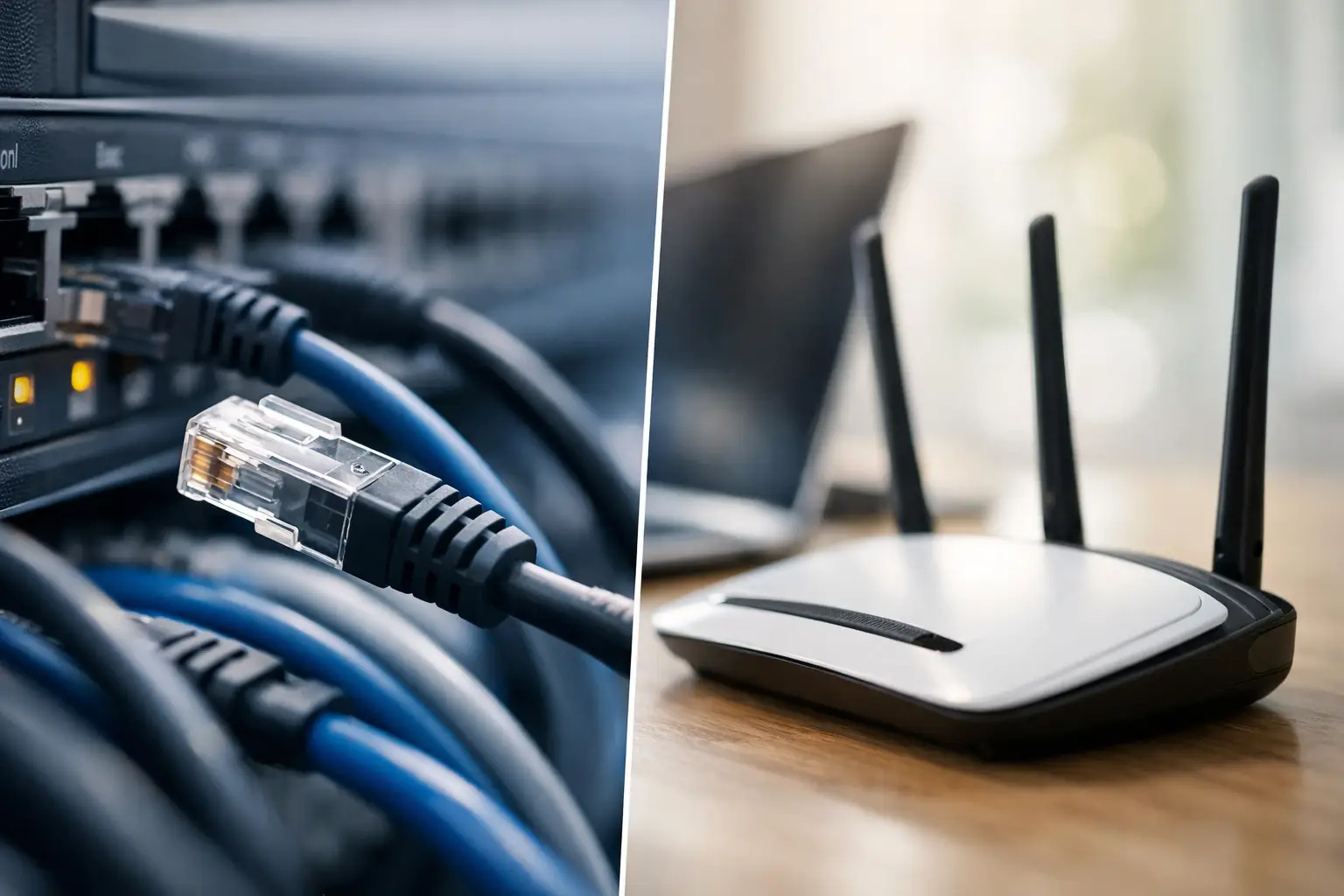
A frozen point-of-sale terminal, a staff member locked out of email, and Wi-Fi that drops during a client call can all look like separate problems. For a local business, they usually create the same result: work stops while someone tries to find the right person to call. Remote help desk plans put a knowledgeable support team within reach before a small technology issue becomes a lost afternoon.
For offices, medical facilities, property managers, and growing companies around Las Vegas, the right plan is less about having someone “on call” and more about having a clear process. Your team needs to know who to contact, what support is included, how quickly issues are addressed, and when an on-site visit is the better answer.
What Remote Help Desk Plans Actually Cover
A remote help desk gives employees a direct path to technical support by phone, email, ticket, or approved remote-access tools. In many cases, a technician can view the affected computer, identify the issue, and correct it without waiting for a truck roll. That can mean restoring access to a business application, fixing an email configuration issue, reconnecting a printer, or resolving a user account problem while the employee stays at their desk.
The best plans are built around the systems your business relies on every day. Common support needs include user account administration, workstation troubleshooting, Microsoft 365 support, email issues, printer access, software updates, antivirus alerts, network connectivity checks, and guidance for employees who need help using approved tools.
Remote service is particularly effective when the underlying equipment is reachable and the issue is software, permissions, configuration, or user-related. It is not a substitute for every situation. A failed switch, damaged cable, dead access point, broken camera connection, or equipment that needs replacement may require an on-site technician. A strong provider makes that distinction quickly instead of spending hours trying to force a remote fix.
Why a Plan Beats Calling Only When Something Breaks
Break-fix support has a place, especially for a one-time problem. But it often creates uncertainty at the exact moment your business needs clarity. You may not know the hourly cost, response expectations, technician availability, or whether anyone has documentation for your network and devices.
With a support plan, the provider has a reason to understand your environment before the emergency. That typically includes learning what devices are in use, who has access, which applications are business-critical, and where the common weak points are. The result is faster diagnosis and fewer explanations from your staff every time a ticket is opened.
There is also an accountability advantage. If recurring Wi-Fi complaints, slow computers, or login issues keep appearing, they should not be treated as unrelated tickets forever. Your support team should identify the pattern and recommend a practical correction, whether that means replacing aging hardware, cleaning up user permissions, improving wireless coverage, or scheduling a site visit.
For a small business without an internal IT department, a remote plan can function as the daily technical resource your team does not have in-house. For a larger organization, it can take routine requests off internal staff so they can focus on projects, compliance, operations, and higher-level technology decisions.
Choosing the Right Remote Help Desk Plan
The lowest monthly price is not always the lowest cost. A plan that excludes common requests or has limited response hours may leave your employees waiting when they need help most. Start by looking at how your business operates, not just how many computers you own.
A professional office with cloud-based applications may need frequent user support, email administration, and workstation maintenance. A retail location may prioritize point-of-sale uptime, Wi-Fi reliability, cameras, and network equipment. A medical office may need careful access controls, dependable communications, and a clear escalation process when an issue affects patient service.
Ask potential providers how they define covered support. Routine end-user troubleshooting should be clear. So should work that falls outside the plan, such as major projects, new office buildouts, hardware purchases, low-voltage cabling, network redesigns, or after-hours emergency service. No plan can reasonably include every future project at one flat rate, but there should be no surprise about what requires separate approval.
Response standards matter just as much as scope. A critical outage affecting the entire office deserves a faster path than a single employee asking how to adjust a software setting. Look for a provider that prioritizes issues by business impact and communicates progress clearly. Fast acknowledgement is useful, but a meaningful response also includes someone taking ownership of the problem.
Questions Worth Asking Before You Sign
Before choosing a provider, ask how support requests are submitted, what hours are covered, and how urgent incidents are escalated. Confirm whether remote access is monitored and secured, whether support includes proactive maintenance, and how often you will receive recommendations about aging equipment or security risks.
It also helps to ask who will handle an issue that cannot be fixed remotely. A help desk should not become a handoff between unrelated vendors. If your provider can also support networking, cabling, security cameras, access control, and audiovisual systems, you have a more direct route from diagnosis to repair.
Security Is Part of Everyday Support
A help desk plan is not just for forgotten passwords and stubborn printers. Everyday support activity affects security. When a staff member leaves, someone needs to remove access promptly. When a phishing email reaches an inbox, employees need fast guidance before they click, reply, or enter credentials. When antivirus software flags suspicious activity, a technician needs to determine whether the alert is harmless or requires immediate action.
Good support practices also reduce the temptation for employees to find their own workarounds. People who cannot access a file or get an application to work may send sensitive information through personal email, share passwords, or install unapproved software just to keep moving. Responsive support gives them a safer option.
This does not mean every organization needs the same level of monitoring or security tooling. A five-person office and a multi-site commercial operation have different risks and budgets. The right approach is based on the information you handle, the systems that support revenue, and the disruption your business can tolerate.
When Remote Support Needs Local Hands-On Service
Remote tools are efficient, but the physical side of technology still matters. Poor Wi-Fi can be caused by access point placement, signal interference, outdated equipment, or cabling issues. Cameras may be online but pointed incorrectly. A conference room may have all the right equipment and still fail because the display, control system, or network connection was installed poorly.
That is where a local technology partner has an advantage. Las Vegas Tech Pros can address the remote issue when possible, then bring in a qualified field team when the real fix involves the network closet, cabling, security equipment, or devices on site. You are not left coordinating a help desk, an electrician, a cabling contractor, a camera company, and an AV installer to resolve one operational problem.
For property managers and HOAs, this broader capability can be especially useful. Resident-facing Wi-Fi, access control, surveillance, office computers, and common-area technology may all overlap. The goal is not to force every service into one package. It is to have a reliable team that understands how those systems connect when something goes wrong.
Set Your Plan Up for Faster Results
Even the best support team works faster when the basics are organized. Keep an updated list of employees, devices, key software, internet providers, and business-critical contacts. Let your provider know when you hire or terminate staff, move offices, add equipment, or change how employees work remotely.
Employees also need a simple rule: report issues early and use the approved support channel. A computer that has been running slowly for three weeks is easier to address before it fails during payroll, a sales presentation, or a busy service window. Encourage staff to include a short description of what happened, any error message, and whether others are affected. That gives the technician a head start.
The most useful remote help desk plan is the one your team can rely on without thinking twice. When support is responsive, expectations are clear, and local hands-on service is available when needed, technology stops being a daily distraction and gets back to doing its job: supporting the work in front of you.