A camera that records a blurry face at the wrong angle is not much help after a break-in, dispute, or safety incident. IP cameras Las Vegas property owners choose should do more than put a live feed on a phone. They should capture usable detail, cover the points that matter, and keep working through extreme heat, busy schedules, and changing conditions around the property.
For a homeowner, that may mean seeing who approached a side gate or receiving an alert when a package is delivered. For a business, it can mean reviewing a register transaction, monitoring a delivery entrance, or checking activity at a remote site. The right answer is rarely a box of cameras installed wherever there is an outlet. It starts with the property, the risks, and the network behind the system.
Why IP Cameras Work So Well for Las Vegas Properties
IP cameras send video across a network instead of relying on older analog video connections. That gives property owners higher-resolution footage, remote viewing, flexible recording options, and more control over alerts. A professionally designed system can provide 4K detail where identification matters while using efficient settings in lower-risk areas so storage does not disappear in a few days.
Resolution alone is not the whole story. A 4K camera mounted too high can still miss a face. A camera aimed into direct afternoon sun may struggle with shadows and glare. A system that depends entirely on weak Wi-Fi can drop footage or become frustrating to view when the network is busy. Site planning is what turns good hardware into dependable surveillance.
Las Vegas also creates conditions worth planning around. Exterior equipment must handle intense sun, windblown dust, heat, and dramatic lighting changes between bright daytime conditions and dark parking areas. Camera housings, mounting locations, cable paths, and infrared performance all deserve attention before installation begins.
Start With the Decisions You Need Video to Answer
The best camera layout is based on what you need to verify, not simply how many cameras fit a budget. At a residence, the priority may be front-door visitors, driveway activity, pool access, side yards, and gates. An HOA may need clear views of common-area entrances, mailboxes, amenities, and parking lots. A medical office may need coverage of entryways and public areas without creating privacy problems in spaces where cameras do not belong.
Business owners should also separate general awareness from identification. A wide-angle overview camera can show that someone entered a lot or moved through a stockroom. It may not identify that person at a useful distance. A tighter, properly positioned camera at an entry, cash wrap, service counter, or access point provides the detail needed for review.
Before selecting equipment, consider these practical questions:
- Where are the highest-value, highest-risk, or most frequently disputed areas?
- Do you need to identify a person, read a license plate, monitor activity, or all three?
- Who needs access to live and recorded video, and from which devices?
- How long should recordings be retained before they are overwritten?
- Is the existing network ready for multiple high-resolution cameras?
Clear answers prevent a common problem: installing a camera system that looks complete but leaves the most important area poorly covered.
Choosing the Right IP Camera Types
Different locations call for different camera styles. A good system may use several types rather than repeating the same model everywhere.
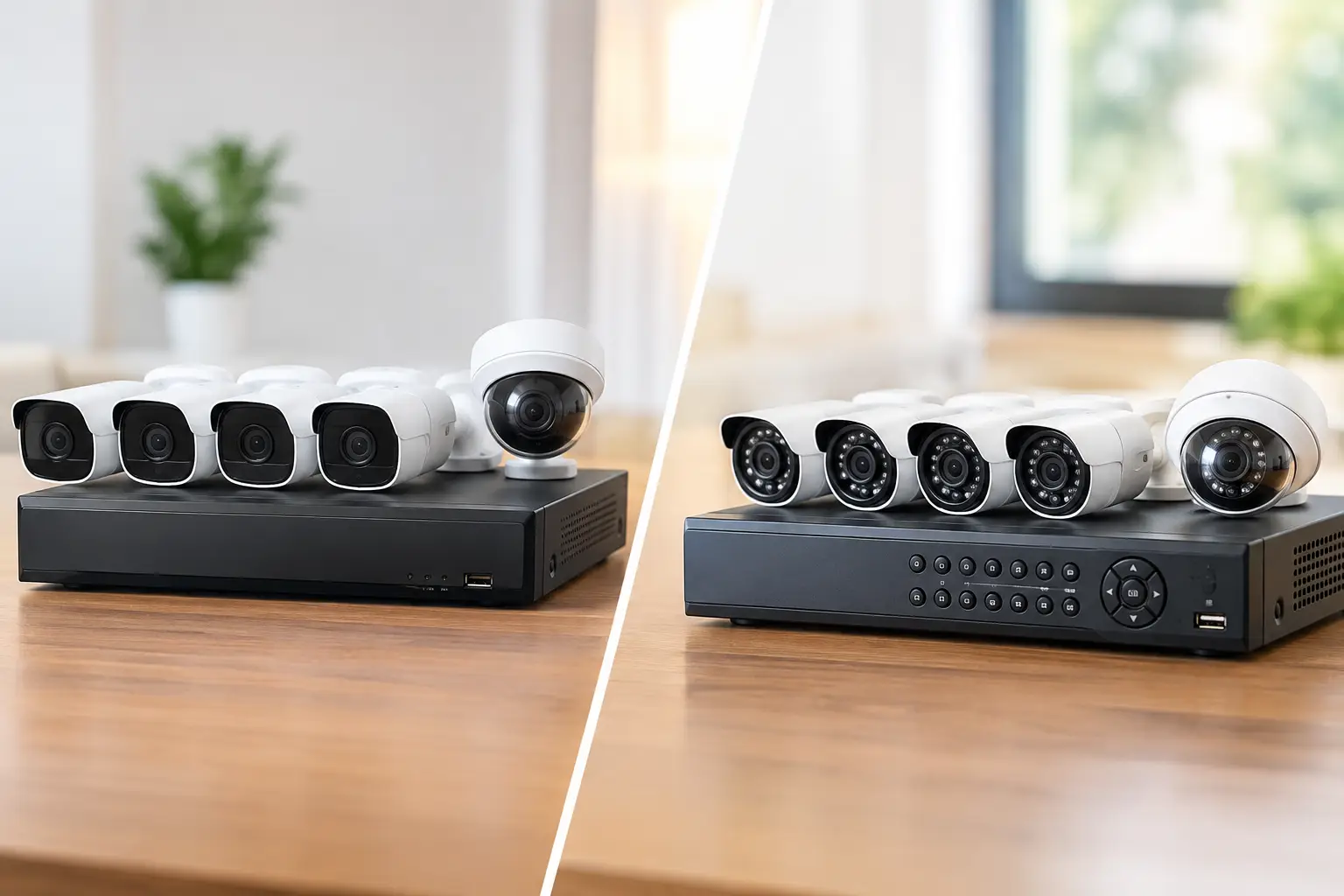
Dome cameras are a clean option for indoor ceilings, covered entries, offices, and retail areas. Their direction is less obvious to casual visitors, and many models are designed to resist tampering. Bullet cameras are more visible and can act as a deterrent at driveways, perimeter lines, loading areas, and exterior doors.
Turret cameras are popular for both homes and businesses because they are compact, easy to aim, and often perform well in low light. Pan-tilt-zoom cameras can cover broad outdoor areas and allow an authorized user to follow activity, but they are not a substitute for fixed cameras at critical choke points. A PTZ camera can only look in one direction at a time.
Specialized cameras also have a place. A dedicated license plate camera needs the correct angle, distance, shutter settings, and lighting to produce useful captures. Fisheye cameras can provide a broad view of a lobby or open room, though they trade detailed distance coverage for a wide field of view. The right choice depends on the job the camera must do.
Night Vision, Lighting, and Image Quality
Most security incidents do not occur under perfect lighting. Infrared night vision helps cameras see in darkness, but it has limits. Reflective surfaces, glass, nearby walls, and deep shadows can affect the image. Color night vision can be valuable in an entryway or parking area with enough ambient lighting, while a completely dark side yard may need infrared illumination or carefully placed exterior lighting.
Good camera placement also avoids looking directly into headlights, sunrise glare, or a bright window whenever possible. Wide dynamic range settings can improve scenes with bright and dark areas, but they cannot correct every poor angle. A technician should test real viewing conditions rather than relying only on a daytime image during installation.
Hardwired Cameras Versus Wi-Fi Cameras
Wi-Fi cameras are convenient in limited situations, especially where running cable is not practical. They can work well for a single interior camera, a short-term need, or a location with a strong, stable wireless signal. But wireless cameras depend on signal quality, battery charging or local power, and the performance of the same network used by phones, TVs, laptops, and smart devices.
For most full-property systems, hardwired IP cameras are the stronger long-term choice. Power over Ethernet, often called PoE, carries both power and data over one properly installed network cable. That means no routine battery changes, more stable video transmission, and centralized management through a network video recorder.
Hardwired installation requires thoughtful cable routing, weather-rated exterior materials where needed, surge protection, and a network designed for the video load. It is more involved upfront, but it usually provides better reliability and cleaner ownership over time. For commercial facilities, new construction, major remodels, and homes where access is available, running cable during the project is often the most cost-effective moment to do it.
Recording, Remote Access, and Smarter Alerts
A camera is only useful if the right footage is available when you need it. Local recording to a network video recorder offers predictable storage and keeps video under your control at the property. Cloud recording can add off-site protection and easier access, but it may involve recurring fees and depend on internet upload capacity. Many properties benefit from a hybrid approach that combines local recording with cloud access or backup for selected cameras.
Retention time depends on camera count, resolution, motion activity, recording schedules, and storage capacity. A system recording several 4K cameras continuously will use space quickly. Motion-based recording conserves storage but must be tuned correctly. If alerts are too sensitive, wind, headlights, insects, and passing cars can create nonstop notifications. If they are too restrictive, the event you needed may not trigger a recording.
AI-powered person, vehicle, and package detection can make alerts more useful by filtering ordinary motion. These tools are practical, not magic. Their accuracy depends on camera angle, lighting, scene complexity, and configuration. The goal is to create alerts that prompt attention without turning every phone notification into background noise.
IP Cameras in Las Vegas Need a Network Plan
Security cameras are part of the technology infrastructure, not a separate afterthought. High-resolution video uses bandwidth, and remote viewing relies on stable internet service, sound router configuration, and secure account management. A poorly planned camera deployment can slow down a business network or overwhelm a home Wi-Fi system.
For larger homes, offices, retail locations, and multi-building properties, separating surveillance traffic from everyday devices can improve performance and security. Managed switches, properly sized PoE power budgets, battery backup, and secure remote access all contribute to a system that holds up when it matters. A power outage should not leave a property blind immediately, and default passwords should never be left in place.
Camera systems can also work alongside access control, gate systems, alarms, intercoms, and network support. When these systems are planned together, a property owner avoids conflicting equipment, duplicate work, and the familiar problem of several vendors each blaming the other system.
Professional Installation Makes the Difference
A quality installation is not just mounting cameras and downloading an app. It includes measuring coverage, selecting appropriate lenses, routing and labeling cable, protecting exterior connections, configuring recording, setting user permissions, and verifying footage in realistic conditions. It should also include a walkthrough so the owner knows how to view video, search events, export clips, and adjust the features they are authorized to manage.
Las Vegas Tech Pros designs surveillance around the property and the people who use it. That can mean discreetly routed wiring for a residence, a scalable camera and network plan for a growing business, or coordinated cabling and access control for a commercial project. The focus is straightforward: usable video, dependable hardware, and support from a local team that can respond when something needs attention.
A well-planned camera system should feel quiet when everything is normal and immediately useful when a question needs answering. Start with the areas that matter most, build the network to support them, and choose installation quality that protects the investment long after the first live view appears on your phone.