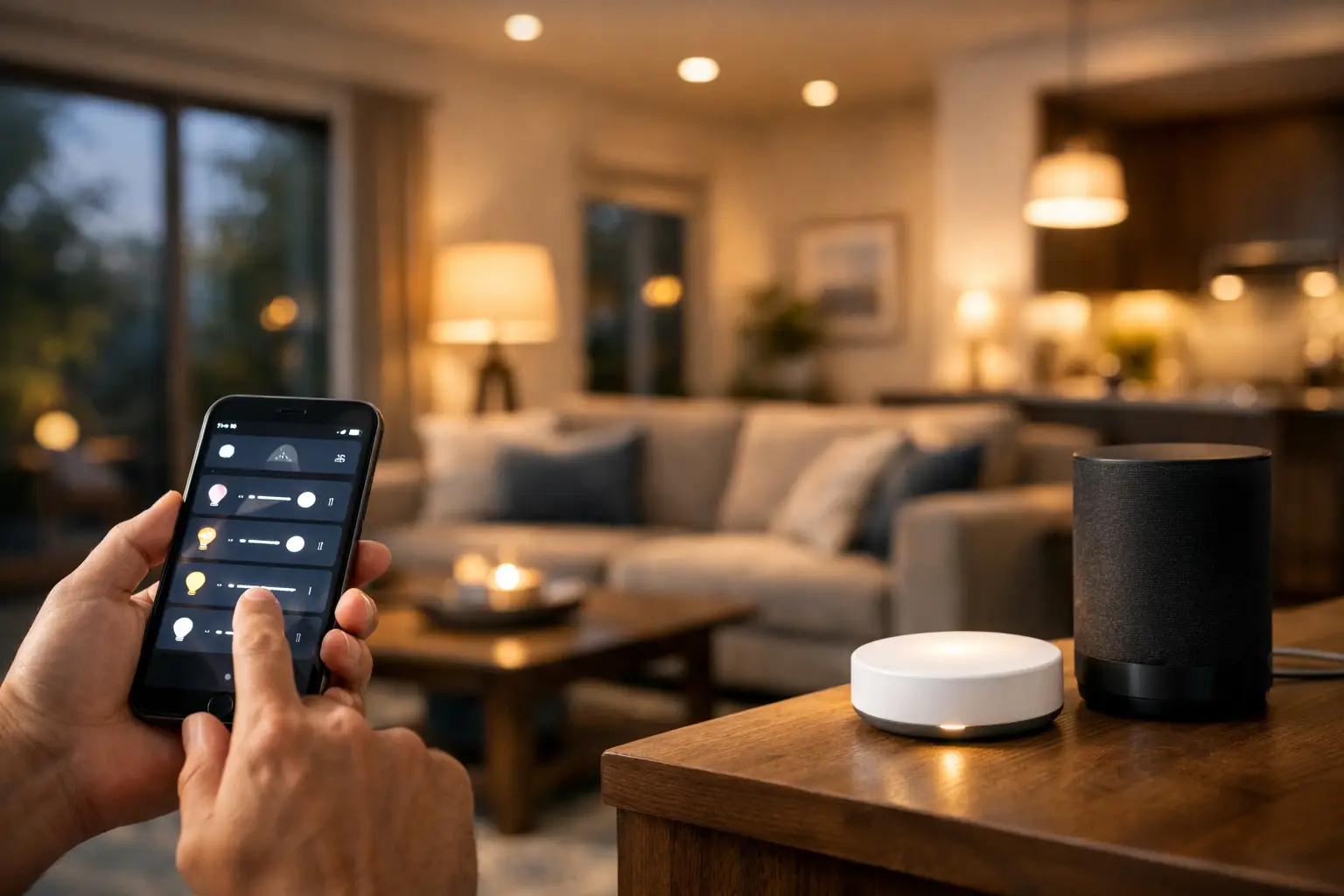
The problem usually is not the smart bulbs or the app. It is the scene design. If you are wondering how to design smart lighting scenes that actually make daily life easier, start by thinking less about gadgets and more about what people are doing in the room. Good lighting scenes should feel automatic, useful, and easy to repeat without constant tweaking.
A lot of homes and small commercial spaces end up with smart lighting that looks impressive during setup and then gets ignored. One scene is too bright at night, another changes too many lights at once, and a third only makes sense to the person who programmed it. A better approach is to build scenes around routines, time of day, and the way each space needs to function.
What smart lighting scenes should actually do
A lighting scene is simply a preset combination of brightness, color temperature, on and off states, and sometimes shade position or device timing. The point is not to show off every feature in your system. The point is to reduce decisions.
In a kitchen, that might mean full, clear task lighting in the morning and softer perimeter lighting late at night. In a media room, it may mean keeping pathway lights dim while turning off glare near the screen. In an office, the right scene can help people stay alert during work hours and tone the room down for presentations or after-hours cleaning.
The best scenes do three things well. They support the activity, they are easy to trigger, and they stay consistent. If a scene feels unpredictable, most people stop using it.
How to design smart lighting scenes room by room
The easiest way to answer how to design smart lighting scenes is to separate the room from the routine. Start with the purpose of the space before you touch the app.
Start with activities, not fixtures
Many people begin by naming a scene after the hardware, like “pendants on” or “living room lamps.” That works for troubleshooting, but it is not how people live. People think in terms of “movie time,” “getting ready,” “closing up,” or “late-night hallway.” Scene names and settings should match those moments.
Take a primary bedroom. You might need a morning scene with gradual brightness and warm-to-neutral white light, a reading scene with targeted bedside lighting, and a night scene with very low output that does not wake anyone fully. The overhead fixture may be part of all three, but the scene should reflect the use case.
For a small business, scenes often map to operations. “Open,” “lunch,” “meeting,” and “close” are more useful than names based on switch banks. That makes training easier and cuts down on mistakes.
Build around layers of light
Strong scene design usually combines ambient, task, and accent lighting. Ambient light fills the room. Task light helps you work, cook, read, or clean. Accent light adds depth and keeps the room from feeling flat.
If every scene relies on one bright ceiling fixture, the space will feel harsh and limited. On the other hand, if you use only accent lighting, the room may look good but function poorly. Balance matters. A dinner scene, for example, often works better with lower ambient light, some accent lighting around the room, and minimal glare over the table.
This is where hardwired dimmers, smart switches, and fixture selection make a real difference. A well-designed system gives you enough control points to create useful layers instead of just brighter and darker versions of the same room.
Use brightness and color temperature with purpose
Brightness is only half the equation. Color temperature changes how a space feels and functions. Cooler white light can help with visibility and focus. Warmer light usually feels better in the evening and in spaces meant for relaxing.
That said, there is no universal setting that works everywhere. A kitchen prep area may benefit from cleaner, brighter light, while a living room scene at 9 p.m. usually should not look like a retail showroom. In a medical office or workspace, consistency may matter more than mood. In a custom home, comfort and aesthetics may take priority.
If your fixtures support tunable white or color control, use those features sparingly and intentionally. Most people get more long-term value from a few dependable white-light scenes than from constantly changing colors. Color can be fun for holidays, entertaining, or branded commercial spaces, but for daily use, subtle usually wins.
Common mistakes when designing lighting scenes
The biggest mistake is overbuilding. Too many scenes create friction. If a family has to scroll through ten presets just to dim the house at night, the system is doing extra work instead of saving it.
Another common issue is trying to force one scene to fit every hour of the day. A “living room” scene that works at noon may feel far too bright after sunset. Time-based variations often solve that. The same button or voice command can trigger different lighting levels depending on when it is used.
Poor zoning also causes problems. If one switch or scene controls too many unrelated fixtures, simple tasks become annoying. Someone trying to grab water at midnight should not have to light up the entire first floor. Breaking lighting into practical zones makes scenes far more useful.
Then there is the app problem. If your scene depends on opening an app, tapping through menus, and waiting for devices to sync, it will not become part of the routine. Wall controls, keypads, motion triggers, schedules, and geofencing often work better than phone-first control alone.
Make scenes easy for everyone to use
A good smart lighting system should work for family members, guests, staff, and property managers without a training session. That means labels should be obvious, button layouts should be simple, and automations should make sense.
Keep the number of core scenes small
Most rooms only need a few primary scenes. Think day, evening, task, and off, with one specialized option if the room has a clear secondary use. A home theater might also need cleaning mode. A conference room might need presentation mode.
When every room has seven custom scenes, adoption drops. The more practical move is to create a small set of scenes people will actually remember and use.
Match trigger methods to the space
The right trigger depends on how the room is used. Bathrooms, pantries, hallways, and storage areas are good candidates for occupancy or vacancy sensing. Bedrooms and media spaces usually benefit from manual control with predictable presets. Outdoor lighting often works best on schedules, astronomical timers, or security-based triggers.
In larger homes and commercial properties, scene control can also be tied into broader automation. That may include shades, security, access control, or AV systems. This is useful, but only when the sequence is reliable. If one failure breaks the whole routine, the convenience disappears fast.
How to design smart lighting scenes for security and comfort
Security scenes deserve a different mindset than comfort scenes. For comfort, you are trying to make the space feel right. For security, you are trying to support visibility, deterrence, and predictable behavior.
Exterior scenes should avoid dark gaps around entries, gates, driveways, and side yards. Motion-triggered floods can help, but constant false triggers become a nuisance. A layered approach usually works better, with low-level evening lighting for visibility and selective brighter response when motion is detected.
Inside the property, late-night scenes should guide movement safely without blasting full brightness. Hallways, stairs, and bathrooms benefit from low-level nighttime presets that reduce trip hazards and keep the house comfortable.
For vacation or after-hours settings, realism matters. Randomized schedules can be helpful, but they should still reflect believable use patterns. Lights turning on at strange hours or in odd combinations can draw attention instead of reducing it.
Test, adjust, and expect a second round
No one gets every scene perfect on day one. That is normal. The first version should be functional, then refined based on real use.
Watch what gets used and what gets ignored. If a scene is never triggered, ask why. It may be unnecessary, too bright, poorly named, or simply in the wrong location. If people keep overriding a preset, the system is giving the wrong answer for that moment.
This is also where professional planning helps. Fixture type, dimming compatibility, switch placement, low-voltage infrastructure, Wi-Fi strength, and platform choice all affect scene performance. When the design is done well from the start, scenes feel natural instead of experimental. That is one reason many property owners in Las Vegas choose a single technology partner who can look at lighting, networking, controls, and device integration together instead of piecing it out across multiple vendors.
Smart lighting should not add one more thing to manage. It should remove friction from mornings, evenings, workdays, and after-hours routines. If you design scenes around real behavior, keep controls simple, and adjust based on actual use, the system starts doing what it was supposed to do all along – helping the space work better for the people in it.
The best scene is usually the one nobody has to think about.