A doorbell camera should do more than send a blurry clip after someone has already left. The best doorbell camera features help you see who is at the entrance, decide whether an alert matters, communicate from wherever you are, and keep useful footage when an incident occurs. For homes, offices, rental properties, and community entrances, the right setup comes down to visibility, reliability, and how the device fits into the rest of your security system.
A low-cost camera may appear to check the box, but it can create frustration when alerts arrive late, faces are washed out by desert sun, or recordings disappear behind a subscription limit. Before choosing a model, focus on the features that solve the problems you actually expect at your front door, gate, loading area, or suite entrance.
Best Doorbell Camera Features That Matter Most
Clear video with useful framing
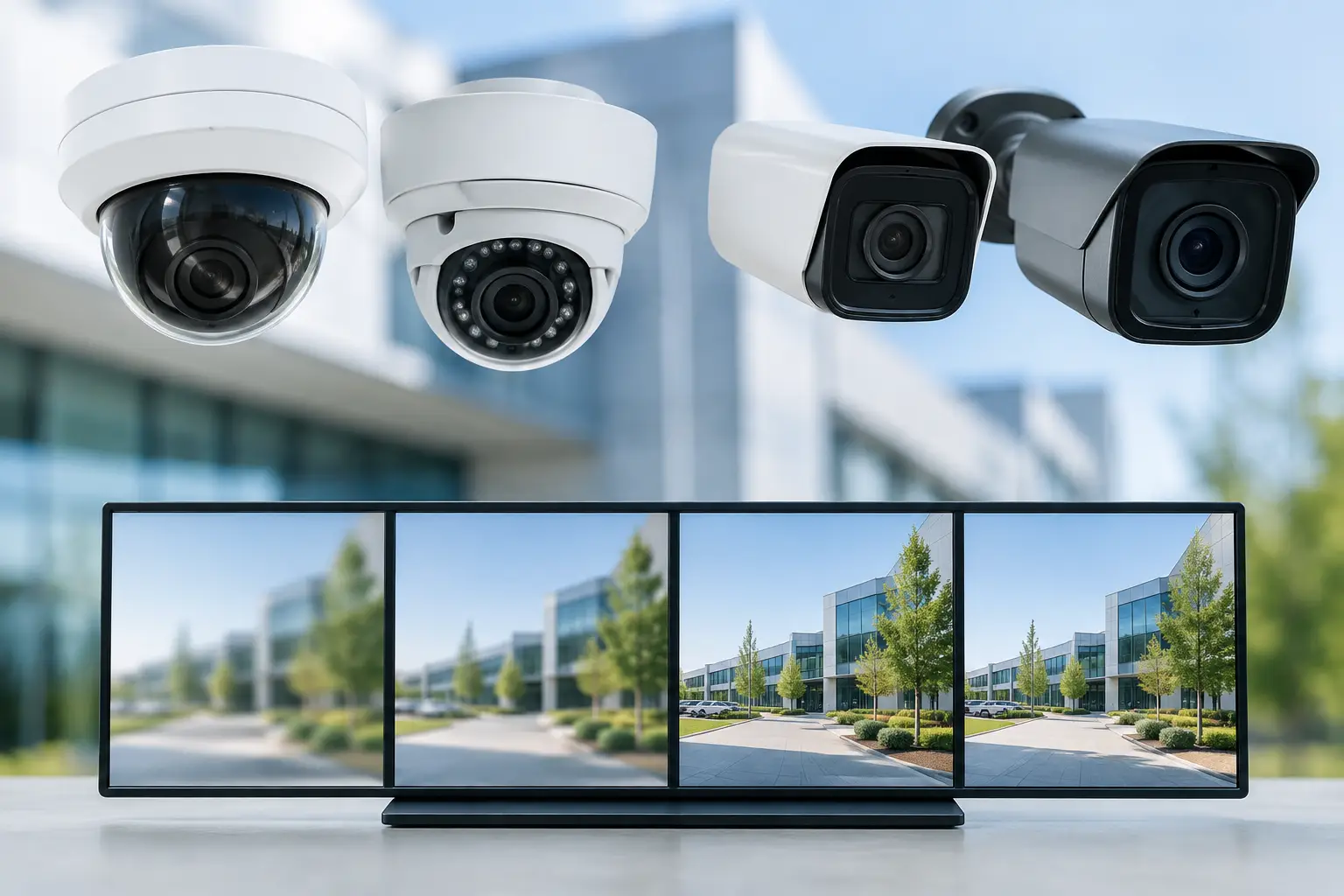
Resolution matters, but it is not the whole story. A 2K or 4K camera can provide more detail than a standard HD model, which can help identify a visitor, read a delivery label, or review activity near the entrance. However, a higher-resolution camera also needs a strong Wi-Fi connection or a reliable hardwired network path to deliver that quality consistently.
Look closely at the field of view and aspect ratio. A wide horizontal view is useful for capturing a walkway, driveway edge, or adjacent entry path. A taller, head-to-toe view is often more useful at a residential front door because it shows both a visitor’s face and packages left at the threshold. Some cameras advertise a very wide lens but distort faces at the edges, so real-world image quality is more valuable than a large number on a product box.
For commercial doors, framing should account for the actual traffic pattern. An office suite may need a view of the visitor and the hallway. A retail rear entrance may need coverage of the approach, delivery area, and door hardware. Camera placement is as important as camera resolution.
Accurate motion and person detection
Every motion alert is not a security event. Cars passing, palm fronds moving, headlights, pets, and neighborhood foot traffic can overwhelm a camera that only detects broad movement. Smart detection that distinguishes people, packages, vehicles, and sometimes animals makes notifications much more useful.
The key is control. A good system lets you create activity zones so the camera watches the porch, gate, or door approach without constantly reacting to the street. It should also let you adjust sensitivity and choose which event types send alerts. For example, a homeowner may want an immediate person alert at the front door but only a recorded vehicle event in the driveway. A business may need person alerts during closed hours while muting expected activity during the day.
AI detection is helpful, but it is not perfect. Lighting changes, unusual angles, costumes, uniforms, and partial views can affect accuracy. Treat smart alerts as a way to prioritize attention, not as a replacement for proper camera coverage or access control.
Strong night vision and challenging-light performance
Doorways are difficult camera environments. Visitors may stand under a porch light while the background is dark, or they may be backlit by a bright Las Vegas afternoon. At night, a camera needs enough infrared range and image processing to show a face clearly instead of producing a bright silhouette or gray blur.
Infrared night vision is common and effective for many front doors. Color night vision can provide more context, such as clothing color or vehicle color, but it generally needs some available light. Some models use a built-in spotlight to produce color footage, which can be useful as a deterrent but may not be ideal near a bedroom window or in a location where it will bother neighbors.
Look for wide dynamic range, often listed as WDR or HDR. This feature helps a camera handle bright sun and deep shadows in the same frame. It is especially valuable at entrances facing west, open parking areas, or glass doors where glare is a constant issue.
Fast, dependable two-way audio
Two-way audio lets you speak to a delivery driver, greet a client, give directions to a contractor, or tell an unexpected visitor that you are unavailable. The useful version of this feature has clear sound, limited delay, and enough volume to be heard through a closed door.
For business use, consider whether audio is appropriate for the space and your policies. A doorbell camera at a private office entrance may be practical. At a medical facility or customer-facing property, placement, recording settings, and privacy expectations need more thought. In many cases, a doorbell camera works best alongside a separate access control intercom rather than trying to make one device handle every function.
Reliable recording and storage options
A live alert has limited value if there is no recording when you need to review an event later. Doorbell cameras commonly use cloud storage, local storage, or a combination of both. Cloud storage can make clips easy to access remotely and protects recordings if the device is stolen or damaged. Local storage can reduce recurring fees and may offer more control over retention.
Review the details before purchasing. Some systems save only short event clips, while others support continuous recording. Some require a subscription for person detection, longer history, or video downloads. Continuous recording is usually more practical with a hardwired camera and dedicated storage because battery-powered models are designed to preserve power by recording only when triggered.
For a business, HOA, or property with multiple cameras, it can make sense to use a centralized recorder rather than manage separate subscriptions and apps for every device. This also makes it easier to establish retention periods and review footage from one location.
Wired vs. Battery Doorbell Cameras
Battery doorbells are convenient where existing doorbell wiring is unavailable or where running a cable would be difficult. They can be a sensible solution for apartments, temporary installations, and some residential entries. The trade-off is maintenance. Battery life changes based on temperature, motion activity, Wi-Fi signal strength, and how often live video is used.
A wired doorbell camera is usually the better long-term choice when the location allows it. It avoids routine charging, supports faster wake-up behavior on many models, and is better suited to busy entrances. A hardwired connection does not automatically guarantee continuous recording, but it gives the device a more dependable power source.
Las Vegas heat adds another consideration. Direct sunlight and high summer temperatures can affect battery performance and shorten the life of outdoor electronics. Selecting a camera rated for the local climate, using a shaded mounting location when possible, and protecting wiring from exposure all contribute to a more reliable installation.
Wi-Fi quality is a security feature
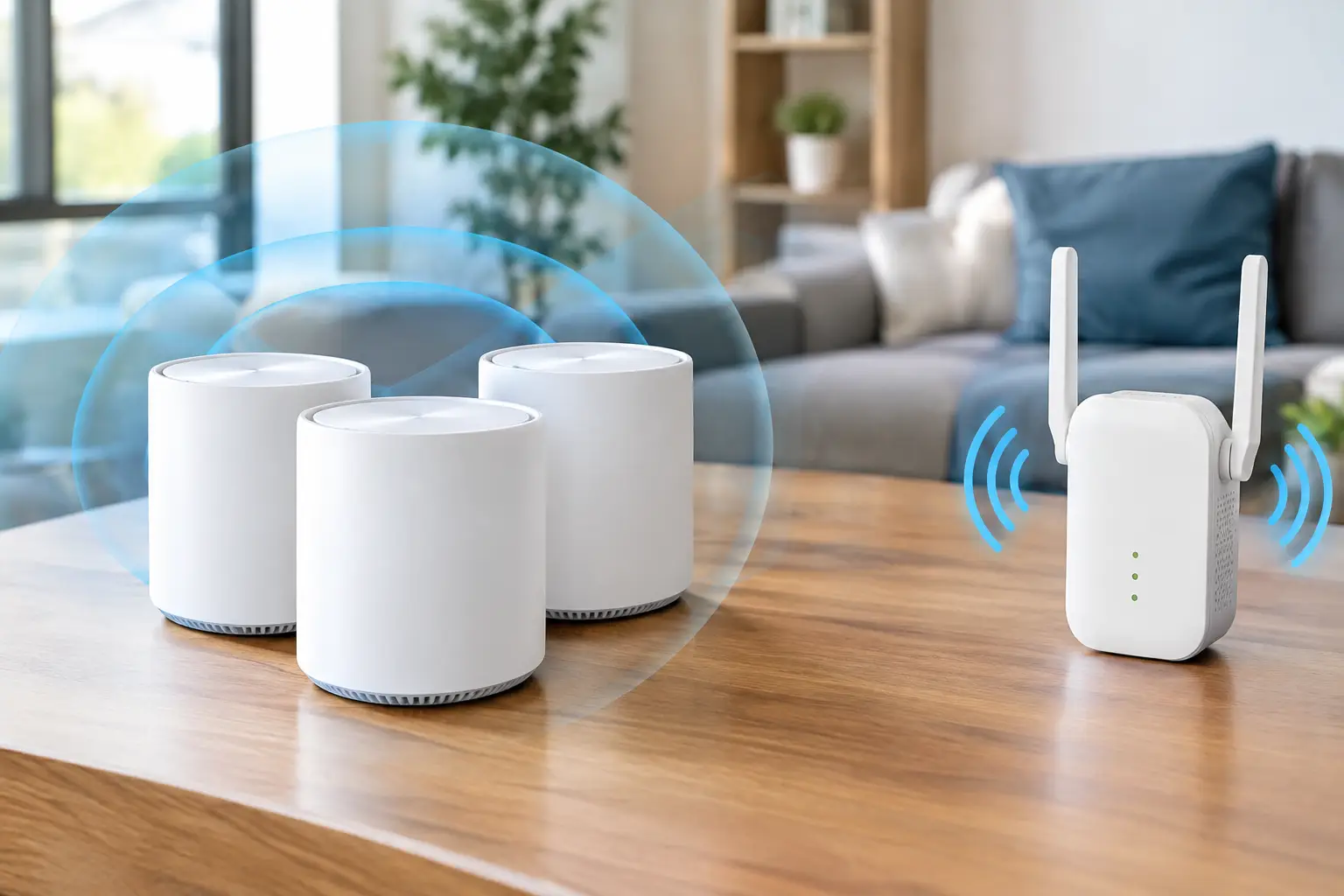
A camera cannot send a useful alert through a weak network. If the doorbell camera sits near the edge of Wi-Fi coverage, you may see delayed notifications, failed live views, missing clips, and repeated disconnects. This is common in larger homes, properties with block walls, detached garages, and commercial spaces with dense construction materials.
Before installing a camera, test signal strength at the actual mounting location. A mesh Wi-Fi node, professionally placed access point, or wired network connection may be needed to make the system dependable. Avoid relying on a signal test performed inside the home or office, since exterior walls, metal doors, and stucco can reduce coverage substantially.
Network security matters as well. Use a strong, unique account password, enable multi-factor authentication when available, keep firmware current, and avoid placing security devices on an unmanaged guest network. For commercial installations, separating cameras and smart devices from day-to-day business computers can improve performance and reduce risk.
Features That Make a Doorbell Camera Easier to Live With
The best device is one that people will keep using correctly. A well-designed app should make it easy to answer alerts, view recorded events, share a clip if necessary, and manage access for family members or authorized staff. It should not require every user to share one master password.
For properties with more than one entry, consider multi-user permissions, multiple chime options, and integrations with locks, gates, or existing surveillance cameras. A homeowner may want the doorbell to trigger a chime inside the house and a notification on a phone. A property manager may need selected staff to receive alerts only for a specific building or entrance.
When comparing models, use this practical checklist:
- Head-to-toe video coverage that suits the doorway and package area.
- Person detection and adjustable motion zones to reduce false alerts.
- Clear night vision and HDR for faces in bright sun or deep shade.
- Storage options that match the amount of history you need.
- A power and network plan that will remain reliable after installation.
When a Doorbell Camera Is Not Enough
A doorbell camera is designed around an entrance, not around complete property protection. It may not see someone approaching from the side, activity at a vehicle gate, a package area outside its field of view, or movement after a visitor leaves the doorstep. Blind spots are a common reason customers believe a camera failed when the real issue is that the camera was never positioned to capture the event.
For larger homes and commercial properties, pair the doorbell camera with properly placed exterior cameras, reliable Wi-Fi or hardwired network connections, and access control where appropriate. Las Vegas Tech Pros can design these pieces as one practical system instead of leaving you to manage separate camera, cabling, network, and entry vendors.
The right doorbell camera should give you a clear view and a timely answer, not another app that creates noise. Start with the entrance you need to protect, the lighting and network conditions at that location, and the footage you would need if something went wrong. That approach leads to a system you can rely on every day.