A smart home should make an ordinary Tuesday easier, not give you another app to troubleshoot. The best Henderson home automation is built around the way your household actually lives: how you enter the house, where Wi-Fi drops out, which rooms get used most, and what needs to stay protected when you are away.
For some homeowners, that means cameras and a video doorbell that provide useful alerts instead of constant notifications. For others, it means whole-home Wi-Fi that works in the backyard, controlled lighting for an empty home, or an AV system that does not require three remotes and a manual. The right system is not the one with the most devices. It is the one that handles real friction points reliably.
What the Best Henderson Home Automation Should Solve
Henderson homes range from compact properties to large custom builds with multiple floors, outdoor living areas, detached garages, and guest spaces. Those details matter. A device that works well in a small apartment may not provide dependable coverage across a larger home with concrete block walls, metal framing, or a pool area.
Start with the problem, not the product. If your family is tired of weak internet upstairs, a smart thermostat will not fix it. If package deliveries and side-gate activity are a concern, adding more indoor smart speakers misses the point. A useful automation plan identifies the underlying infrastructure first, then layers in the equipment that makes sense.
Security, connectivity, lighting, entertainment, and access are often connected. A camera system needs a stable network. A smart lock needs reliable power, appropriate placement, and a clear plan for guest access. A home theater works better when the network, display, audio, and controls are designed together. Coordinating those systems from the beginning prevents the usual patchwork of devices that do not communicate well.
Start With the Network Before Adding Smart Devices
Home automation depends on the network behind it. When Wi-Fi is inconsistent, smart cameras go offline, mobile controls lag, streaming buffers, and voice commands become unreliable. That can make good hardware look like a bad purchase.
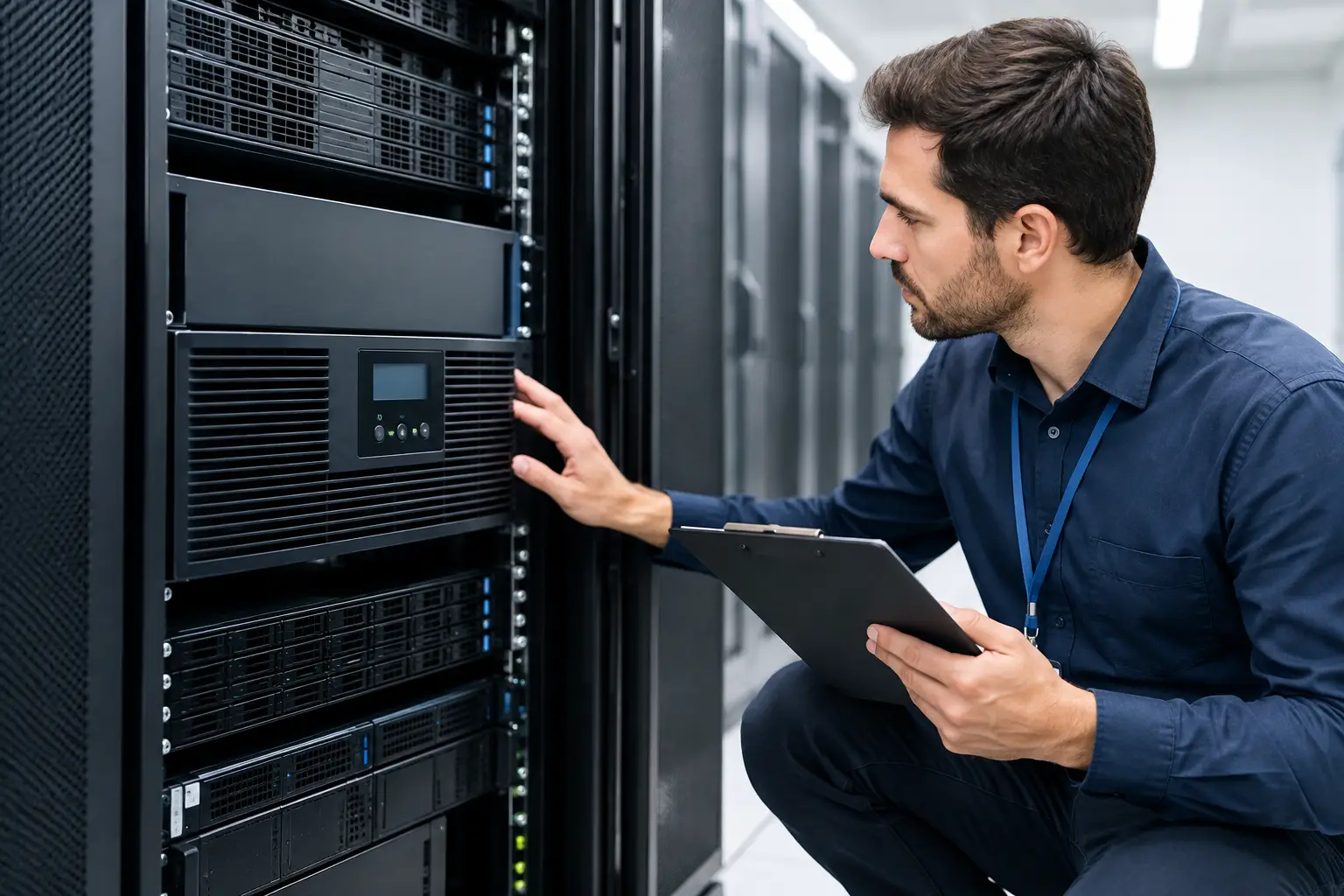
A professional assessment looks beyond the internet plan. It considers router placement, access point coverage, wiring opportunities, interference, the number of connected devices, and where people need signal most. In many homes, the answer is not simply buying a stronger router. It may be adding properly placed wired access points, improving cabling, or separating critical security devices from everyday guest traffic.
Hardwired connections are especially valuable for cameras, access points, TVs, and permanent AV equipment. They are generally more dependable than relying on Wi-Fi alone, and they reduce the burden on the wireless network. Wireless equipment still has a place, particularly where running cable is impractical, but it should be a deliberate choice rather than the default for every device.
Build Security Around Useful Information
A security system should help you understand what happened at your property without making you sort through hours of useless footage. Camera placement, lighting conditions, field of view, storage options, and notification settings all determine whether a system is genuinely helpful.
For many Henderson properties, the priority areas are the front entry, driveway, side gates, backyard, pool access, and exterior doors. A camera pointed in the wrong direction can leave an important approach uncovered. A poorly mounted camera may capture faces only after someone has already passed through the frame. Professional placement is not just about getting a camera on the wall. It is about creating coverage that supports how the property is used.
AI-based person, vehicle, and motion detection can reduce nuisance alerts when configured correctly. It is not magic. A poorly configured system may still notify you about shadows, moving trees, or neighborhood traffic. The goal is to create alert zones and rules that fit the property, then make sure you can review live and recorded video from your phone when needed.
Homeowners should also consider whether they prefer local recording, cloud storage, or a combination of both. Local recording can provide more control and may avoid recurring storage costs. Cloud storage can offer convenience and off-site access. The better option depends on the number of cameras, retention needs, internet reliability, and how much ongoing management you want.
Choose Automation That Fits Daily Routines
The strongest automations tend to be simple. A good arrival scene might turn on entry lighting, adjust the thermostat, and disarm selected alerts after an authorized code or mobile command is used. A bedtime routine can turn off common-area lights, lock exterior doors, and confirm that the garage is closed.
Lighting control is often one of the most immediately useful upgrades because it improves comfort, convenience, and security at the same time. Scheduled exterior lights can make a property look occupied while you travel. Dimmable scenes can make entertaining, movie nights, and early mornings more comfortable. In a larger home, centralized control also eliminates the need to walk room to room checking switches.
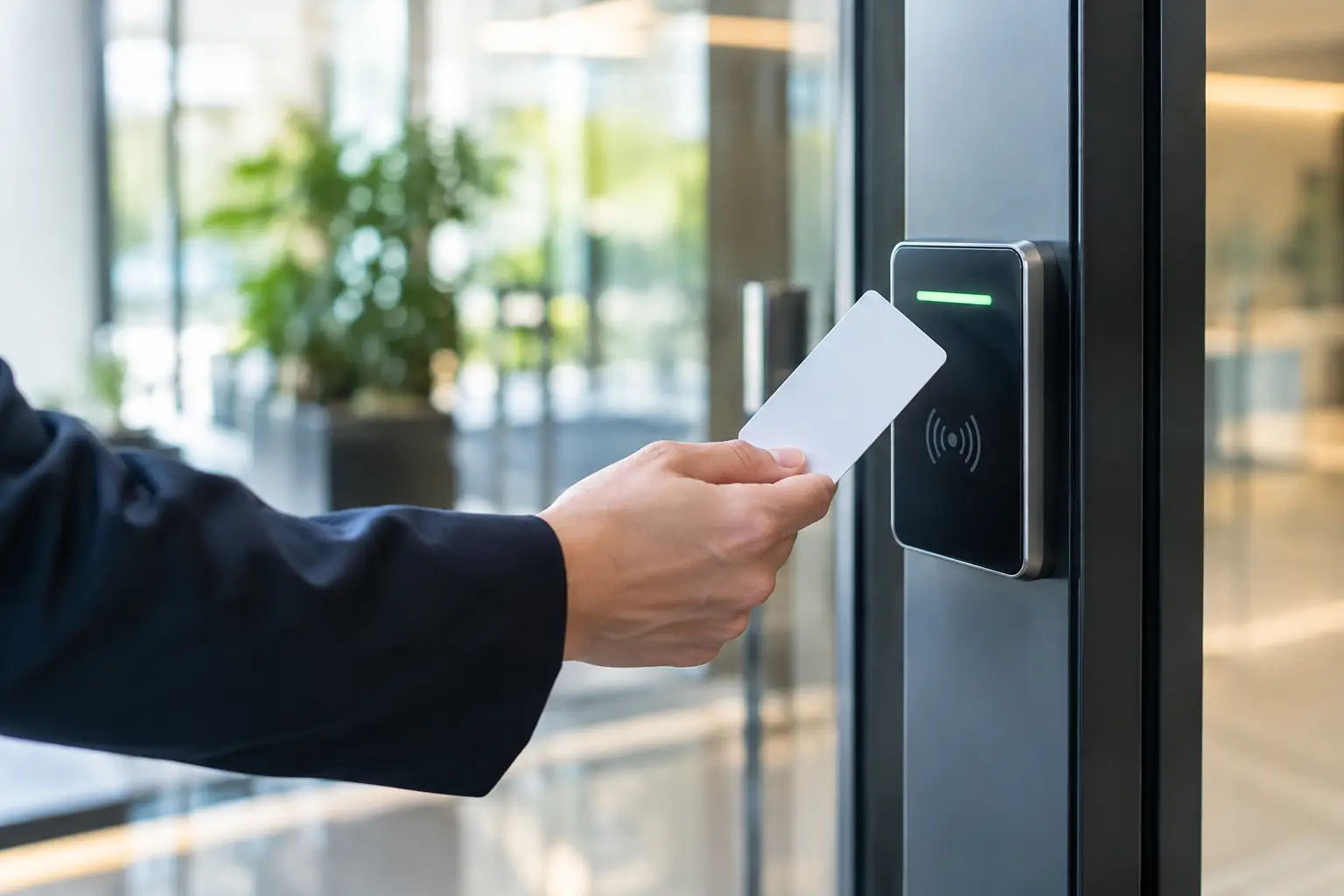
Smart locks and access control can be equally practical, especially for families with teenagers, frequent visitors, house cleaners, or service professionals. Temporary codes allow access without handing out physical keys, while activity records can show when a door was opened. The trade-off is that these systems need a clear backup plan. Homeowners should know how to access the home during a power outage, dead battery, or network interruption.
Voice control can be convenient for lights and music, but it should not be the only way to operate essential systems. Physical switches, wall keypads, and simple mobile controls remain important. The best setup gives you options instead of forcing every task through a phone or voice assistant.
Make Entertainment Easy to Use
A wall-mounted TV, surround sound, distributed audio, and home theater equipment can look excellent and still be frustrating if the controls are confusing. Entertainment automation should reduce the number of steps between sitting down and watching something.
That may mean a single remote or keypad that turns on the display, selects the right input, adjusts audio, and starts the preferred streaming setup. In a dedicated theater, it can include lighting scenes and projector control. In an outdoor living space, it may mean weather-appropriate equipment, protected connections, and Wi-Fi coverage that reaches the patio without dropping out.
Installation quality matters here. Concealed low-voltage wiring, properly supported TV mounts, equipment ventilation, and organized racks protect the investment and keep future service straightforward. A clean installation also makes it easier to add speakers, cameras, or upgraded network equipment later.
Avoid the One-App-for-Everything Problem
It is easy to accumulate smart devices one purchase at a time. A thermostat comes with one app, cameras with another, lights with a third, and the TV system with several more. Each device may work individually, but the household ends up with a confusing collection of logins, subscriptions, and notifications.
A better approach is to choose compatible systems and establish a central control strategy. That does not always mean replacing every existing device. A qualified installer can often evaluate what is worth keeping, what can be integrated, and where a replacement will prevent recurring problems.
There is also a cost consideration. A fully integrated system with custom controls, structured wiring, and centralized equipment is a strong fit for major renovations, new construction, or larger properties. A more focused setup may be smarter for a homeowner who only needs better Wi-Fi, camera coverage, and a few lighting or access routines. The best investment is the one that meets the current need while leaving room to grow.
Why Local Installation and Support Matter
Home automation is not a set-it-and-forget-it project. Passwords change, routers are replaced, apps update, and household needs shift. When the person who installed the system understands the network, security equipment, AV components, and wiring behind it, getting support is much easier.
Las Vegas Tech Pros provides homeowners with one local team for smart home planning, Wi-Fi optimization, security camera installation, low-voltage cabling, TV mounting, and AV integration. That broad coverage matters when a camera issue is actually a network issue, or when a theater upgrade requires both wiring and control changes.
Before moving forward, walk through your home with a clear list of frustrations and priorities. Identify the rooms that need better coverage, the entrances that need visibility, the routines you want to simplify, and the systems that must keep working. A well-planned smart home should feel less like a collection of gadgets and more like a house that is ready when you are.