A dropped video call during a client meeting, a payment terminal that loses connection at lunch, or Wi-Fi that disappears in the back office is not a minor inconvenience. In a busy urban business district, those problems cost time, sales, and confidence. A commercial network installer downtown Las Vegas businesses can depend on does more than hang access points and connect a few cables. They design the infrastructure that keeps daily operations moving.
Downtown properties bring their own mix of challenges: older buildings, tenant improvements, shared walls, dense wireless traffic, limited access windows, and equipment rooms that were not always designed for modern technology. The right installation starts with how your business works, then builds a network around it.
What a Commercial Network Installer Should Solve
A commercial network is the foundation for far more than employee internet access. It may support point-of-sale systems, VoIP phones, cloud applications, cameras, access control, digital signage, guest Wi-Fi, printers, AV equipment, and remote access for owners or managers. If the underlying design is weak, every connected system feels the impact.
That is why a professional installer begins with a site assessment. They need to understand the square footage, wall materials, existing cabling, internet service, equipment locations, and the number of people and devices using the network at busy times. A small law office, a medical practice, a restaurant, and a mixed-use commercial property may occupy similar-sized spaces, but they need very different network plans.
The goal is not simply to get devices online on installation day. It is to provide stable coverage, clean cable paths, enough capacity for growth, and a layout that can be serviced without tearing apart finished walls or guessing which cable serves which device.
Downtown Las Vegas Network Installation Starts With the Building
Downtown Las Vegas commercial spaces range from renovated historic properties to newer offices, retail suites, hospitality venues, and multifamily buildings. Construction details matter. Concrete, metal framing, glass storefronts, kitchen equipment, elevators, and neighboring Wi-Fi networks can all affect wireless performance.
A common mistake is treating Wi-Fi as a single-device purchase. One inexpensive router placed near the internet connection may work in a small open room, but it is rarely the right answer for a business with offices, storage areas, treatment rooms, patio seating, or multiple floors. Weak spots and overloaded access points create frustrating problems that employees often describe as “the internet being slow,” even when the internet service itself is not the issue.
A better approach uses properly placed commercial wireless access points connected by hardwired cabling. Placement should be based on the physical space and usage patterns, not just where it is easiest to mount equipment. In some spaces, several access points are necessary. In others, too many can create interference. It depends on the layout, construction, number of devices, and the applications your team relies on.
Cabling Is the Part You Do Not Want to Revisit
Low-voltage cabling is easy to overlook because most of it is hidden above ceilings, inside walls, or in conduits. Yet it is one of the most important parts of a commercial network. Quality Category cable supports computers, access points, cameras, phones, and many other systems while providing a stable connection that wireless alone cannot match.
Professional cabling work should include organized pathways, labeled runs, proper termination, testing, and a clean rack or wall-mounted network enclosure. Those details make a difference when a business expands, moves a desk, adds cameras, or needs fast troubleshooting later.
For new construction and tenant improvements, planning cabling early helps avoid costly changes after drywall, flooring, and millwork are complete. For occupied spaces, a local crew can coordinate work around business hours and keep disruption to a minimum. That is especially valuable for medical offices, retail locations, restaurants, and professional services firms that cannot afford a long interruption.
Separate the Traffic That Should Not Mix
One network for everything may be simple at first, but it can create security and performance issues. Employee computers, customer Wi-Fi, payment systems, cameras, smart TVs, building controls, and access control devices do not all need the same level of access.
A well-planned commercial network separates traffic into appropriate segments. Guest users can receive internet access without seeing business devices. Security cameras can stay isolated from office computers. Payment and operational systems can receive the priority and protection they need. This structure helps reduce risk and makes it easier to identify problems when something is not working correctly.
Security also includes the basics that are frequently missed: changing default passwords, securing network equipment, keeping firmware current, limiting administrative access, and using a business-grade firewall. No installation can eliminate every threat, but a thoughtful setup gives your business a much better starting point than a consumer router installed in a closet.
Plan for Cameras, Access Control, and AV From Day One
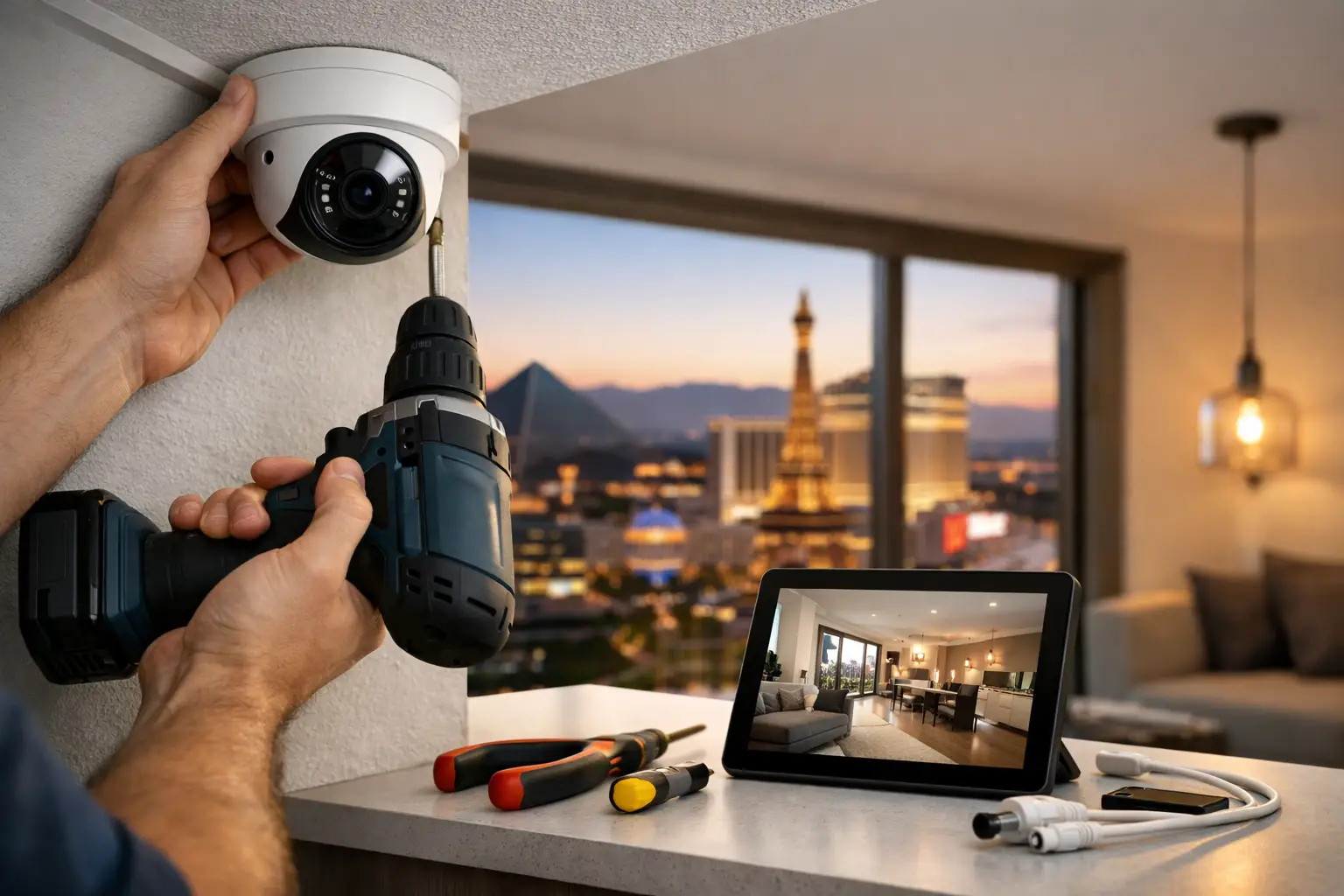
Many downtown businesses need more than data networking. Cameras may cover entrances, registers, inventory areas, parking access, or common areas. Access control may manage employee entry. Conference rooms may need displays, video conferencing, and reliable wireless presentation tools.
These systems share physical infrastructure with the network, even when they serve different purposes. Cameras and access readers often rely on Power over Ethernet, which sends data and power through a single cable. That can simplify installation, but it also means switch capacity, backup power, cable routes, and equipment placement must be planned correctly.
Working with separate vendors for networking, surveillance, access control, and AV can leave gaps between scopes. One provider may say the network is the issue while another says it is the camera or display. A single technology partner can coordinate the design, installation, and handoff so the full system is built to work together.
Avoid the Lowest-Bid Network Trap
Price matters, particularly during a build-out or relocation. But the lowest initial quote is not always the lowest cost over the life of the system. An installer who skips documentation, uses poorly placed hardware, leaves cables unlabeled, or installs equipment that cannot support your needs may create recurring service calls and expensive corrections.
Ask practical questions before selecting a commercial network installer in downtown Las Vegas. Will they assess the site before quoting? Are cabling runs tested and labeled? Can they support the network after installation? Will they coordinate with your internet provider, general contractor, property manager, or other trades when needed? Can they also handle cameras, access control, and AV if those systems are part of the project?
You should also ask who owns and controls the network after the job is done. Your business should have clear access to equipment credentials, documentation, and any relevant software accounts. A qualified installer will make the handoff understandable rather than leaving you dependent on guesswork.
Installation Is Only the Beginning
A network that works well at opening can still need attention as a business changes. Staff grows, cloud applications become more demanding, a new point-of-sale platform is added, or a neighboring tenant introduces more wireless interference. Ongoing monitoring and responsive support help identify issues before they become a full outage.
For businesses without internal IT staff, managed support can be particularly useful. Remote assistance handles many day-to-day issues quickly, while an on-site team is available when the problem involves cabling, hardware, wireless coverage, or a physical device. This combination gives small and mid-sized organizations practical support without needing to build a full in-house IT department.
Las Vegas Tech Pros provides commercial network installation, structured cabling, Wi-Fi optimization, surveillance, access control, AV, and ongoing IT support for businesses that want one accountable local team. The focus is straightforward: install technology correctly, document it clearly, and remain available when your business needs help.
If you are opening, renovating, relocating, or dealing with persistent connectivity problems, address the network before it becomes another daily fire drill. A careful site review and a plan built around your operations can turn technology from a source of interruptions into infrastructure your team rarely has to think about.