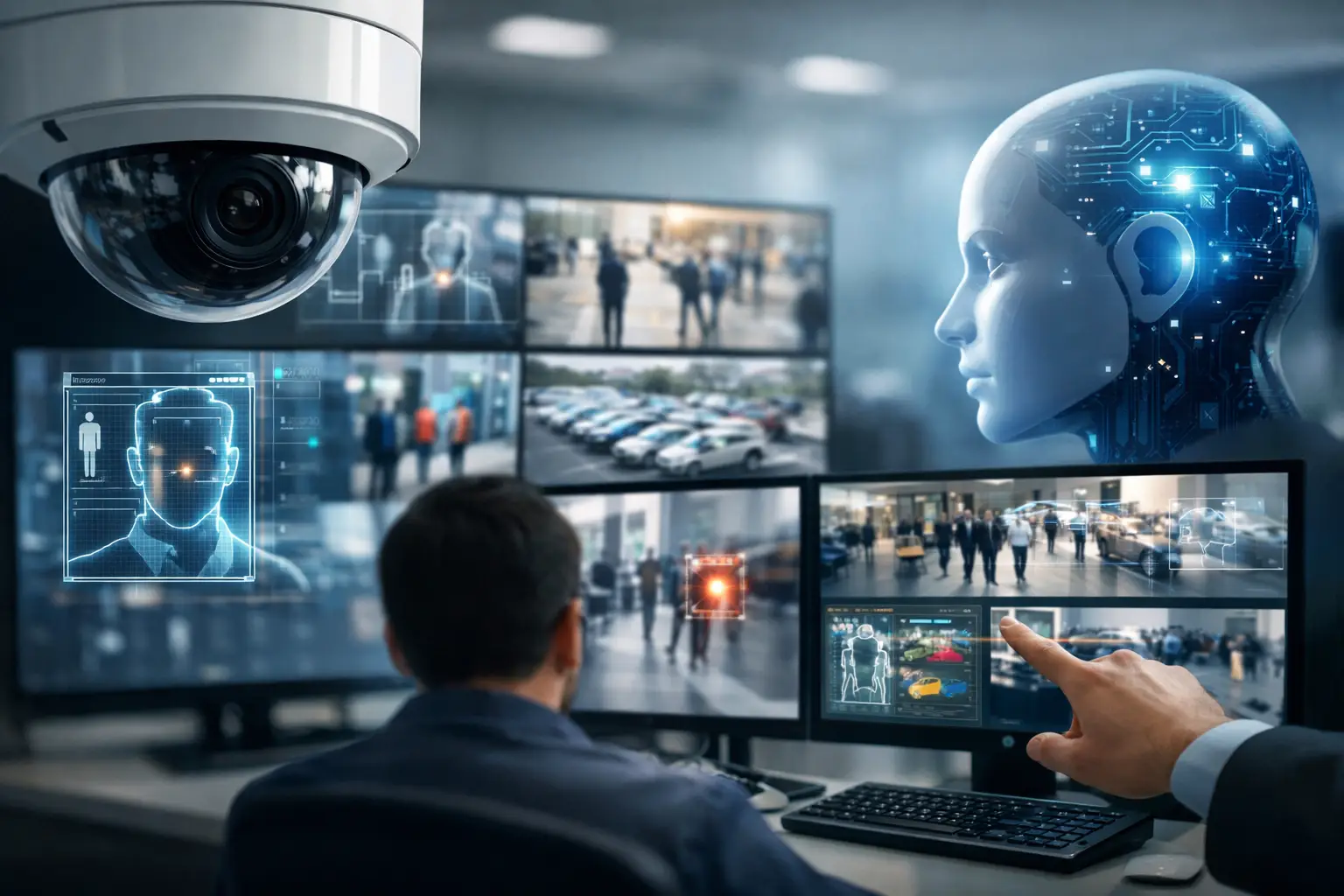
A camera that records an incident after the fact is no longer enough for many properties. The most useful commercial security technology trends help teams see a problem sooner, verify what is happening, and respond without wasting time on false alarms. For Las Vegas offices, retail sites, medical facilities, warehouses, HOAs, and multi-tenant properties, that shift affects far more than camera selection. It changes how surveillance, access control, networking, cabling, and ongoing support need to work together.
The goal is not to add technology for its own sake. It is to create a system your staff can operate under pressure, your manager can review remotely, and your business can rely on when an incident occurs.
Why Commercial Security Technology Trends Matter
Security systems are becoming more connected, more software-driven, and more dependent on the underlying network. A modern camera can identify a person crossing a restricted area, send a targeted alert, and let an authorized manager review live video from a phone. An access control system can show who entered a supply room, revoke a former employee’s credentials, and create a record without sorting through paper keys.
That capability is useful, but it also raises the stakes for planning. A poorly placed 4K camera still misses the face at a doorway. Cloud services can add flexibility, but recurring fees and internet reliability must be considered. AI alerts can reduce noise, but only when the system is configured around the activity that actually matters at your property.
For commercial operators, the best investment is usually not the flashiest feature. It is a properly designed system with dependable wiring, adequate network capacity, clear user permissions, and a plan for support.
AI Video Analytics Are Becoming More Practical
AI-powered video analytics have moved beyond broad motion alerts. Instead of receiving notifications every time a tree moves, a vehicle passes, or lights change, teams can configure many modern systems to distinguish people, vehicles, packages, and activity in defined areas.
This is especially valuable where routine movement creates alert fatigue. A property manager may want an alert when someone enters a closed pool area after hours, not every time landscaping crews arrive. A warehouse may need to know when a vehicle approaches a loading zone outside scheduled delivery times. A medical office may want to monitor an exterior entry after closing while respecting privacy requirements in patient areas.
Better alerts still require better setup
AI is not a substitute for site design. Camera height, lens selection, lighting, viewing angle, and the boundaries set in the software all affect results. Parking lot cameras need different coverage than a reception desk, cash wrap, or narrow service corridor. A system should be tuned after installation, not left at factory settings.
There is also a practical limit. Analytics can flag activity, but they do not replace human judgment or emergency response procedures. Use them to speed up awareness and investigation, not to make assumptions about intent.
Cloud and Hybrid Video Systems Offer More Flexibility
Cloud-connected surveillance gives authorized users remote viewing, health monitoring, and off-site video access without being tied to a recorder in a back office. For organizations with several locations or managers who travel between sites, that convenience can be significant.
However, fully cloud-based recording is not automatically the right answer. High-resolution video uses bandwidth, and long retention periods can create meaningful monthly costs. If internet service is interrupted, a cloud-only design may affect live access or recording depending on the equipment and configuration.
A hybrid approach often makes sense for commercial sites. Cameras can record locally to a network video recorder while selected footage, alerts, or backup storage are available through the cloud. This provides local control and can reduce ongoing storage expenses while preserving remote access. The right model depends on camera count, retention requirements, internet reliability, and who needs to access video.
Access Control Is Replacing the Key Ring
Mechanical keys remain common, but they create a familiar problem: once a key is copied or not returned, there is no clean audit trail and rekeying can become expensive. Modern access control gives businesses more control over who can enter, when they can enter, and which doors they can use.
Key cards and fobs are still useful, especially for staff who need a simple credential. Mobile credentials are gaining ground because many employees already carry a smartphone. Temporary permissions can also be useful for vendors, cleaners, contractors, and short-term staff.
The value is strongest when access events and video work together. If a door is forced open or accessed at an unusual hour, a manager can review the associated camera footage quickly. For properties with gates, common areas, equipment rooms, or controlled offices, that connection can make an investigation much faster.
Access control should also account for life safety and building requirements. Door hardware, fire alarm interfaces, exit paths, ADA considerations, and local code requirements matter. This is not a place for an improvised installation or a one-size-fits-all equipment list.
Cybersecurity Is Part of Physical Security
An internet-connected camera or door controller is a device on your network. If it is installed with weak passwords, outdated firmware, or unnecessary open remote access, it can create a problem beyond physical security.
Commercial security technology trends increasingly include stronger account controls, encrypted connections, multi-factor authentication, user activity logs, and separate network segments for security devices. These measures help limit the impact if a single device or account is compromised.
For a small business, the practical starting point is straightforward: use unique credentials, remove former employees promptly, keep equipment updated, and avoid placing cameras and recorders on an unmanaged network. Larger facilities may need more formal policies, including role-based access, retention standards, and regular reviews of who can view footage or administer doors.
A security installer and IT provider should be able to coordinate on this work. The cameras, switches, Wi-Fi, firewall, and remote-access method all affect the final result. Treating these as separate projects can lead to blind spots and support delays.
The Network and Cabling Matter More Than Ever
Higher-resolution cameras provide useful detail, but they need the right infrastructure. A few cameras on an existing network may be easy to support. Dozens of cameras, multiple door controllers, remote viewing, and cloud backups require a closer look at switch capacity, Power over Ethernet budgets, uplink speeds, storage, and internet service.
Hardwired connections remain the preferred choice for most fixed commercial cameras and access control equipment. They are generally more stable than relying on Wi-Fi, particularly in large buildings, metal-heavy spaces, exterior areas, or properties with many competing wireless devices. Professional low-voltage cabling also protects the appearance of the space and makes future service easier.
Wireless cameras can be useful in difficult locations or temporary situations, but they come with trade-offs. Signal quality, battery maintenance, weather exposure, and interference should be evaluated before making them the core of a commercial system.
How to Prioritize Security Upgrades
A full security overhaul is not always necessary. Start with the places where a missed event, delayed response, or lack of accountability creates the most risk. For many businesses, that means exterior entries, cash-handling areas, inventory rooms, employee-only doors, loading zones, and parking areas.
A practical planning process includes four steps:
- Walk the property and identify the entrances, assets, and areas that need dependable coverage.
- Define what staff need to see, who should receive alerts, and how long video must be retained.
- Review the existing network, power, cabling paths, lighting, and internet connection before selecting equipment.
- Set clear ownership for passwords, user administration, footage requests, routine testing, and service calls.
This approach prevents a common mistake: buying cameras first and discovering later that the recorder is undersized, the image is unusable at night, or no one knows how to retrieve video when it is needed.
Build for Daily Use, Not Just the Installation Day
The strongest commercial security systems are the ones people can use without calling a technician for every basic task. Managers should know how to find an event, export needed footage, add or remove an authorized user, and report a camera or door issue quickly. At the same time, they should not have unrestricted access to settings that could affect the whole system.
For Las Vegas businesses and property operators, local hands-on support matters when a camera goes offline, a door stops responding, or a network change affects remote viewing. Las Vegas Tech Pros can coordinate surveillance, access control, low-voltage cabling, and IT considerations as one connected project instead of leaving your team to manage several vendors.
Choose technology that fits the property you operate now, with room for the changes you can reasonably expect. Clear video, controlled entry, reliable infrastructure, and a support plan will do more for security than a long list of features no one uses.