A lost key, an employee who leaves without returning a badge, or a propped-open side door can create a security gap that is easy to miss until it causes a real problem. Access control gives property owners and managers a practical way to decide who can enter, where they can go, and when access should end – without chasing down keys or replacing locks after every staffing change.
For homes, offices, medical facilities, HOAs, and commercial properties, the right system does more than lock a door. It creates accountability, improves convenience, and helps protect people, equipment, records, and common areas. The best design depends on how your property operates every day, not on how many features a device can advertise.
What Access Control Does for a Property
Traditional keys have one major limitation: once they are copied, lost, or handed off, there is no record of who has them. Rekeying may solve the issue, but it costs time and disrupts everyone who needs legitimate access.
An access control system replaces or supplements keys with managed credentials. Those credentials may be key cards, fobs, PIN codes, mobile phone credentials, or biometric readers in higher-security applications. An authorized user presents their credential, the system checks their permissions, and the door unlocks only if the request is allowed.
That sounds straightforward, but the operational value is significant. A business can remove a former employee’s access in minutes. An HOA can issue a temporary code for a vendor. A property manager can see whether a delivery entrance was opened at the expected time. A homeowner can provide a contractor with access for a limited window instead of leaving a key hidden outside.
Access events can also be recorded. When a question arises about an after-hours entry or a door that was left open, an event history gives managers something more useful than guesswork. This is especially valuable at facilities with sensitive information, inventory, medications, tools, or restricted work areas.
Access Control Starts With the Doors That Matter Most
Not every opening needs the same level of protection. A single-entry office may need a simple managed keypad or card reader at the front door. A larger property may need separate permissions for exterior doors, staff-only corridors, server rooms, storage areas, gates, and amenity spaces.
The first step is identifying where uncontrolled entry creates the most risk or inconvenience. Exterior doors are the obvious starting point, but interior doors often deserve attention too. A medical practice may want to limit access to patient files and medication storage. A construction office may need to secure equipment rooms. An HOA clubhouse may want residents to access common areas while keeping maintenance rooms restricted.
There is also a difference between controlling a door and making the door safe and reliable. A reader, electric strike, magnetic lock, request-to-exit device, door position switch, and fire alarm interface all need to work together correctly. A system that looks good on paper can become frustrating if the door hardware is poorly matched, wiring is exposed, or the opening does not release properly during an emergency.
Choose Credentials Around Real User Behavior
Cards and fobs are familiar and easy to issue, especially for offices, gyms, and multi-user properties. They work well when users do not want to rely on a personal phone. Their trade-off is that they can be lost, shared, or forgotten.
Mobile credentials are convenient for users who already carry a smartphone. They can often be issued or revoked remotely, reducing the need to hand out physical devices. However, a property should still plan for dead phone batteries, visitors, and team members who prefer another credential type.
PIN codes can be a practical choice for gates, smaller offices, or temporary visitor access. They should not be treated as permanent security for sensitive areas, since codes can be shared. Combining a code with a card, fob, or mobile credential provides more assurance when the risk justifies it.
Biometric readers can add another layer of identity verification, but they are not automatically the best answer. They cost more, require thoughtful privacy considerations, and may be unnecessary for a typical office or residence. The right approach is based on the level of risk, user volume, and the consequences of unauthorized entry.
Build Schedules, Permissions, and Visitor Access Into the Plan
The ability to unlock a door is only part of the decision. Well-planned permissions reduce daily headaches for managers and residents.
A commercial property may assign staff access from 7:00 a.m. to 7:00 p.m., give supervisors 24-hour entry, and limit a cleaning crew to specific doors after business hours. A property manager can create temporary credentials for maintenance vendors and turn them off as soon as the work is complete. These rules provide control without forcing someone to be physically present every time access is needed.
For residential properties, scheduling can be equally useful. A homeowner may provide a dog walker, housekeeper, or service technician with limited access during a defined appointment window. For an HOA, different resident credentials can be assigned to a pool gate, fitness room, clubhouse, or package area based on community rules.
Visitor access should be easy enough that people will use it instead of bypassing the system. Video intercoms, remote release options, and temporary credentials can help, depending on the property. At a busy office or gated community, the goal is to verify visitors without making staff stop what they are doing for every arrival.
Pair Door Access With Cameras and Network Planning
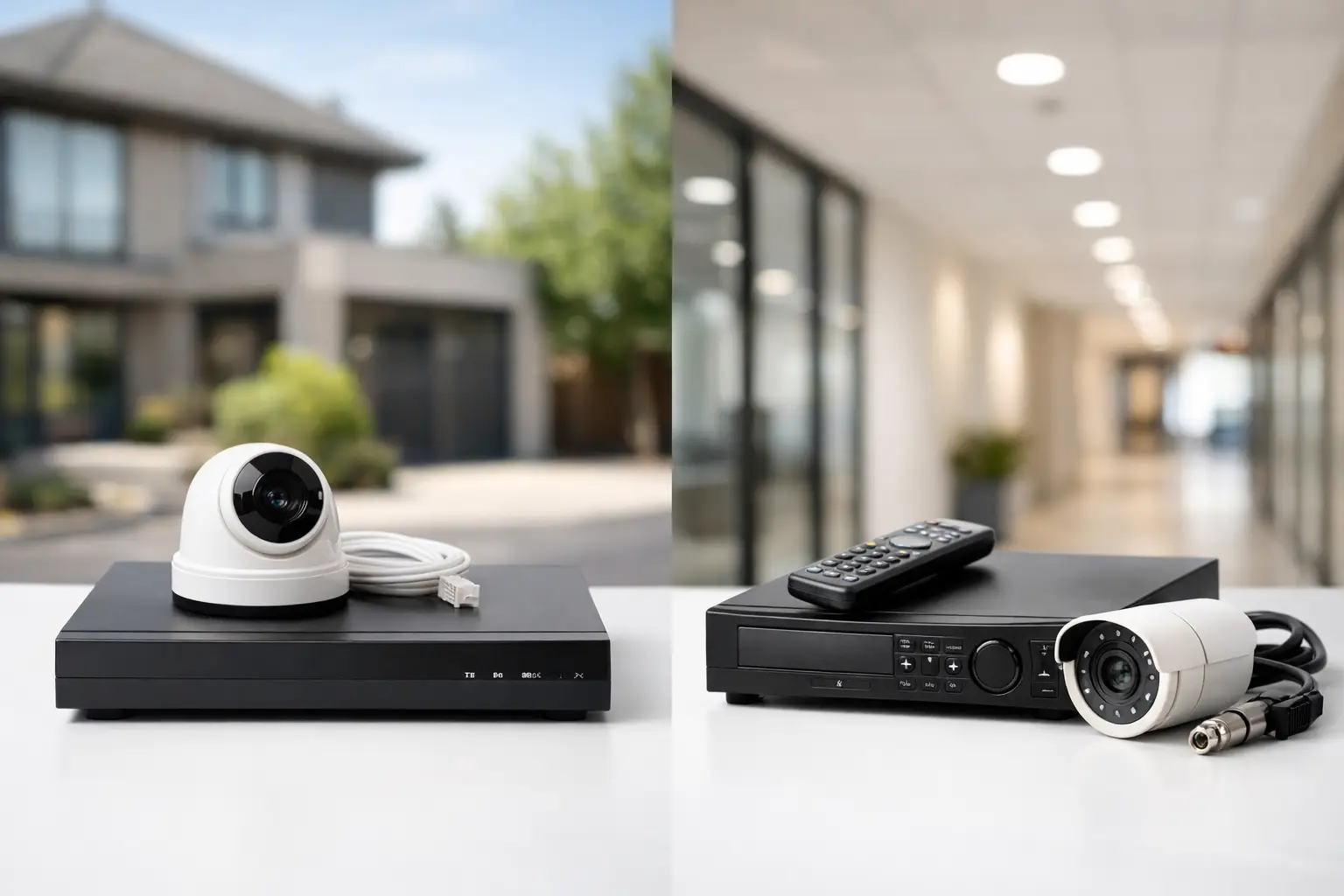
Access control is stronger when it works alongside surveillance. A credential log can show that a door was opened at 9:14 p.m.; a properly placed camera can show who entered, whether someone followed them in, and whether the door closed behind them.
This does not mean every door needs an elaborate camera setup. It means the system should be designed with clear sight lines and real incidents in mind. Exterior entries, loading areas, gate lanes, equipment rooms, and high-value storage spaces are common places where camera coverage adds useful context.
The network matters as well. Cloud-managed access control, mobile credentials, remote administration, and video integrations rely on dependable connectivity. Weak Wi-Fi, overcrowded network equipment, or a poorly secured network can affect performance and create avoidable support issues. Businesses should keep security devices on a properly planned network segment rather than treating them like an afterthought.
Hardwired infrastructure is usually the right choice for permanent doors and larger installations. It provides consistent performance and avoids the maintenance cycle of battery-powered devices. Wireless locks can make sense for a difficult-to-wire interior door, an older building, or a smaller project where running cable would be disruptive. The trade-off is ongoing battery management and, in some cases, fewer integration options.
Avoid the Most Common Access Control Mistakes
The most expensive system is not always the most suitable one. Overcomplicating a small property can create training issues and recurring costs that do not deliver meaningful value. On the other hand, choosing a basic standalone keypad for a growing business can lead to more work later when managers need audit trails, remote changes, or multiple-door control.
Another common issue is focusing only on the reader and ignoring the door itself. A damaged frame, unreliable closer, misaligned latch, or weak strike can make even quality electronics perform poorly. Door condition, egress requirements, fire code considerations, and emergency release behavior need to be addressed before installation.
Finally, access should be managed consistently. Someone should own the process for adding users, removing former employees, reviewing permissions, and replacing lost credentials. The technology makes this easier, but it cannot make decisions for the property owner. A simple quarterly review is often enough to catch outdated access before it becomes a problem.
Get a System That Can Grow With You
A good access control plan does not require installing every possible feature on day one. It should give you a clear path to add doors, credentials, cameras, intercoms, or remote management as your needs change. That is especially useful for growing businesses, new construction, expanding HOAs, and homeowners adding gates or detached structures.
Las Vegas Tech Pros can evaluate the door hardware, cabling, network, cameras, and day-to-day access needs as one coordinated project. That prevents the familiar problem of multiple vendors blaming one another when a door, network connection, or camera integration needs attention.
The goal is simple: people who belong on the property should get in without friction, while everyone else stays out. Start with the doors, people, and routines that matter most, then choose an access control system that makes those daily decisions easier to manage.