When your internet drops in the middle of a workday, your cameras go offline, or half the building starts complaining about weak Wi-Fi, the problem is rarely just the router. A good managed network support guide starts with that reality: networks fail at the edges, in the cabling, in bad configurations, in aging hardware, and in the gaps between vendors who each handle only part of the job.
For businesses, HOAs, medical offices, and larger homes, managed network support is less about having someone to call after a failure and more about preventing the same failure from happening again. The right provider is watching performance, maintaining equipment, documenting the environment, and fixing root causes before they turn into downtime.
What managed network support actually covers
Managed network support is ongoing service for the systems that keep devices connected and operations moving. That usually includes internet connectivity, routers, switches, wireless access points, network security basics, remote monitoring, firmware updates, performance checks, and troubleshooting when something stops working.
In many properties, it should also include the physical layer. If your network problems are tied to poor cable runs, failing terminations, unmanaged switch sprawl, or gear installed without a real plan, remote support alone will not solve much. That is why a hands-on provider matters. Good support is not just a help desk. It is a team that can assess the network in person, test the infrastructure, and fix what is behind the symptoms.
For a small business, that might mean stabilizing office Wi-Fi, segmenting employee and guest traffic, and making sure printers, phones, and shared systems stay available. For an HOA or property operator, it may include common-area Wi-Fi, surveillance connectivity, access control support, and coordination across multiple buildings. For a homeowner with a large property, it can mean making smart home devices, streaming systems, cameras, and work-from-home connections operate reliably together.
Why reactive support gets expensive fast
A lot of people wait until the network becomes impossible to ignore. The office loses internet every few days. Video calls freeze. Security cameras randomly disconnect. Residents complain that the clubhouse Wi-Fi is useless. At that point, every service call feels urgent, and every fix costs more because the provider is starting from scratch.
Reactive support creates three problems. First, recurring downtime drains time and productivity. Second, no one is documenting the network, so each issue takes longer to diagnose. Third, temporary fixes tend to pile up. A quick patch here and a reboot there can keep things limping along, but eventually the environment becomes harder to manage and easier to break.
Managed support shifts that pattern. Instead of guessing, your provider already knows the layout, the hardware, the pain points, and the service history. That speeds up response and makes better decisions possible. Sometimes the answer is a setting change. Sometimes it is replacing a failing switch. Sometimes it is reworking bad cabling that has been causing intermittent trouble for months. It depends on the environment, but the key is that someone is responsible for the whole picture.
A managed network support guide to evaluating your setup
If you are deciding whether managed support makes sense, start by looking at how your network behaves in normal use. Frequent slowdowns, dead zones, random disconnects, device conflicts, and unreliable remote access are all signs that the network needs more than occasional troubleshooting.
It also helps to look at how many systems depend on that network now. Many properties are carrying much more traffic than they were designed for. A single site may be supporting laptops, VoIP phones, security cameras, smart TVs, streaming boxes, access control panels, thermostats, point-of-sale systems, and cloud applications all at once. If the network was originally built for a simpler setup, support needs change.
Another factor is accountability. If one vendor handles cameras, another handles cabling, another handles Wi-Fi, and a separate IT company handles office systems, basic issues can become finger-pointing exercises. A provider with broader technical coverage can simplify that. When one team can support the network alongside connected systems, troubleshooting gets faster and less frustrating.
What good managed network support should include
The best support plans are practical, not bloated. You should expect network monitoring, routine maintenance, documented equipment inventories, configuration tracking, and clear escalation when issues appear. Response time matters, but so does follow-through. Fast answers are helpful only if the underlying problem gets fixed.
On-site capability is another major factor. Remote tools are useful for alerts, diagnostics, and many routine adjustments, but they cannot replace physical testing, cable validation, access point repositioning, or equipment replacement. In real-world environments, especially older buildings or larger homes, network issues often cross over into infrastructure work.
You should also expect planning, not just repair. If your provider sees an overloaded switch, poor Wi-Fi coverage design, or unsupported hardware, they should tell you plainly. Managed support should help you avoid preventable failures, budget for upgrades, and make decisions before problems become outages.
Security should be part of the conversation too, even if the main need is uptime. That does not mean every property needs enterprise-level complexity. It does mean your provider should be paying attention to password practices, firmware status, device exposure, access segmentation, and basic hardening for internet-connected systems.
When managed support is the right fit
Not every site needs the same level of service. A small office with a simple, modern setup may only need light monitoring and a dependable local team for issues and updates. A medical office, multi-unit property, or business with security and access systems tied into the network usually needs more active oversight. The more operations depend on connectivity, the less room there is for guesswork.
The same applies on the residential side. If a home includes whole-property Wi-Fi, cameras, smart locks, AV systems, and home office usage, network reliability becomes part of daily life. When those systems are installed over time by different contractors, support gets complicated fast. Managed service helps by bringing those systems under one support strategy instead of treating each one as an isolated issue.
There is a trade-off, of course. Ongoing support costs more upfront than calling only when something breaks. But for many clients, the real comparison is not monthly fee versus no fee. It is predictable service versus recurring disruption, emergency visits, and avoidable downtime.
Questions to ask before choosing a provider
Start with scope. Ask what the provider actually monitors, what devices they support, and what happens when a problem falls outside remote tools. If they cannot handle on-site networking work, low-voltage issues, or coordination with connected systems, that limitation matters.
Ask how they document the environment. Good records save time and money. You should also ask about response expectations, after-hours availability, and whether the same team can support related needs like cameras, access control, or structured cabling.
Local presence matters more than many buyers realize. A provider who knows the area, can get on-site quickly, and understands the mix of residential, commercial, and property-management environments will usually be more practical than a distant support desk. For many clients in Southern Nevada, that combination of remote support and field service is what keeps small issues from becoming long outages. That is where a company like Las Vegas Tech Pros stands out.
Common mistakes this managed network support guide can help you avoid
One of the biggest mistakes is assuming internet service is the same thing as network performance. You can have a perfectly good connection from your carrier and still have terrible results inside the building because of weak Wi-Fi design, bad switching, or poor cabling.
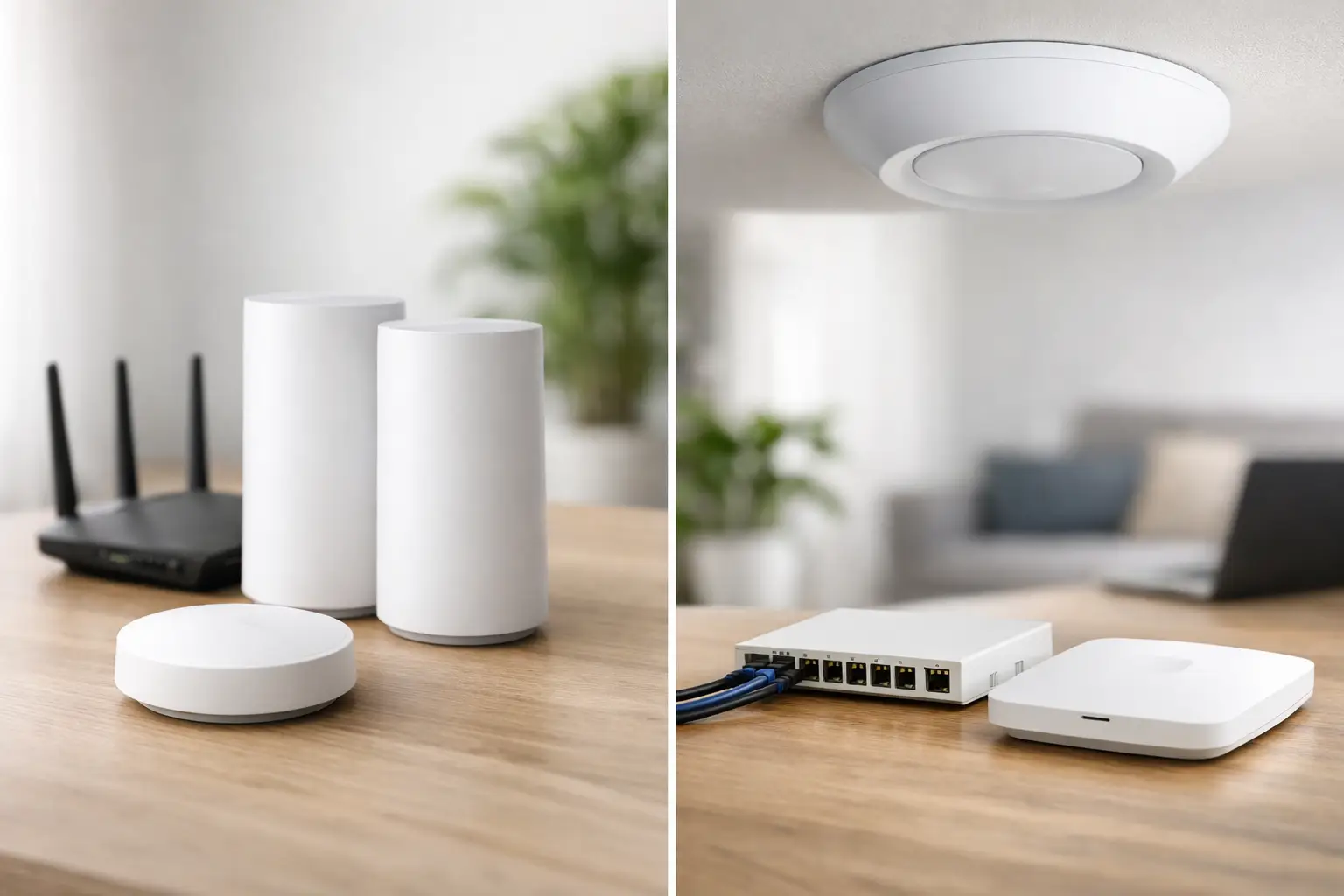
Another mistake is adding hardware without a plan. Extra mesh units, consumer-grade switches, and random access points often create more inconsistency, not less. Networks work better when coverage, capacity, and device roles are designed intentionally.
The last major mistake is waiting too long to standardize. Once a site has a mix of aging gear, unknown passwords, undocumented changes, and overlapping vendors, support gets slower and more expensive. Bringing order to that environment early usually costs less than recovering from repeated failures later.
If your network supports work, security, communication, entertainment, or property operations, it deserves more than occasional attention. The right support model gives you fewer surprises, faster fixes, and a partner who can step in when the issue is bigger than a reboot.