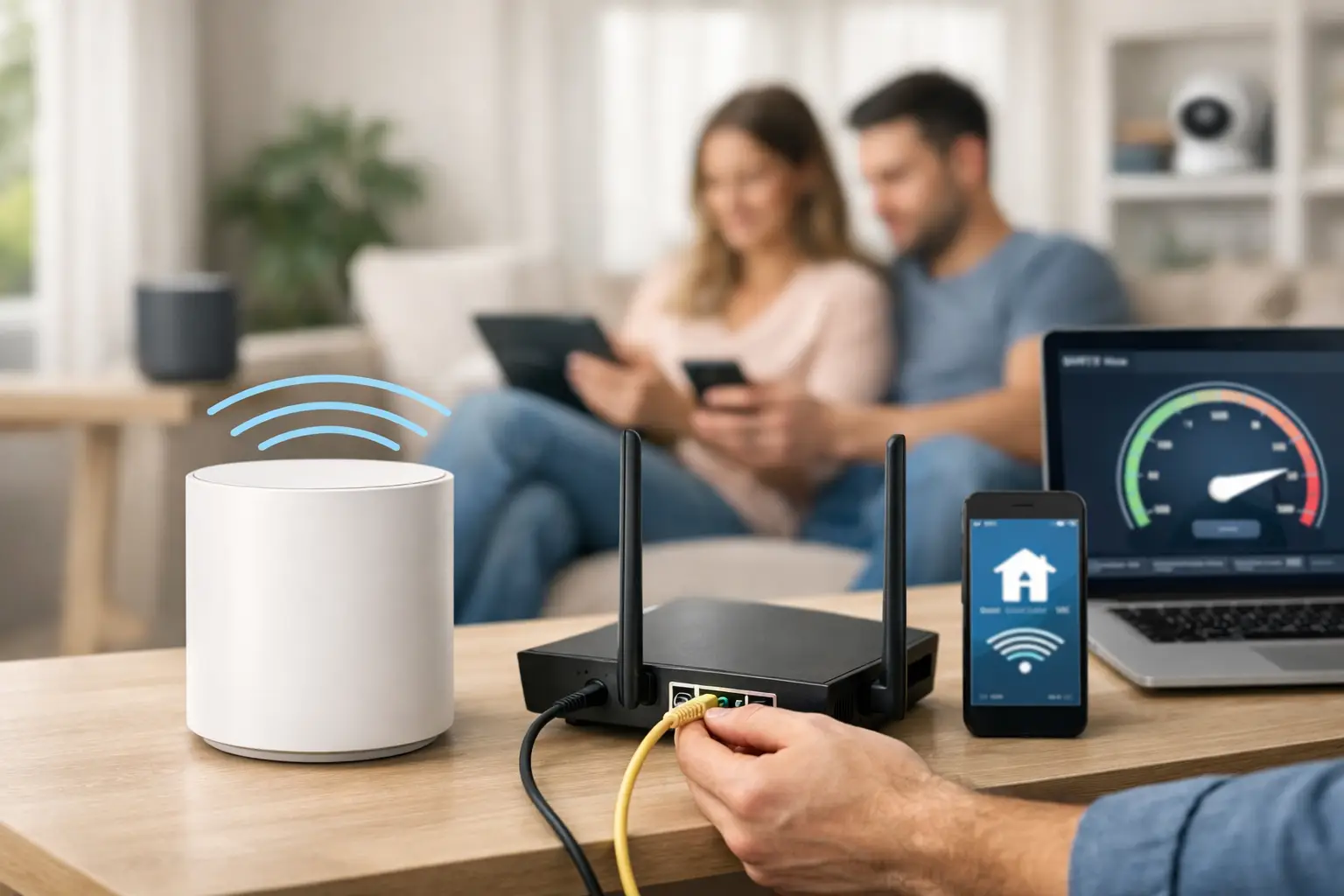
A smart home should make daily life easier, not leave you juggling five apps, weak Wi-Fi, and devices that stop responding when you need them most. That is why smart home automation installation is not just about adding gadgets. It is about building a system that works reliably in the real world, whether you want better security, simpler lighting control, cleaner entertainment setups, or all of the above.
In Las Vegas, that reliability matters even more. Large homes, guest spaces, concrete walls, detached casitas, metal framing, and overloaded Wi-Fi can all cause smart devices to act unpredictably. A doorbell camera that buffers, a thermostat that drops offline, or automated shades that stop responding is not just annoying. It usually points to a design or installation problem that should have been addressed before the devices went in.
What smart home automation installation should actually include
A proper installation starts with a plan. That means identifying what you want the system to do, how the property is laid out, where connectivity is strong or weak, and which systems need to work together. Many homeowners start with one goal, like smart locks or lighting, and later realize they also want cameras, whole-home audio, TV mounting, scene control, and stronger Wi-Fi. If those pieces are installed one at a time with no coordination, the result is usually a patchwork setup.
The better approach is to treat the home as one connected environment. Lighting, security, audio, networking, access points, surveillance cameras, and low-voltage cabling all affect the final experience. If the network is unstable, the automation platform will feel unstable too. If device placement is poor, the system may work well in one room and fail in another. Smart technology performs best when the infrastructure behind it is just as solid as the devices on the wall.
Why DIY often falls short
There is nothing wrong with a simple DIY smart plug or video doorbell. For a small apartment or a single-room setup, that can be enough. But once you move into a larger home, add multiple users, or want systems to interact automatically, the weak points show up fast.
The most common issue is network capacity. A lot of homes have internet service that is technically fast enough, but the Wi-Fi coverage is uneven or the router is not built to handle dozens of connected devices. Smart switches, cameras, thermostats, voice assistants, streaming boxes, and phones all compete for the same network. When that network is poorly designed, customers often blame the devices when the real problem is the backbone.
The second issue is compatibility. Not every device plays nicely with every ecosystem. Some products look great on the box but require awkward workarounds once installed. Others depend heavily on cloud access, which means they can feel slow or unreliable during service interruptions. That does not mean cloud-based systems are always the wrong choice. It means product selection should match the customer’s priorities, budget, and tolerance for complexity.
The third issue is finish quality. Exposed wires, crooked wall devices, poor camera angles, messy racks, and bad speaker placement can turn an expensive project into a frustrating one. A smart home should look clean and feel intentional.
Smart home automation installation for the systems people use every day
Most homeowners do not need every available smart feature. They need the right features installed correctly.
Lighting control is one of the most practical places to start. Scheduled lights, whole-room scenes, dimming control, and app or voice access all add convenience. They can also improve security by making the home appear occupied when no one is there. The trade-off is that lighting systems need careful planning, especially in homes with multi-gang boxes, older wiring, or a mix of dimmable and non-dimmable fixtures.
Security and surveillance are another major priority. Smart locks, video doorbells, driveway cameras, gate access, and motion alerts can be integrated into a broader system that is easy to manage. The key is choosing camera locations carefully, avoiding dead zones, and making sure recording equipment and network bandwidth are up to the task. A great camera is only useful if it captures the right angle and stays online.
Climate control is also a strong fit for automation. Smart thermostats can help manage comfort, especially in the Las Vegas heat, and can be tied to schedules, occupancy settings, or remote access. In larger homes, though, thermostat placement and HVAC zoning matter. A thermostat cannot fix airflow issues or uneven cooling by itself.
Entertainment and AV control are where many installations either feel polished or feel chaotic. Mounted TVs, hidden wiring, distributed audio, and easy source control can make the house more enjoyable every day. But this only works if devices are configured with the network and control system in mind. Otherwise, you end up with multiple remotes, laggy streaming, and rooms that all operate differently.
The role of networking in smart home automation installation
If there is one part of the project people underestimate, it is the network. Smart home automation installation depends on stable connectivity, and that means more than just buying a stronger router.
A well-designed network considers square footage, wall materials, outdoor coverage, bandwidth demand, device count, and where equipment should live. Some homes need hardwired access points. Some need structured cabling to support cameras, media rooms, or detached spaces. Others need network segmentation for privacy and performance. The right answer depends on the property, not on whatever consumer device happened to be on sale.
This is also where having one provider matters. If one company installs the cameras, another handles Wi-Fi, and a third mounts TVs, troubleshooting gets messy fast. Each vendor points at someone else. When a single technology partner understands the cabling, networking, AV, and automation side together, problems get solved faster because the entire system is being looked at as one job.
New construction, remodels, and retrofit homes
The timing of installation changes what is possible. In new construction or major remodels, prewiring creates more options. It allows for cleaner equipment placement, better access point locations, concealed wiring, and room to grow later. Builders and homeowners who plan ahead usually get a more reliable result and a cleaner finish.
Retrofit projects can still deliver excellent automation, but they require more careful product selection and installation strategy. Wireless solutions may reduce wall damage and speed up deployment, but they are not always the best long-term answer for every application. In some homes, a hybrid approach makes the most sense – wireless where it is practical, hardwired where reliability matters most.
That is especially true for cameras, networking gear, and media-heavy spaces. Wireless convenience is real, but so is the value of hardwired stability.
Choosing the right installer
A good installer does more than put devices in place. They ask how you live in the home, where problems already exist, what you want to control, and what you do not want to deal with. They also explain the trade-offs clearly.
For example, a lower-cost setup may cover the basics but rely more heavily on consumer-grade gear and separate apps. A more integrated system may cost more upfront but simplify daily use and reduce support issues over time. Neither option is automatically right. The right fit depends on the property, the budget, and how important long-term reliability is to you.
You should also expect attention to the basics: clean cabling, organized equipment, proper labeling, tested connections, solid device placement, and support after the install. Smart home systems are not static. They need updates, occasional adjustments, and sometimes expansion as your needs change.
That ongoing support is where a local, hands-on provider stands out. If the Wi-Fi drops, a camera goes offline, or a control issue starts affecting your day-to-day routine, you want help that is responsive and practical. Las Vegas Tech Pros approaches these projects that way – as a working system that needs to perform, not just a box of products installed and forgotten.
What a well-installed smart home feels like
When the installation is done right, the technology fades into the background. The lights respond when they should. The cameras record clearly. The doors lock reliably. The TV and audio work without guesswork. The Wi-Fi reaches the rooms that used to be a problem. You are not troubleshooting every weekend or explaining a confusing setup to guests and family members.
That is the real goal. Not more devices. Better daily use.
If you are planning a smart home project, start with the systems that affect your day most, make sure the network can support them, and work with a team that can handle the full picture. A smart home earns its value when it feels dependable on an ordinary Tuesday, not just impressive on install day.