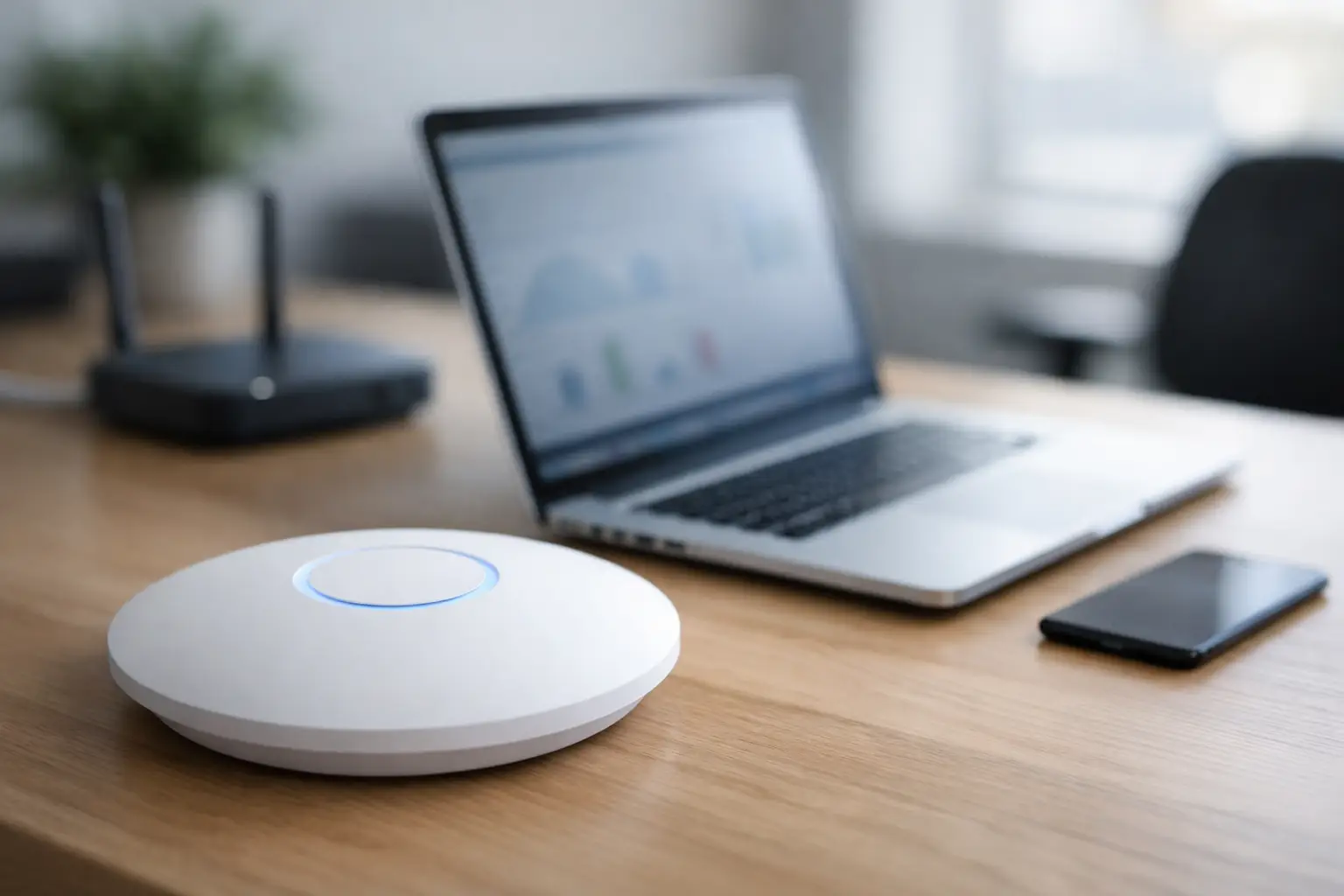
A small office usually finds out it has a technology problem at the worst possible moment. The internet drops right before a client call. A desktop runs out of storage during payroll. A camera goes offline after hours. That is where remote monitoring for small offices earns its keep. It gives you visibility into the systems your team relies on every day, so problems can be spotted early instead of turning into downtime, lost work, or security headaches.
For many smaller businesses, the issue is not a lack of technology. It is a lack of time and oversight. Most office managers and business owners are already juggling vendors, staff needs, budgets, and customer demands. They should not also have to guess whether the firewall is healthy, whether backups actually ran, or whether a workstation has been throwing warning signs for a week.
What remote monitoring for small offices actually covers
Remote monitoring is not just watching a single dashboard and waiting for alarms. Done properly, it is an ongoing view of the devices and services that keep an office running. That usually includes computers, servers if you have them, networking equipment, firewalls, Wi-Fi access points, printers, and security-related systems tied to your network.
The goal is simple. Catch trouble before users feel it. If a hard drive is failing, storage is filling up, updates are not applying, or a network device starts dropping offline, the right monitoring setup can flag it quickly. In some cases, the issue can be fixed remotely before anyone in the office notices. In other cases, it gives your IT partner a head start so they can respond with the right plan instead of starting from zero.
That matters even more in small offices because one failed device can affect a large percentage of the team. In a ten-person office, losing one computer is not a minor annoyance. Losing internet access for half a day is not either. Smaller organizations often feel outages more sharply because they do not have extra equipment, spare staff, or internal IT departments to absorb the hit.
Why small offices need more than break-fix support
A lot of small businesses still rely on the old model of calling for help only when something breaks. That can work for isolated issues, but it is a costly way to manage core systems. If support starts only after the outage, you are already paying in lost productivity, interrupted service, and employee frustration.
Remote monitoring changes that by shifting attention from reaction to prevention. Instead of waiting for someone to say the Wi-Fi feels slow, monitoring can show unusual traffic, hardware strain, or access point instability. Instead of discovering that backups failed when you need to restore a file, the failure can be flagged as it happens.
There is also a security angle. Small offices are frequent targets because they often have valuable data and fewer safeguards. Monitoring can help identify suspicious behavior, outdated systems, and failed security tools before they become much bigger problems. It is not a replacement for security strategy, but it is a practical layer that helps you stay aware of what is happening in your environment.
The biggest benefits are usually the least flashy
Business owners sometimes expect remote monitoring to be about advanced analytics or complicated reporting. In reality, the biggest value often comes from very practical wins. Your computers stay updated. Your network stays more stable. Internet issues get documented instead of guessed at. Devices that are aging out become visible before they fail outright.
That kind of consistency matters. A small office does not need drama from its technology. It needs reliable systems that let staff do their jobs without constant interruptions. Monitoring supports that by turning hidden issues into actionable ones.
It also helps with budgeting. If your support provider can see hardware health trends, recurring software problems, and network bottlenecks, you can make more informed decisions about replacements and upgrades. That is a better position to be in than emergency buying because a critical device died on a busy day.
What should be monitored in a small office
Not every office needs the exact same monitoring plan. A three-person professional suite has different needs than a medical office, retail back office, or multi-room operation with cameras, access control, and guest Wi-Fi. Still, a solid setup usually starts with the basics.
Endpoints should be monitored for performance issues, low disk space, patch status, antivirus health, and signs of hardware failure. Network equipment should be checked for uptime, bandwidth problems, device load, and configuration issues. Backups should be monitored for both success and recoverability, because a backup that cannot be restored is not much help.
If your office relies on surveillance, smart entry systems, or connected AV equipment, those can also deserve attention. This is where working with a provider that understands more than just desktops becomes useful. In many offices, the network, security, and connectivity pieces are tied together. Treating them as separate worlds often creates blind spots.
Where remote monitoring can fall short
Monitoring is valuable, but it is not magic. It cannot fix every issue by itself, and it does not eliminate the need for real support. If alerts are not reviewed, prioritized, and acted on, monitoring becomes noise. If the setup is too shallow, it may miss the problems that actually affect your office.
There is also a balance to strike. Too little monitoring leaves you exposed. Too much can bury everyone in alerts that do not matter. A useful monitoring plan is tuned to your business, your equipment, and your risk tolerance. A small accounting office during tax season has a different threshold for disruption than a quiet administrative office with flexible timelines.
This is one reason local, hands-on support still matters. Remote tools are powerful, but some issues need on-site troubleshooting, cabling work, hardware replacement, or physical network changes. The best setup is not remote-only. It is remote-first when that makes sense, backed by a team that can show up when the problem is in the wall, in the rack, or on the ceiling.
How to choose remote monitoring for small offices
If you are evaluating providers, ask less about flashy software and more about response. What gets monitored, who reviews alerts, how quickly they respond, and what happens after something is detected are the questions that matter. A dashboard by itself does not protect uptime.
You also want clarity around scope. Some providers only watch computers. Others can monitor broader office infrastructure, including firewalls, Wi-Fi hardware, cameras, and connected systems. For a small office, having one technology partner across those areas can simplify support and reduce finger-pointing when something goes wrong.
Reporting matters too, but only if it is useful. You should be able to understand what was found, what was fixed, and what needs attention next. Good reporting should help you make decisions, not bury you in technical language.
For businesses in the Las Vegas area, this often comes down to finding a provider that can handle both the remote side and the physical side of office technology. If your support company can monitor the network but cannot address the cabling, camera connectivity, or access-related hardware behind the issue, you are still coordinating multiple vendors under pressure.
Signs your office is overdue for monitoring
Some businesses already know they need help because problems keep repeating. Others have simply gotten used to technology being unreliable. If staff regularly complain about slow systems, random disconnects, failed printing, or devices that need frequent reboots, there is a good chance no one has enough visibility into what is actually happening.
Another sign is when key systems depend on one person’s memory. If update checks, backup reviews, or hardware health checks happen only when someone remembers, that is not a process. It is a gamble. Monitoring adds consistency and accountability where small offices often need it most.
Growth is another trigger. Once your office has more people, more devices, more shared files, and more connected systems, the old informal approach starts breaking down. What worked for a very small team can become risky fast when downtime affects customer service, scheduling, billing, or compliance.
A practical way to think about it
Remote monitoring is not about adding complexity to a small office. It is about reducing surprises. You want fewer emergency calls, fewer recurring issues, and fewer situations where staff lose time because no one saw the warning signs.
That is why a service-first approach matters. The monitoring itself is only part of the solution. The real value is having experienced people behind it who know how to interpret alerts, fix issues quickly, and support the full environment when the problem is bigger than a software patch or reboot.
If your office depends on internet access, connected devices, shared systems, and basic physical security to keep business moving, visibility is no longer optional. The more practical question is whether you want to find problems early or wait for them to interrupt your day. A good monitoring plan gives you the better option.