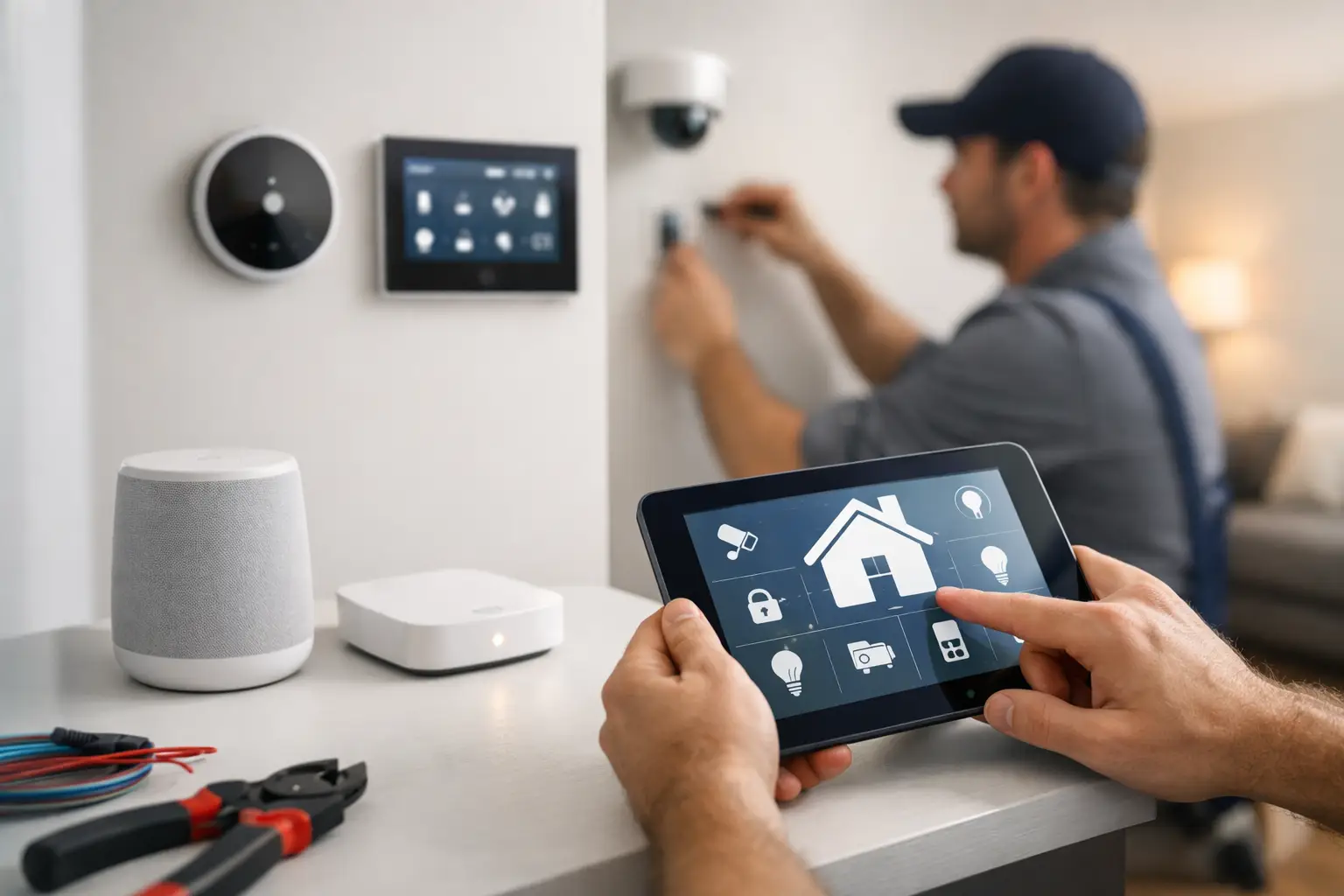
A frozen point-of-sale system at opening time, a staff laptop that will not connect to the office printer, an email outage ten minutes before a client deadline – most business owners do not care what category the problem falls into. They need it fixed fast. That is where remote computer support for businesses makes a real difference. It gives companies a practical way to solve everyday IT problems quickly, reduce downtime, and keep employees working without waiting for someone to drive across town.
For many Las Vegas businesses, remote support is not a replacement for hands-on service. It is the fastest first response. When it is set up well, it becomes part of a broader support plan that keeps systems stable, catches small issues early, and gives decision-makers one less fire to put out.
What remote computer support for businesses actually covers
Remote support is exactly what it sounds like. A technician securely accesses a business computer, networked device, or user account from a different location to diagnose problems, apply fixes, install updates, adjust settings, or guide the user through a task. The business gets help in real time without waiting for an on-site visit for every issue.
That can include common support requests like software errors, printer mapping, email setup, antivirus alerts, user lockouts, file access issues, sluggish computers, and basic network troubleshooting. It can also extend to ongoing maintenance, patch management, backup monitoring, workstation health checks, and support for cloud platforms your team relies on every day.
The biggest misunderstanding is that remote support only helps with small software problems. In reality, a large share of business IT issues start at the user level and can be resolved remotely much faster than they can be handled through a scheduled truck roll. If a fix needs physical work, remote support can still shorten the process by identifying the cause before anyone arrives on site.
Why businesses rely on remote support first
Speed is the obvious reason, but it is not the only one. When a support team can connect quickly, they often stop a small issue from turning into a larger outage. A single employee who cannot access email may sound minor until that employee handles scheduling, billing, or customer communication. Fast intervention matters.
There is also a cost advantage. Not every issue requires an on-site technician, and most businesses do not want to pay for one if a secure remote session can solve the problem in fifteen minutes. That makes remote support a better fit for routine incidents and day-to-day maintenance.
Consistency matters too. When the same support partner handles recurring issues across user devices, networking, and business systems, troubleshooting gets faster over time. The support team already knows the environment, the equipment, and the weak points. That kind of familiarity saves time and usually leads to better decisions.
For small businesses especially, remote support creates access to professional IT help without the overhead of a full in-house department. For larger offices or multi-site operations, it adds another layer of responsiveness that keeps users productive between on-site projects and scheduled maintenance.
Where remote computer support for businesses works best
The best use cases are usually the ones that interrupt work but do not require hands on hardware replacement. A staff member cannot sign in. Shared folders disappear. A machine starts running unusually slow after an update. A cloud application stops syncing. A printer is visible to one employee but not the rest of the office. These are all strong candidates for remote resolution.
It also works well for proactive support. That includes monitoring system alerts, reviewing patch status, updating software, checking backups, removing malware, and cleaning up recurring issues before employees start calling with the same complaint. Preventive work is less visible than emergency troubleshooting, but it is often where the real value shows up.
Medical offices, property management groups, small professional firms, and customer-facing businesses all benefit for different reasons. A medical practice may care most about uptime and secure user access. A property operator may need support across multiple locations with limited on-site staff. A small office may simply want dependable help without juggling separate vendors. The right setup depends on the business, but the advantage is the same – less downtime and faster response.
What remote support cannot do on its own
Remote support is useful, but it is not magic. If a switch fails, a cable is damaged, a hard drive dies, a camera loses power, or a new office buildout needs wiring, someone still needs to be there in person. That is why businesses are usually better served by a provider that can do both remote and on-site work.
This is where a lot of companies get stuck. They use one vendor for computer support, another for network cabling, another for cameras, and someone else for access control or AV. When a problem crosses categories, everyone points in a different direction. The result is delay, confusion, and more downtime than necessary.
A single support partner can narrow the issue faster because the systems are connected in the real world, even if vendors like to separate them on paper. If a front desk PC loses connectivity, the problem could be the workstation, the switch, the Wi-Fi setup, a bad wall jack, or an account issue. Solving it quickly means understanding the whole environment.
What to look for in a remote support provider
Responsiveness should come first. Fancy service descriptions do not matter much if your staff cannot get timely help when they need it. Ask how support requests are handled, what the normal response window looks like, and whether the provider offers ongoing monitoring or only break-fix service.
Security should be part of the conversation from the start. Remote access has to be handled carefully, with secure tools, controlled permissions, and clear processes. Businesses should know who can access systems, how sessions are documented, and what protections are in place for sensitive data.
It also helps to look for practical breadth. A support team that understands desktops, networks, Wi-Fi, low-voltage infrastructure, cameras, and connected business systems can usually solve problems with less back and forth. That matters more than most companies realize, especially in offices where technology systems overlap.
Communication is another major factor. Good support is not just about fixing the issue. It is about explaining what happened, what was done, and whether the problem points to a larger weakness that should be addressed. Business owners and office managers do not need a lecture. They need clear answers and a realistic next step.
Remote support works best as part of a plan
The most effective support relationships are not built around emergencies alone. They combine quick-response help with maintenance, monitoring, and occasional on-site work when needed. That approach reduces the number of surprise problems in the first place.
For some businesses, that may mean a managed IT plan with regular updates, endpoint monitoring, backup oversight, and user support. For others, it may mean a lighter arrangement built around remote help plus on-site service when projects or hardware issues come up. There is no single perfect model. It depends on how much downtime costs your business, how complex your systems are, and whether you have internal staff handling part of the workload.
In a market like Las Vegas, where businesses move fast and customer service expectations are high, waiting around for technology problems to sort themselves out is rarely a good option. A local provider with remote capability gives companies the speed of off-site support and the practicality of boots-on-the-ground service when the fix requires more than a login.
Las Vegas Tech Pros supports businesses that need that mix – fast remote help, dependable on-site service, and one team that can handle IT, connectivity, security, and infrastructure without making clients coordinate across multiple vendors.
The best technology support is not the kind you notice all day. It is the kind that keeps work moving, solves problems before they spread, and gives your team confidence that when something breaks, help is already within reach.