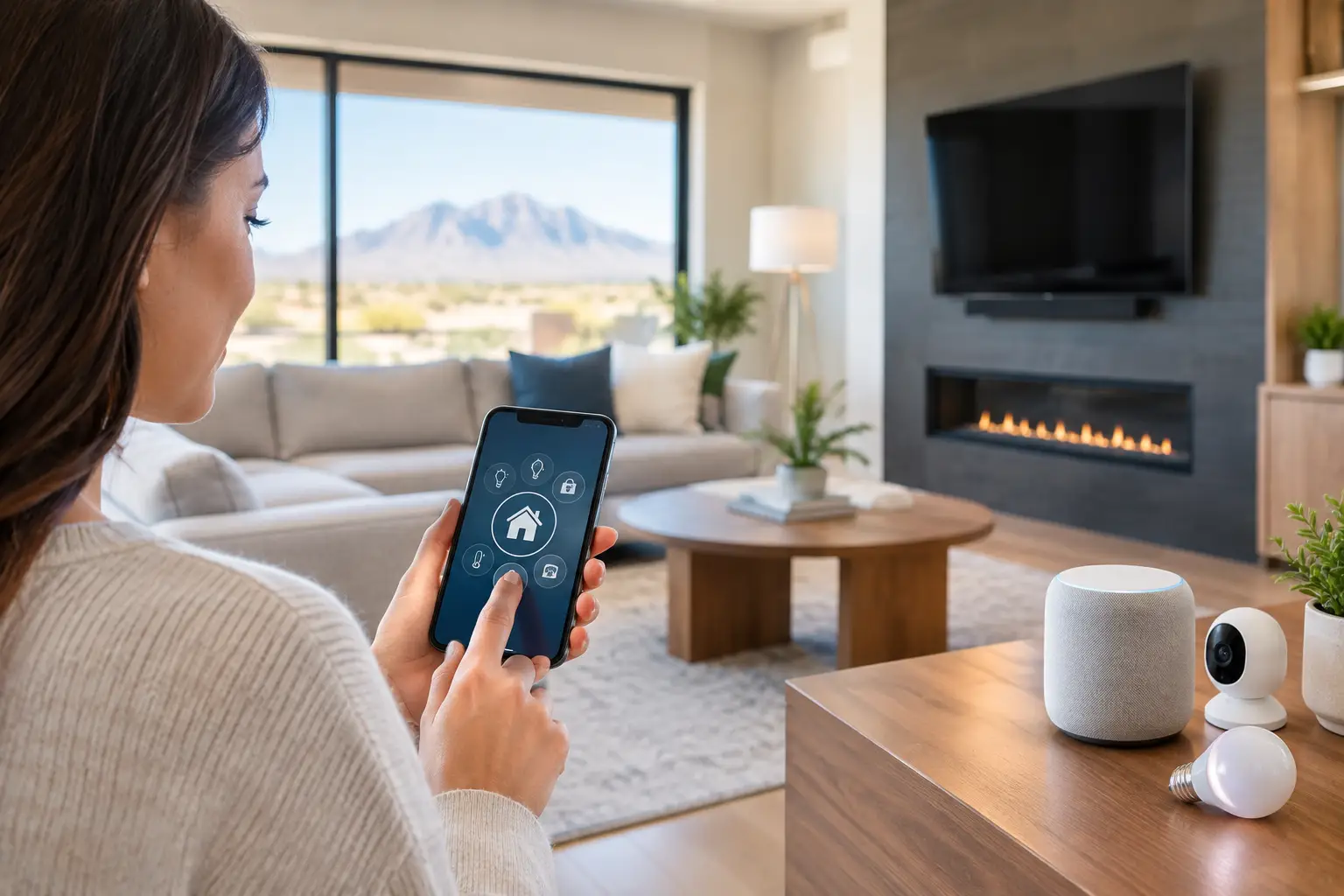
A TV mounted over the fireplace, conference-room displays that people can actually read, speakers that do not disappear under HVAC noise – those results start well before equipment is purchased. This Las Vegas audiovisual installation guide explains how to plan an AV system that fits the property, the people using it, and the infrastructure behind the walls.
For homeowners, AV often means a theater, distributed music, outdoor TV, or a better way to control entertainment. For a business, it may mean meeting-room video, digital displays, paging, training spaces, or background audio. The technology overlaps, but the priorities are different. A good installation accounts for that from day one rather than trying to fix gaps after drywall, furniture, or finishes are already in place.
Start With How the Space Will Be Used
The most expensive mistake in audiovisual work is designing around a product instead of a use case. A large television does not automatically create a good viewing experience, and more speakers do not guarantee clear sound. Begin with the room’s purpose, who will use it, and what must work without technical help.
In a living room, that may mean simple streaming, cable access, gaming, and audio that is clear at normal listening levels. A dedicated theater may need controlled lighting, acoustic treatment, a projector or large display, subwoofers, and seating-based speaker placement. An outdoor entertainment area needs weather-rated equipment, glare-conscious display placement, and a plan for heat, dust, and seasonal use.
Commercial spaces require a similarly practical conversation. A conference room may need a display, camera, microphones, speakers, and an easy way for staff and guests to share content. A medical facility may prioritize reliable patient information displays and low-disruption installation schedules. Retail and hospitality spaces often need distributed audio or video across multiple zones, with each zone controlled appropriately.
A useful design question is simple: what should happen when someone walks into the room and presses one button? That answer defines the control system, equipment locations, cable pathways, and level of automation needed.
Plan the Infrastructure Before the Equipment
The best-looking AV equipment is often the equipment nobody sees. Concealed cabling, properly located power, equipment ventilation, and accessible service pathways make the finished system cleaner and easier to maintain.
Low-voltage cabling should be planned before walls are closed whenever possible. This is especially valuable for new construction, remodels, tenant improvements, and custom homes. Running the right cable during construction costs far less than opening finished walls later. It also gives you options as needs change.
For most installations, a structured approach includes network cabling to displays and equipment locations, rated speaker wire where audio is distributed, conduit for future upgrades, and properly located electrical power. In some situations, fiber or specialized video cabling makes sense for long distances or higher-bandwidth requirements. The right choice depends on signal type, distance, building construction, and whether the system may expand.
Do not overlook the equipment location. A media closet, rack, or cabinet needs cooling, power protection, network access, and enough clearance for service. Placing all sources in a closed cabinet with no ventilation can lead to overheating and premature equipment failure. Putting equipment where nobody can reach it creates a different problem when a cable, power supply, or network connection needs attention.
Why Hardwired Connections Still Matter
Wireless technology is useful, but it is not a replacement for every cable. Wi-Fi is ideal for mobile devices and flexible streaming, while hardwired connections are usually the better choice for fixed displays, access points, media equipment, and high-demand video systems.
A hardwired network connection can reduce buffering, improve stability, and keep a busy network from becoming a bottleneck. This matters in homes with multiple streaming devices and in businesses where video conferencing or digital signage must remain available. Wi-Fi design and AV design should be coordinated, particularly in larger properties where coverage, wall materials, and device count affect performance.
Choose Displays and Audio for the Room, Not the Spec Sheet
Screen size is only one part of video design. Viewing distance, ambient light, seating angles, content type, and mounting surface all matter. A bright room facing west may need a higher-brightness display and careful placement to minimize glare. A darker theater room may be a strong candidate for projection, but projectors require attention to screen choice, lighting control, and maintenance.
TV mounting also involves more than finding the center of a wall. The mounting surface must support the display’s weight, cables need a safe route, and the viewing height should be comfortable. A television mounted too high above a fireplace can cause neck strain, even if it looks visually centered. When the fireplace is the only practical location, a specialized mount or an adjusted seating plan may be worth considering.
Audio deserves the same level of planning. Soundbars are a practical fit for many rooms, especially where simplicity and space matter most. They have limits, however, in large rooms or open floor plans. In-ceiling speakers can provide clean background music, while a properly placed surround system creates a more immersive movie experience. Neither option is automatically better.
Speaker placement should account for room shape, ceiling height, hard surfaces, and nearby noise. In Las Vegas homes, tall ceilings, tile floors, and open layouts are common, and they can make audio feel harsh or thin without the right system design. Sometimes a small amount of acoustic treatment, rugs, curtains, or furniture adjustment makes as much difference as changing equipment.
Make Control Easy Enough for Everyone
A system that only one person can operate is not finished. The control experience should match the user. Some properties need a simple universal remote. Others benefit from a wall keypad, touch panel, mobile app, or integrated smart home control.
The goal is not to put every function on a screen. It is to make common actions predictable. For example, a meeting room might have clearly labeled controls for video calls, presentations, volume, and display power. A home theater may offer a single “Movie” command that turns on the display, selects the correct source, sets lighting, and starts the audio system.
Keep critical functions available even when internet service is down. Local control of a display, sound system, or lighting scene can be valuable during an outage. Cloud-connected features add convenience, but they should not create unnecessary dependence for basic use.
Build for Service, Not Just Installation Day
Every system will eventually need an update, a new device, or troubleshooting. Labeling cables, documenting equipment, leaving service loops, and using organized racks reduce downtime later. This is especially important for businesses that cannot afford a conference room or customer-facing display to be out of service for days.
Remote support can help resolve many software, account, and configuration issues quickly, but physical installation quality still matters. Clean cable management and accessible hardware allow an on-site technician to diagnose a problem faster when a hands-on visit is required.
Coordinate AV With Security, IT, and Construction
AV systems rarely operate alone. A wall-mounted display may depend on the same network that supports cameras, access control, computers, and Wi-Fi. Smart home scenes may tie entertainment equipment to lighting, shades, and security settings. In commercial properties, audiovisual cabling often shares pathways with other low-voltage systems.
Coordinating these systems with one technology partner can reduce duplicate work, conflicting equipment locations, and finger-pointing between vendors. It also makes it easier to decide which devices need network priority, backup power, remote access, or separate network segments for security.
For builders and property managers, timing is a major factor. AV planning should happen early enough to coordinate with framing, electrical, HVAC, cabinetry, and finish work. A site walk before installation can identify blocked cable paths, unsuitable mounting surfaces, ventilation concerns, and conflicts with lighting or sprinklers before they become costly changes.
Las Vegas Audiovisual Installation Guide: When to Call a Pro
Basic equipment setups can be manageable, but professional installation becomes especially valuable when walls need to be opened, wiring must be concealed, multiple rooms share equipment, displays are oversized, or AV connects to networking, security, and smart controls. Commercial projects also need attention to reliability, cable standards, code-aware installation practices, and minimal disruption to daily operations.
Las Vegas Tech Pros approaches AV as part of the full technology environment, not as an isolated TV or speaker project. That perspective helps homeowners, offices, HOAs, and commercial operators avoid systems that look polished on day one but become difficult to use or support later.
Before buying equipment or closing up a wall, schedule a walkthrough and map the experience you want in each room. A clear plan now gives you cleaner finishes, better performance, and a system that stays practical long after installation day.