Most smart home problems start the same way: a few devices work fine on their own, then one app stops talking to another, the Wi-Fi gets spotty in the back of the house, and suddenly a setup that was supposed to save time starts creating more of it. If you’re figuring out how to automate your home, the goal is not to add gadgets everywhere. The goal is to make daily routines easier, improve reliability, and keep control simple.
For most homeowners, that means starting with the systems you use every day – lighting, climate, security, entertainment, and network coverage. It also means making a few decisions early that prevent frustration later. A smart home should feel dependable. If it only works when everyone has the right app open and the internet is behaving perfectly, it is not really doing its job.
How to automate your home in the right order
The best home automation plans are built in layers. Start with the foundation, then add convenience features after the core systems are stable. In practice, the foundation is your network. If your Wi-Fi is weak, inconsistent, or overloaded, smart locks, cameras, thermostats, doorbells, speakers, and TVs will all feel less reliable than they should.
In larger homes, guest houses, or properties with outdoor coverage needs, a basic router rarely gives consistent performance everywhere. That matters more than many homeowners expect. A video doorbell that drops offline, a smart TV that buffers, or a garage controller that responds late usually points back to connectivity first. Before you spend heavily on devices, make sure your network can support them.
Once the network is in good shape, focus on one or two daily-use categories. Lighting is a common starting point because the payoff is immediate. Scheduled exterior lights, motion-based hallway lighting, and scene control for entertaining or evening wind-down routines are all simple upgrades that people actually use. Climate control is another strong option. A smart thermostat with schedules, occupancy settings, and remote access can improve comfort without requiring constant manual adjustment.
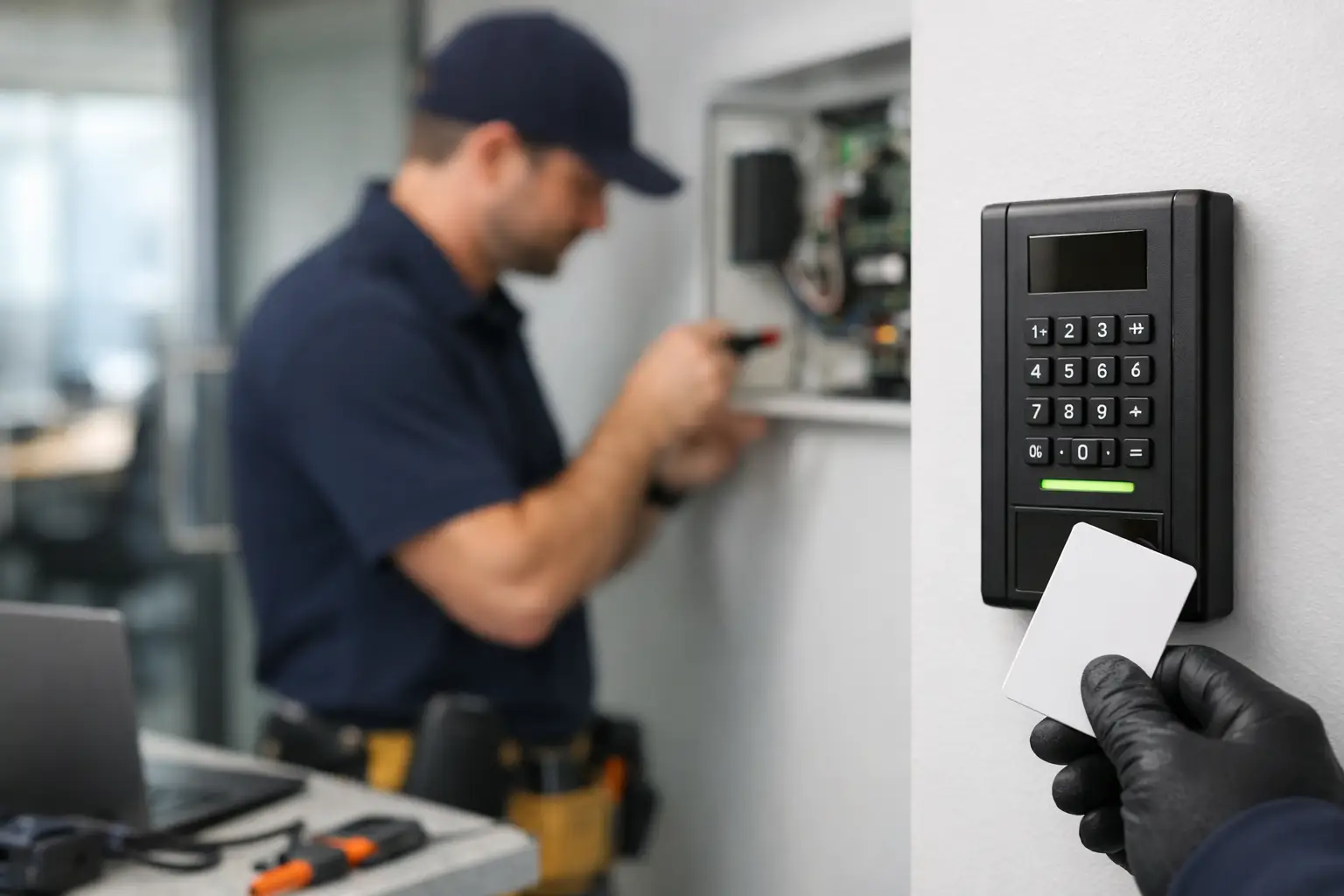
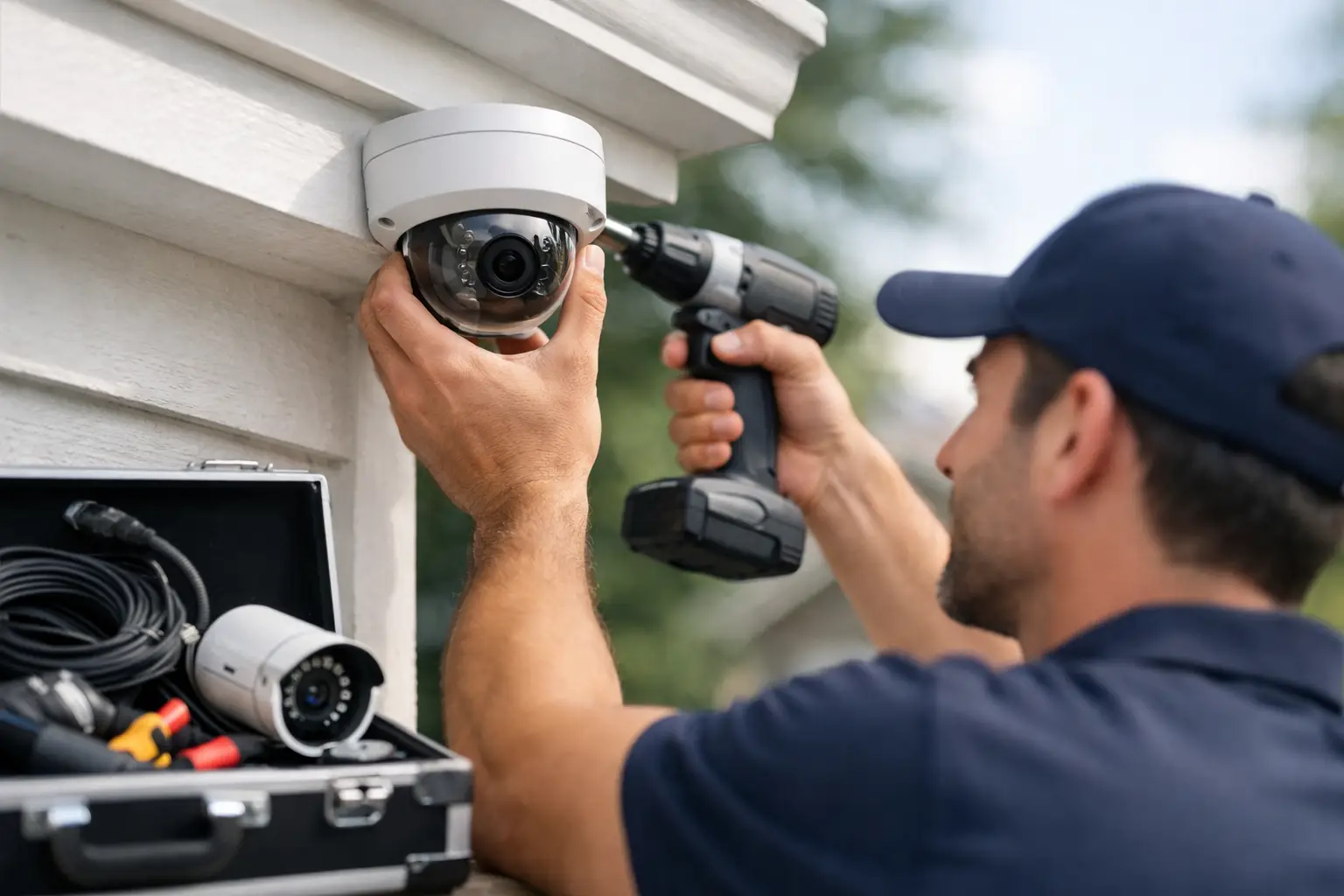
Security is usually the next priority, especially for homeowners who travel often, split time between properties, or want better awareness around deliveries and visitors. Cameras, video doorbells, smart locks, alarm integration, and automated exterior lighting can work together well, but only if they are planned as one system instead of a stack of unrelated products.
Pick a control platform before you buy devices
One of the biggest mistakes in home automation is buying devices first and figuring out compatibility later. That is how people end up with five apps, inconsistent voice control, and routines that break after updates.
A better approach is to decide how you want to control the home. Some homeowners prefer Apple Home. Others are more comfortable with Google Home or Amazon Alexa. There are also more advanced control systems designed for larger homes and more customized installations. The right choice depends on how much automation you want, how many users need access, and whether you want a DIY-friendly setup or a professionally managed one.
This is where trade-offs matter. Consumer platforms are usually less expensive and easier to get started with, but they can become limiting if you want deeper integration across lighting, audio, surveillance, climate, and access control. More advanced systems can create a cleaner experience with fewer workarounds, but they cost more and benefit from proper design upfront.
If you are building a new home, renovating, or outfitting a larger property, it often makes sense to think beyond individual devices. Wiring pathways, equipment placement, rack space, outdoor coverage, and camera locations all affect how well the system performs long term.
Start with automations that solve real problems
The most useful smart homes are not built around novelty. They are built around friction.
If you leave lights on, automate lighting schedules and occupancy-based shutoff. If rooms are too warm in the afternoon, create climate schedules or zoning strategies. If package theft or blind spots are concerns, prioritize cameras and doorbell coverage. If the house is hard to manage when you’re away, remote access for locks, garage doors, thermostats, and surveillance becomes more valuable than a dozen voice-controlled gadgets.
A few practical automations make a bigger difference than a long feature list. Good examples include exterior lights turning on at sunset, a lock that arms part of the security system when you leave, TVs and speakers tied into one-button scene control, or a nighttime routine that adjusts lights, temperature, and door status at once.
That last point matters. Routines are where home automation starts to feel useful. Individual smart devices are convenient. Coordinated actions are what save time.
Lighting, security, and climate are usually the strongest returns
If you are deciding where to invest first, these three categories usually deliver the clearest value.
Lighting improves both convenience and security. Scheduled interior lights can make a home look occupied while you’re away, and well-placed exterior lighting helps with visibility around entries, driveways, and side yards. In some homes, smart switches are a better fit than smart bulbs because they preserve normal wall control and reduce day-to-day confusion for family members or guests.
Security brings peace of mind, but quality varies widely. Camera placement matters as much as camera resolution. You want coverage that is useful, not just visible on paper. Entry points, driveway views, package zones, gates, and side access paths should all be considered. Smart locks and video doorbells are popular, but they work best when paired with reliable Wi-Fi and a clear access plan for family, guests, and service providers.
Climate control can be straightforward or more involved depending on the house. A single smart thermostat may be enough in some homes. In others, hot and cold spots point to airflow problems, equipment issues, or the need for better zoning. Automation can help, but it will not fix underlying HVAC or insulation problems. That is one of the most common it-depends situations in smart home planning.
Don’t ignore the parts behind the walls
A polished smart home experience depends on infrastructure people rarely see. Low-voltage cabling, access point placement, TV and speaker wiring, camera runs, and structured networking all affect the result.
Wireless devices are useful, but not everything should rely on wireless when a hardwired option is available. Cameras, media equipment, and dedicated access points often perform better with cabling in place. Hardwiring improves consistency, reduces interference problems, and gives you more room to expand later.
This is especially important in Las Vegas homes where larger layouts, detached spaces, outdoor living areas, and masonry construction can create coverage challenges. A strong smart home setup is not just about what device you buy. It is about whether the home can support that device everywhere it needs to work.
DIY can work, but there is a point where support matters
Some homeowners enjoy piecing systems together themselves, and for a small apartment or a basic setup, that may be perfectly reasonable. But once you are combining whole-home Wi-Fi, surveillance, smart entry, media rooms, outdoor audio, and automation routines, the margin for error gets smaller.
The issues are usually not dramatic. They are annoying. Devices drop offline. Notifications arrive late. Family members use different apps for the same function. The front camera works until bandwidth spikes. The theater sounds good, but only after five remotes and a few guesses.
That is where a hands-on technology partner can make a real difference. Planning the system, selecting compatible hardware, installing cabling correctly, optimizing Wi-Fi, and setting up automations around how the household actually lives saves time on the front end and support calls later. For homeowners who want one team to handle networking, security, AV, and smart home work together, that approach is often cleaner than managing several vendors.
Las Vegas Tech Pros works with homeowners who want that kind of practical setup – not just smart devices, but systems that are installed correctly and supported when something needs attention.
How to keep your smart home manageable
The best smart homes are easy for everyone in the house to use. That means keeping control methods consistent, avoiding duplicate apps when possible, and making sure manual operation still feels natural. A light switch should still work like a light switch. A guest should be able to enter without a long explanation. If the internet goes down, critical functions should fail gracefully.
It also helps to think about support over time. Batteries need replacement. Software updates can change behavior. New devices may not play nicely with older ones. The more connected your home becomes, the more useful it is to have a clear plan for maintenance, upgrades, and troubleshooting.
If you’re deciding how to automate your home, start with what annoys you most right now. Bad Wi-Fi, weak camera coverage, inconsistent temperatures, too many remotes, lights that never seem to be where you need them – those are the right starting points. Good automation does not make your house feel complicated. It makes it feel like less work to live there.