A single convincing email can stop a business day cold. An employee enters a password on a fake Microsoft 365 page, an attacker accesses the inbox, and fraudulent payment requests go out before anyone notices. Cybersecurity services are built to prevent that chain reaction and give your team a clear response when something still gets through.
For Las Vegas businesses, medical offices, property managers, retailers, and professional firms, security is not just an IT concern. It affects client trust, payroll, vendor payments, access to critical files, cameras, Wi-Fi, and the ability to stay open. The right approach is practical: protect the systems you rely on, monitor for problems, and make recovery fast when a device fails or a threat appears.
What Cybersecurity Services Should Actually Do
Cybersecurity is often treated as a product purchase. A business buys antivirus software, checks a box, and assumes it is covered. Software matters, but it is only one layer. Real protection is a managed process that combines people, devices, networks, policies, and support.
A useful service plan starts by identifying what would cause the most damage if it were unavailable or exposed. That may be customer records, accounting access, medical information, employee credentials, security camera footage, or files stored on a shared server. From there, the work is to reduce the chance of a breach and limit the damage if one happens.
For many small and midsize organizations, that means someone is actively managing updates, checking backups, protecting email, reviewing account access, and responding when suspicious activity appears. It also means employees know how to recognize a malicious attachment or an unusual request for money.
Cybersecurity should make operations more reliable, not make everyday work harder. There are trade-offs. Stronger sign-in controls may add a few seconds to a login, for example, but that small inconvenience is far less costly than recovering an email account that has been taken over.
The Risks That Cause Real Downtime
The threats that hurt businesses are not always sophisticated. Most incidents begin with a missed update, reused password, exposed remote-access tool, or employee who was rushed into clicking the wrong link.
Phishing remains one of the most common entry points. Attackers imitate vendors, coworkers, banks, delivery companies, and cloud platforms to capture credentials or direct payments to fraudulent accounts. A message can look especially credible when a criminal has already gained access to a real vendor’s mailbox.
Ransomware is another serious concern. It can encrypt files across workstations and servers, interrupt scheduling, billing, production, and communication, then demand payment for recovery. A business with clean, tested backups and properly separated user permissions is in a much stronger position than one relying on a single shared drive.
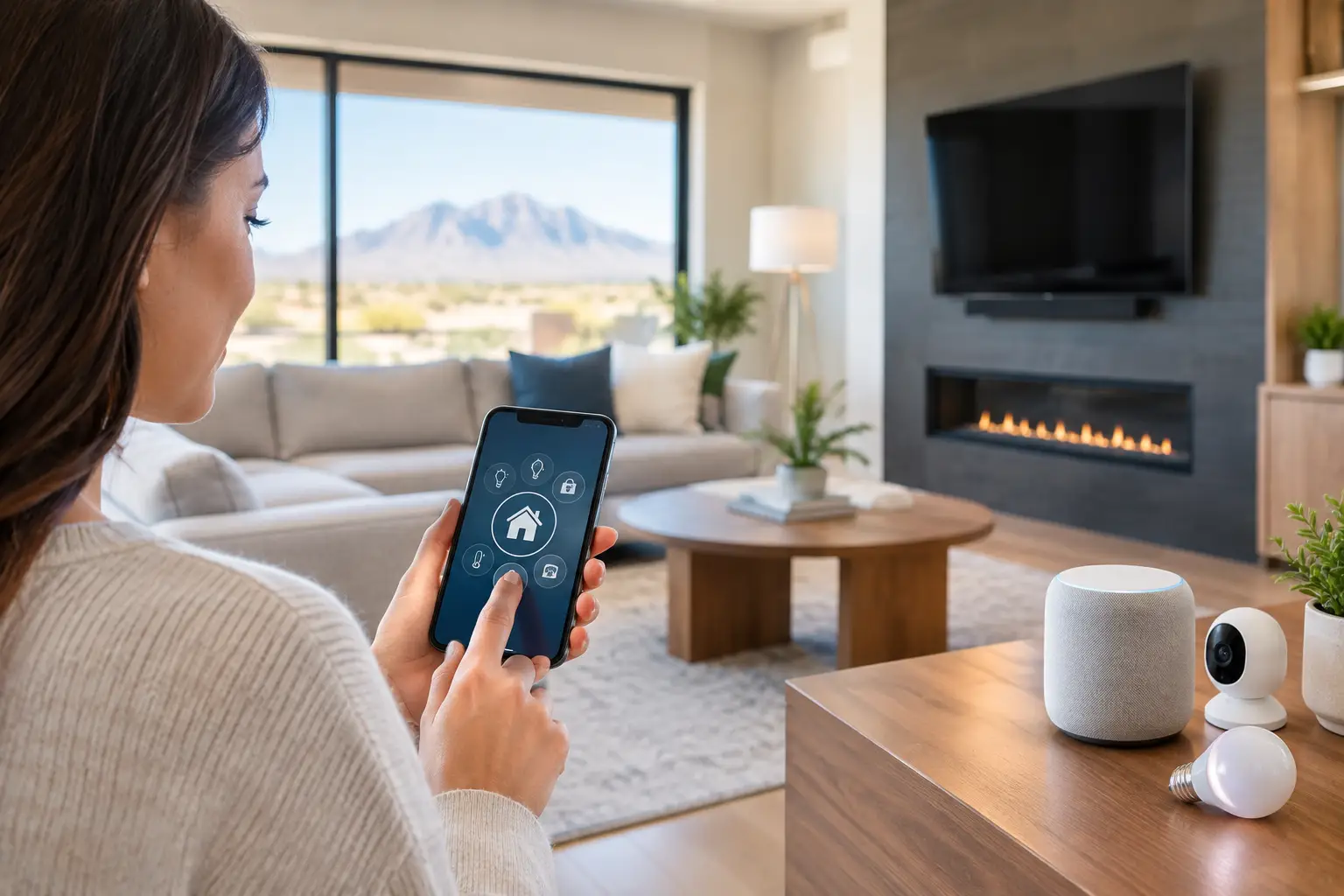
Unsecured Wi-Fi and poorly configured networks create another exposure. Guest devices, smart TVs, cameras, access-control equipment, and employee computers should not all have unrestricted access to one another. Network segmentation helps contain problems, whether the issue is an infected laptop or a smart device with outdated firmware.
Physical security also connects to cybersecurity more often than people expect. Cameras, door controllers, network video recorders, and smart building systems are networked devices. If they are installed without secure passwords, updates, or appropriate network separation, they can become an overlooked point of entry.
A Practical Cybersecurity Services Plan
The best plan fits the size of the organization, the sensitivity of its information, and the systems it uses every day. A medical office, for instance, has different compliance and data-protection needs than a construction company or retail store. Still, most effective programs include the same core protections.
- Managed device protection: Business computers need current operating systems, security software, and centralized monitoring. When a device shows signs of malware or unusual behavior, it should be investigated quickly rather than waiting for an employee to report a problem.
- Email and identity security: Multi-factor authentication, secure email filtering, password management, and access reviews can block a large share of account-compromise attempts. Admin accounts deserve even tighter controls because they can affect every user and device.
- Backup and recovery planning: Backups should run automatically, be protected from ransomware, and be tested. A backup that cannot restore a critical file or server is not a recovery plan.
- Secure network design: Firewalls, segmented Wi-Fi, secure remote access, and proper configuration help keep business traffic separate from guests and connected devices. This is especially valuable for offices that also operate surveillance, access control, or smart-building equipment.
- Employee awareness: Training should be short, clear, and repeated. Staff need to know how to report a suspicious email, verify a payment change, and avoid sharing credentials under pressure.
These controls work together. Email filtering may catch a malicious message, multi-factor authentication may stop a stolen password from being useful, and device monitoring may detect unusual activity if both layers fail. No one tool provides complete protection.
Start With Visibility, Not Guesswork
Before adding new security tools, get a reliable view of what is already connected and who has access. Many businesses discover old employee accounts, forgotten laptops, personal devices on the network, outdated routers, and cloud subscriptions no one is actively managing.
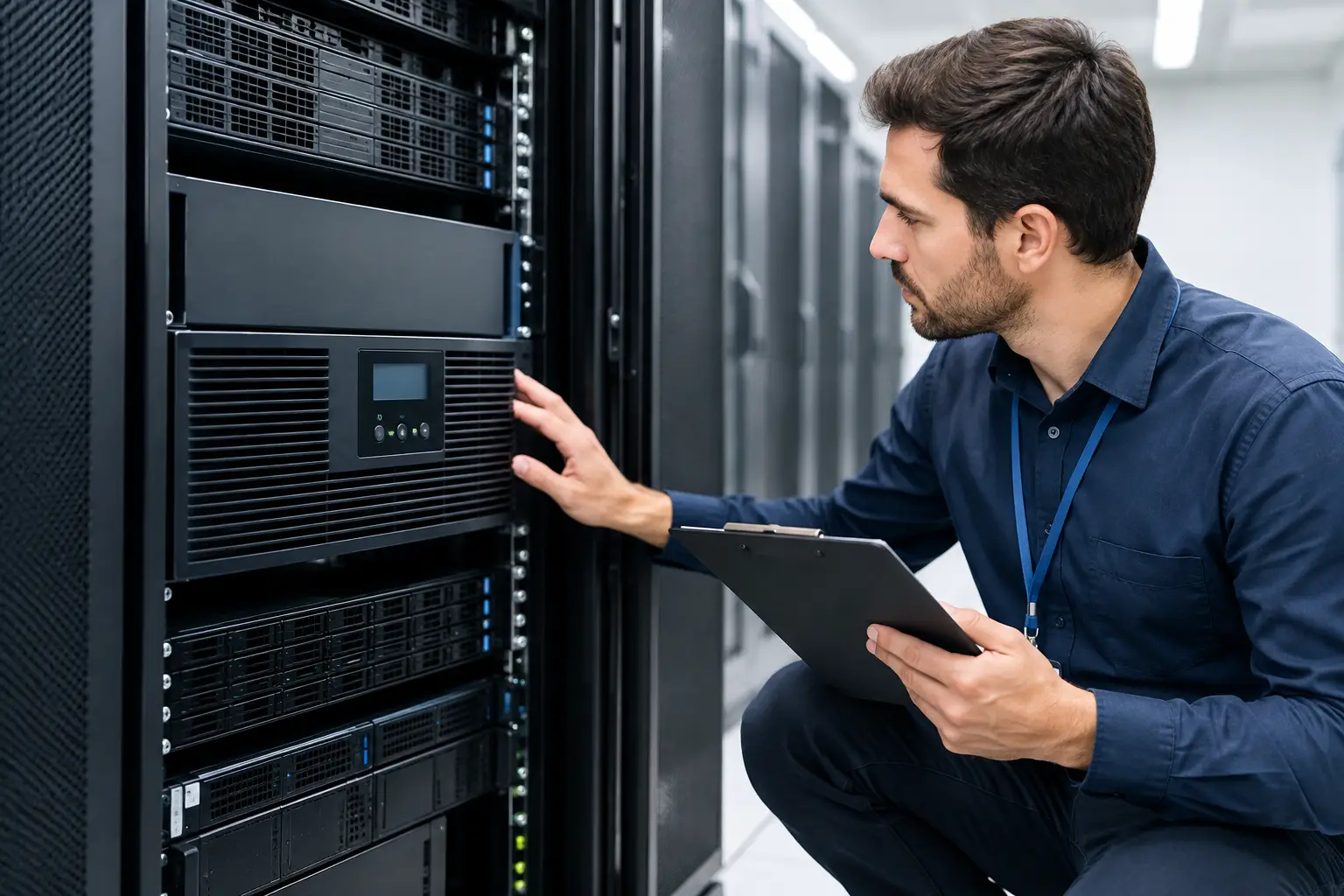
A cybersecurity assessment should document workstations, servers, cloud accounts, network equipment, wireless networks, cameras, remote-access methods, and backup locations. It should also identify which people have administrative privileges and whether those permissions are still necessary.
This step is not about creating a complicated report that sits unused. It is about finding the obvious gaps first. A former employee with an active mailbox, a firewall that has not been updated, or a backup drive connected full-time to the same network can create an avoidable risk.
For property managers and multi-site organizations, visibility also includes the systems installed at each location. The goal is consistency. If one office has secure Wi-Fi, current cameras, and controlled access while another relies on default passwords and aging equipment, the weakest location can become the problem everyone has to manage.
Why Fast Local Support Matters During an Incident
Security monitoring can identify a threat, but a business still needs a response plan. Who disables a compromised account? Who checks whether other inboxes were accessed? Who verifies that the backup is clean? Who contacts staff, vendors, or customers if necessary?
A clear incident process reduces panic and prevents well-intended mistakes. Employees should know whom to call and what information to save. They should not delete suspicious emails, continue using a compromised device, or try to negotiate with an attacker on their own.
This is where a local technology partner can be valuable. Some incidents can be handled remotely, such as resetting credentials, blocking an email domain, or reviewing cloud logins. Others require hands-on work, including isolating equipment, replacing a failed firewall, correcting cabling issues, or restoring systems onsite.
Las Vegas Tech Pros can support both sides of that work: the IT security controls that protect business data and the underlying network, cabling, Wi-Fi, camera, and access-control infrastructure those controls depend on. One coordinated team helps reduce the delays that happen when several vendors are trying to determine where the problem starts.
Questions to Ask Before Choosing a Provider
Not every provider delivers the same level of coverage. Ask whether the service includes active monitoring or simply installs software. Find out what happens after a threat alert, how quickly someone responds, and whether remediation is included or billed separately.
You should also ask how backups are tested, how multi-factor authentication is deployed, and whether the provider documents network changes and account access. If your business uses cameras, door access, guest Wi-Fi, remote workers, or multiple locations, confirm that those systems are part of the security conversation rather than treated as unrelated projects.
Pricing matters, but the lowest monthly number may leave critical work outside the agreement. Compare the scope of service, response expectations, onsite availability, and the provider’s ability to support your entire environment. The right fit depends on your risk, budget, and internal capabilities.
A safer business is built through steady maintenance, not one dramatic security purchase. Start with the systems your team cannot afford to lose, close the most immediate gaps, and make sure a qualified person is ready to respond before a suspicious email becomes a business interruption.