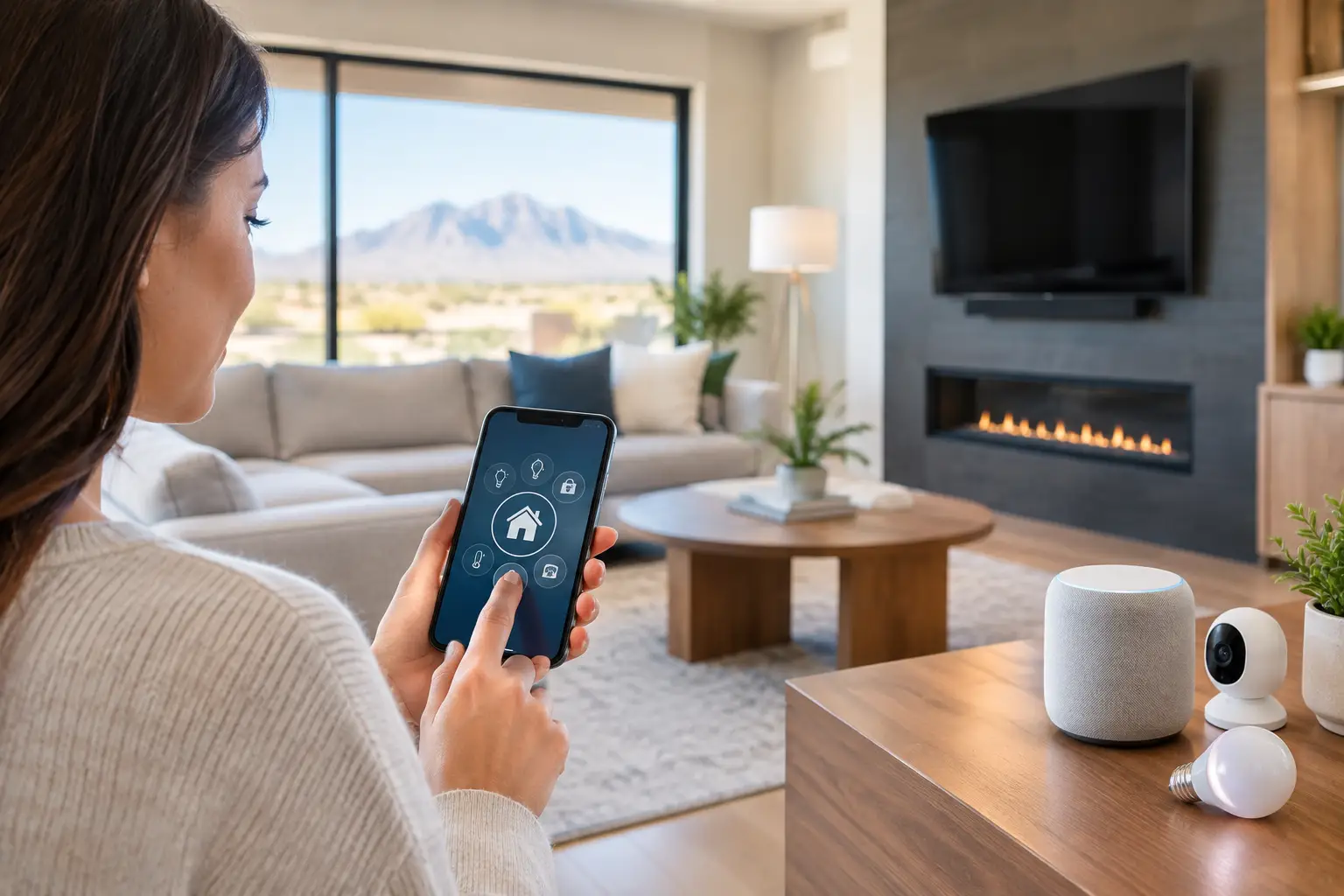
A stolen password should not be enough to open your office network, view your security cameras, or control a smart lock at home. That simple expectation is driving the biggest zero trust security trends in 2026. Instead of assuming that a person or device is safe because it is inside the network, zero trust requires each access request to earn trust through verification.
For businesses, medical offices, HOAs, builders, and homeowners, this is less about chasing a cybersecurity buzzword and more about reducing real exposure. Remote work, cloud applications, connected cameras, smart access control, mobile devices, and guest Wi-Fi have expanded the number of paths into a property. A practical zero trust approach helps keep one compromised account or device from becoming a larger problem.
What zero trust looks like in the real world
Zero trust follows a straightforward rule: never trust by default, always verify. A user may be an employee, resident, contractor, or family member. The system should confirm who they are, whether their device is secure, and whether they actually need the requested access at that moment.
That does not mean every person has to fight through constant security prompts. Done well, zero trust puts more controls behind the scenes. A managed work laptop on a known network may have a smooth experience. A new device trying to sign in from another state, access camera recordings, or download sensitive files should face additional verification or be blocked.
The trend matters because traditional network boundaries are fading. Many businesses use cloud-based email and business software. Homeowners view cameras from phones. Property managers need remote access to several locations. The network is still essential, but it is no longer the only place security decisions happen.
Zero trust security trends changing access control
Identity is becoming the main security perimeter
Passwords remain a major point of failure. Phishing messages, reused credentials, and weak passwords can give attackers an easy first step. One of the strongest trends is wider use of multifactor authentication, passkeys, and conditional access policies.
Multifactor authentication asks for more than a password, such as an approval from an authenticator app or a physical security key. Passkeys reduce dependence on passwords altogether by using device-based authentication that is far more difficult to phish. For a small business, even enabling multifactor authentication on email, remote access, financial platforms, and camera administration accounts can close a meaningful gap.
Conditional access adds context. A staff member may be allowed to use a cloud application only from a managed device, or an administrator may need extra verification before changing user permissions. These rules should be calibrated carefully. Overly restrictive policies can interrupt legitimate work, especially for field teams and vendors. The goal is controlled access, not unnecessary friction.
Least-privilege access is replacing shared logins
Shared passwords for a camera system, Wi-Fi router, or office application are convenient until someone leaves the company, a vendor finishes a project, or credentials appear in the wrong place. Zero trust favors individual accounts with only the permissions each person needs.
A front-desk employee may need to view a live camera feed but not delete recordings or change system settings. A maintenance vendor may need temporary access to a gate controller but not the full business network. A homeowner may want family members to operate lights and locks without granting them authority to alter automation rules or billing details.
This approach also makes troubleshooting easier. When every user has a named account, there is a clearer record of who changed a setting or accessed a system. Access can be removed quickly without forcing everyone else to change a shared password.
Network segmentation is moving beyond large enterprises
Zero trust is not limited to cloud software. The local network still needs to prevent devices from freely communicating with everything else. Network segmentation separates systems into appropriate zones, limiting the reach of a compromised device.
For example, business computers, payment equipment, cameras, access control panels, guest Wi-Fi, and Internet of Things devices should not all sit on the same flat network. At a residence, smart TVs, thermostats, and other connected devices should not have open access to personal computers or network storage.
Segmentation does require sound planning. Some systems need to communicate with specific controllers, mobile apps, or monitoring services. A rushed configuration can break printing, camera viewing, or smart-home control. The right process maps what needs to connect, creates rules for those connections, and tests the result before it affects daily operations.
Cameras and smart buildings need the same discipline
Security cameras and access control systems protect a property, but they are also network-connected computers. They need attention beyond installation day. Default passwords, outdated firmware, exposed remote viewing ports, and unsupported recorders can create avoidable risk.
Current zero trust security trends place more emphasis on securing the systems that connect physical security to the network. That includes unique administrator credentials, individual user accounts, multifactor authentication where available, firmware management, encrypted remote access, and restricted network permissions.
For commercial properties and HOAs, role-based access is particularly useful. A property manager, board member, security team, and outside installer do not need the same level of access. Giving each group only what it needs protects privacy while keeping operations moving.
AI-powered camera analytics also require thoughtful access controls. Features such as person detection, vehicle alerts, and smart search can improve response time, but recorded video and event data should not be broadly available to every user. Strong security supports the value of the surveillance system rather than limiting it.
Device health is becoming part of the access decision
A verified user can still present a risk if their laptop, tablet, or phone is compromised. More organizations are checking device health before allowing access to sensitive resources. That can include verifying that the operating system is updated, disk encryption is enabled, antivirus or endpoint protection is active, and the device is not rooted or jailbroken.
For managed IT environments, this is a practical way to reduce risk without relying entirely on employee behavior. Policies can require a company-managed device for administrative work, while allowing limited browser-based access for personal devices. The correct balance depends on the role, the type of data involved, and how much flexibility the organization needs.
For homeowners, the equivalent is simpler but still valuable: keep router firmware current, use a separate guest network, remove old devices that no longer receive updates, and protect the account that manages the home network. The router is often the central point for every connected device in the house.
AI raises the stakes for verification
AI is helping defenders identify unusual sign-ins, suspicious device behavior, and abnormal network traffic faster. It is also making phishing attempts more convincing. Attackers can write cleaner messages, imitate common business language, and use publicly available information to create targeted requests.
That is why verification needs to become a habit, not just a technology setting. An urgent invoice change, a request for credentials, or an unexpected call asking for a multifactor approval should be independently confirmed. No security tool can fully protect an organization when someone is pressured into approving a fraudulent request.
Organizations should also be cautious about what employees enter into public AI tools. Customer information, financial data, security procedures, and internal documents may not belong in an unapproved service. Clear rules and approved tools are more useful than a blanket policy nobody can follow.
A practical starting point for properties and small businesses
Zero trust does not require replacing every network switch, camera, or computer at once. Start with the systems that would cause the most disruption if an account were compromised. For many organizations, that means email, financial tools, remote access, cloud file storage, network administration, cameras, and access control.
A focused first phase should include these four actions:
- Turn on multifactor authentication for critical accounts and remove shared administrator logins.
- Review who has access to cameras, doors, cloud files, and network equipment, then remove stale accounts.
- Separate guest, business, camera, and smart-device traffic with properly configured network segmentation.
- Establish a routine for firmware updates, device replacement, backups, and access reviews.
The technology choices will vary. A medical office has compliance and patient-information concerns that a retail store may not share. A builder managing active job sites may need temporary, mobile-friendly access for multiple contractors. A large residence may have dozens of smart devices that need a different design than a small office. The principle stays the same: verify access, limit permissions, and contain problems before they spread.
For Las Vegas-area properties that need help connecting the IT, Wi-Fi, surveillance, cabling, and access-control pieces, Las Vegas Tech Pros can help design a security approach that works with the systems already in place. Start by identifying the one account, device, or network segment that would create the biggest headache if it were compromised, then make that point harder to misuse this week.