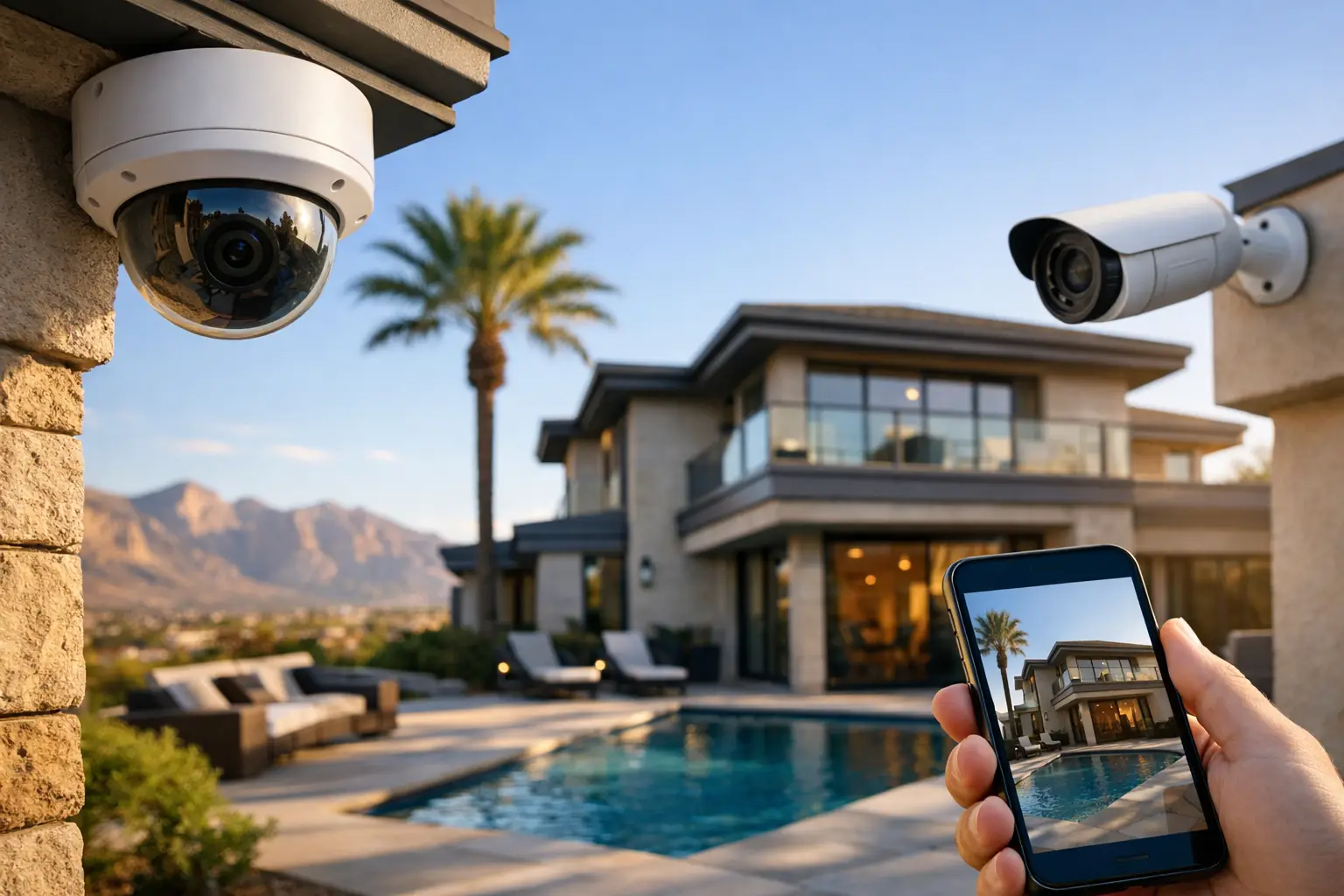
A security camera is only useful if the footage is there when you need it. Cloud local recording gives property owners two places to protect video: on-site storage for dependable, immediate recording and cloud access for remote viewing, alerts, and off-site backup. For homes, offices, retail locations, HOAs, and medical facilities, that combination can close a major gap in a camera system.
A camera that records only to the cloud may be affected by internet interruptions, upload limitations, or recurring storage costs. A system that records only on-site can leave footage vulnerable if a recorder is damaged, stolen, or inaccessible after an incident. The right setup considers both risks instead of treating storage as an afterthought.
What Is Cloud Local Recording?
Cloud local recording is a surveillance approach where cameras save video to local equipment, such as a network video recorder (NVR), digital video recorder (DVR), microSD card, or dedicated gateway, while also connecting to cloud-based features. Those features may include remote live viewing, motion alerts, user management, health monitoring, and backup clips stored away from the property.
The exact setup varies by camera platform. Some systems continuously record high-resolution footage to an on-site NVR and send event clips to the cloud. Others use local storage as the primary recording destination but rely on the cloud for secure remote access. A few can maintain continuous cloud recording as well, provided the internet connection has enough upload capacity.
That distinction matters. “Cloud-connected” does not always mean every minute of video is stored in the cloud. Before selecting equipment, decide whether you need cloud backup for key events, continuous off-site retention, or simply a way to view locally stored footage from your phone.
Why Local Recording Still Matters
Las Vegas properties can experience power interruptions, ISP outages, construction-related cable damage, and network issues just like anywhere else. If a camera depends entirely on a live internet connection to send footage off-site, an outage can create a recording gap at the worst possible time.
Local recording keeps video inside the property network. With properly designed equipment, cameras can continue recording to an NVR even if internet service goes down. If the system has battery backup, it may also keep running through short power interruptions. That is particularly valuable for businesses that need to review activity at a register, loading area, medication room, server closet, or parking lot.
Local storage also supports higher-quality video without forcing every camera to upload its full stream to the internet. A 4K camera produces significantly more data than a basic HD camera. Recording several 4K streams continuously to the cloud can demand more upload bandwidth than many homes and small businesses have available. Recording locally lets the system preserve detailed footage while using the internet more efficiently for remote access and selected alerts.
Where the Cloud Adds Real Value
Local storage handles reliability and image quality. Cloud services add convenience and a layer of protection when they are configured correctly.
Remote access is the feature most property owners notice first. An authorized user can check a live camera feed, review recent activity, or receive an alert without being physically present. For a homeowner traveling out of state or a manager responsible for multiple locations, that visibility is useful only if it is also secure. Strong passwords, multi-factor authentication, separate user accounts, and current firmware should be part of the installation plan.
Cloud backup can also protect important clips if an intruder takes or damages the on-site recorder. Not every event needs to be backed up. For many properties, motion-triggered clips from exterior doors, driveways, cash handling areas, gates, and access points provide the right balance between protection and storage costs.
Cloud health monitoring can be equally helpful. A camera that is offline, blocked, moved, or disconnected is a security issue. Systems that report device status can help identify a problem before an incident exposes it.
Choosing the Right Recording Strategy
The best configuration depends on what is being protected, how long footage must be retained, and how much network capacity is available. A homeowner with four exterior cameras may need something very different from a medical office with compliance concerns or a retail space with several entrances and a large parking area.
Continuous Recording vs. Event Recording
Continuous recording captures everything, all the time. It is often the better choice for commercial sites, busy common areas, cash registers, driveways, and locations where an event may not trigger motion correctly. It gives you the context before and after an incident, which can be critical during an investigation.
Event recording saves video when motion, people, vehicles, line crossing, or another rule is detected. It reduces storage use and makes it faster to find an event, especially with AI-powered detection. However, it depends on accurate settings. Poorly configured motion zones may miss activity or create a flood of alerts from shadows, landscaping, headlights, or passing traffic.
Many properties benefit from a hybrid approach: continuous local recording for important cameras and cloud backup of verified events. This gives you full footage on-site while preserving critical clips off-site.
Storage Retention Is a Design Decision
Retention means how long video remains available before the system overwrites it. More cameras, higher resolution, higher frame rates, and continuous recording all require more storage. A system designed for seven days of retention may be completely inadequate if an incident is reported two weeks later.
Start with the practical question: how long does your property need footage available? Residential customers may be comfortable with two to four weeks. A business, HOA, or facility handling disputes, deliveries, visitor traffic, or liability concerns may need 30 days or more. Requirements can also be shaped by internal policies, insurance expectations, and the type of operation.
Storage calculations should be based on the actual camera settings, not an estimate pulled from a product box. Lowering a camera’s bitrate may extend retention, but it can also reduce usable detail. The goal is not the longest possible retention number. It is footage that is clear enough to identify what happened.
The Network Can Make or Break the System
A camera system is part of your network infrastructure. Cameras need reliable cabling, proper power, secure network segmentation, and enough capacity for recording and remote viewing. This is where DIY systems can run into trouble, especially when Wi-Fi cameras are added one at a time across a large home or commercial space.
Hardwired Power over Ethernet cameras are often the strongest option for permanent installations. One cable provides both data and power, reducing dependence on batteries and individual Wi-Fi connections. Proper cable runs also support cleaner installation, better reliability, and easier troubleshooting later.
Wi-Fi cameras can be useful where running cable is impractical, but they should be placed only after evaluating signal strength and interference. A camera at the edge of Wi-Fi coverage may appear to work until network demand increases, a router is moved, or a nearby device creates interference. For exterior cameras, gate cameras, and high-priority areas, hardwired connections usually provide more predictable performance.
It is also smart to put surveillance devices on a separate network segment when possible. This helps protect business computers, smart home devices, and camera equipment from unnecessary exposure to one another. For commercial sites, it also gives IT support a clearer path for troubleshooting and access management.
Common Mistakes to Avoid
The most common mistake is buying cameras before planning coverage. A high-resolution camera pointed at the wrong angle will not solve a security problem. Camera placement should account for entrances, faces, vehicle paths, lighting changes, blind spots, and the specific detail needed at each location.
Another mistake is assuming an app equals security. Mobile viewing is convenient, but it should not be the only reason to choose a system. Confirm where video is stored, what happens during an internet outage, whether local recording continues, and who has permission to view or export footage.
Finally, do not overlook maintenance. Lenses get dirty, trees grow into views, firmware needs updates, and hard drives eventually fail. A quick periodic review of camera views, recording status, and playback quality can prevent a painful surprise later.
Build a System That Works When It Counts
Cloud local recording is not about choosing between old-school recorders and modern cloud tools. It is about putting each one to work where it makes sense. Local recording protects continuous, high-quality video on the property. Cloud features provide remote access, alerts, selected off-site backup, and easier system oversight.
For a system that needs clean cabling, accurate camera placement, reliable recording, and secure remote access, Las Vegas Tech Pros can design the pieces as one complete security solution. The best time to test your recording plan is before there is footage you cannot afford to lose.