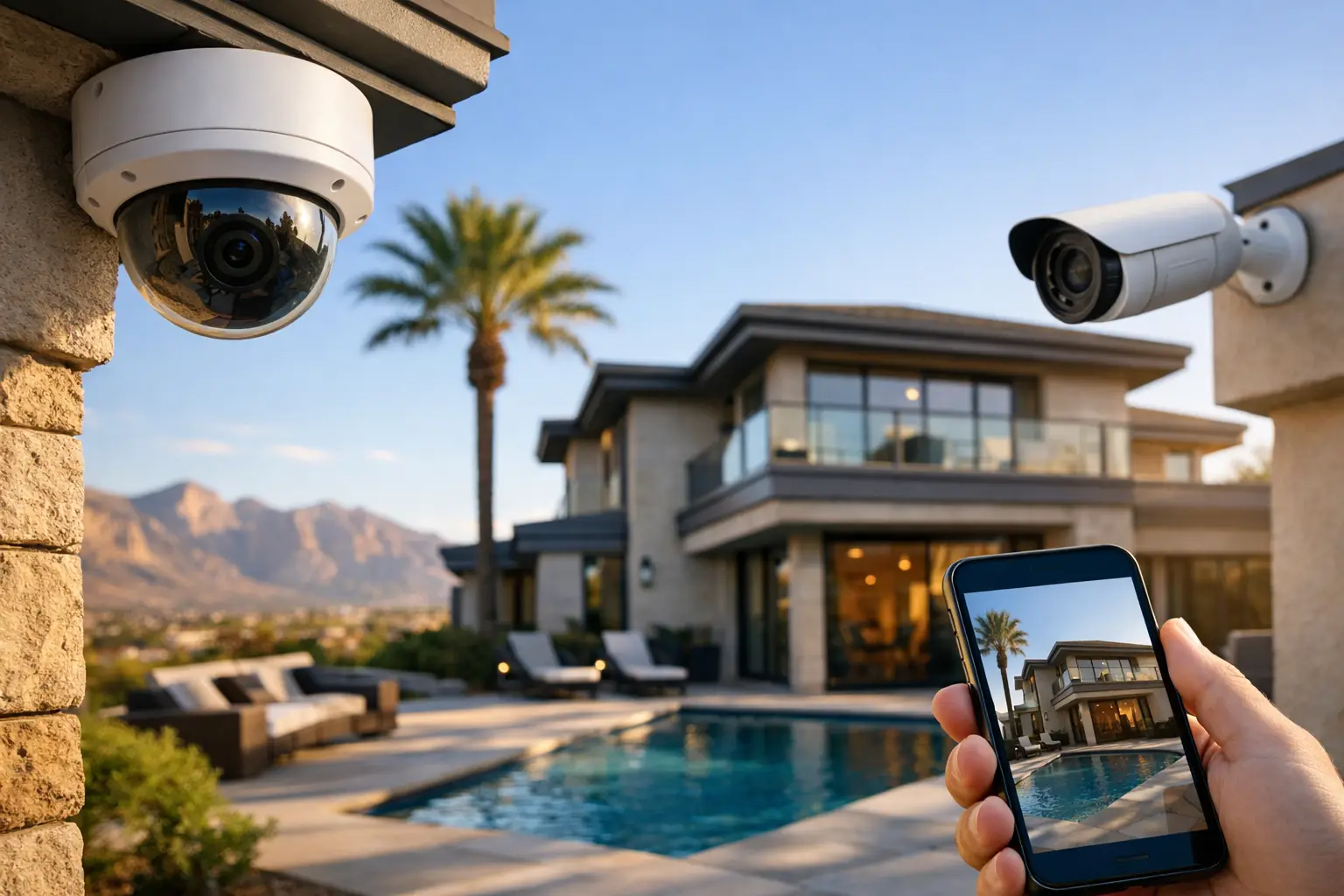
A smart home should make an ordinary Tuesday easier, not turn it into a troubleshooting project. This Las Vegas smart home example starts with a common local situation: a two-story home with weak upstairs Wi-Fi, cameras that miss useful angles, several remotes around the living room, and an owner who wants better control without learning a new app for every device.
The answer is not to buy every smart product on the shelf. It is to build the right foundation, then connect the systems that solve real problems. For Las Vegas homeowners, that often means reliable coverage across larger floor plans, dependable outdoor equipment in extreme heat, practical security, and automation that reduces energy waste without making the house feel complicated.
A Las Vegas Smart Home Example Built Around the Home
Picture a family home in Summerlin or Henderson with a main living area downstairs, bedrooms and a loft upstairs, a backyard pool, and a detached garage. The homeowner works remotely a few days a week, travels occasionally, and wants to check on the property from a phone without receiving constant nuisance alerts.
A properly planned system begins before the first camera or smart switch is installed. A technician reviews the home layout, construction materials, internet service, existing wiring, electrical access, and the equipment the household already uses. Thick walls, metal framing, tile, and distance from the network equipment can all affect wireless performance. In many homes, the issue is not the internet plan. It is the way Wi-Fi is distributed through the building.
The finished setup may include professionally placed wireless access points, hardwired cameras, smart lighting in key areas, a connected thermostat, whole-home audio in selected rooms, and a simple control interface. Each part has a clear job. The network supports everything. Security helps the homeowner see and respond. Lighting and climate controls add convenience and reduce unnecessary use. AV makes the spaces people actually use more enjoyable.
Start With the Network, Not the Gadgets
Every connected device depends on the network. If video calls freeze in the home office or a camera drops offline when the family starts streaming, adding more smart devices will only expose the problem faster.
For this example, the home receives a managed Wi-Fi design with access points positioned to cover the downstairs living areas, upstairs bedrooms, backyard, and garage. Where possible, equipment is hardwired back to a central network location. That provides more stable performance than relying on wireless repeaters, which can reduce speed and create inconsistent coverage.
The network can also separate devices into sensible categories. Computers, phones, smart TVs, cameras, and guest devices do not all need the same level of access. Segmentation helps limit exposure if a lower-cost smart device has weak security, while keeping the systems the family depends on operating properly.
There is a trade-off here. A basic mesh kit may cost less upfront and can work well in a smaller home with an open floor plan. Larger homes, properties with outdoor coverage needs, and households using multiple cameras benefit from a more deliberate design. The best choice depends on the structure, number of users, and how much the home relies on connected technology.
Why hardwired connections still matter
Wireless technology is convenient, but it is not a replacement for cable in every application. Hardwired access points, cameras, TVs, and media equipment reduce wireless congestion and are less affected by walls, neighboring networks, and changing environmental conditions.
For a new build or remodel, low-voltage cabling should be planned early. Running cable after drywall and finishes are complete is still possible, but it can require more labor and more careful routing. Builders and homeowners who plan ahead gain cleaner installations, better equipment placement, and more flexibility later.
Security That Shows What Matters
In this Las Vegas smart home example, security focuses on usable information rather than an endless stream of notifications. Cameras cover the front entry, driveway, side gate, backyard access point, and pool area. Placement is based on what the owner needs to see: faces at the door, vehicle movement, gate activity, and approaches to the home.
Professional camera placement matters as much as camera resolution. A 4K camera aimed too high may show the top of a hat instead of a face. A camera facing directly into intense afternoon sun can produce poor footage at the exact time activity occurs. Local installers account for mounting height, glare, shadows, nighttime lighting, and the camera’s field of view before finalizing locations.
Hardwired cameras are often the right fit for homeowners who want reliable recording and fewer battery changes. A network video recorder can keep footage stored locally, while remote viewing gives the owner access from a phone or tablet. Cloud storage may be useful for certain setups, but it can add recurring costs and depends on steady internet service. Some homes benefit from a mix of local recording and cloud backup.
AI-based person, vehicle, and package detection can reduce false alerts from wind, pets, or passing headlights. It is helpful, not magic. Detection settings need adjustment after installation, especially around busy streets, landscaping, and reflective pool areas. The goal is fewer alerts, not zero alerts at any cost.
Control the Moments That Repeat Every Day
The best automations are usually small. When the family leaves, selected lights turn off, the thermostat adjusts to an away setting, and the system confirms that exterior doors are secure. At sunset, pathway and entry lighting comes on. When the homeowner arrives after dark, the garage-side lights activate for a set period.
The living room is another practical use case. Instead of juggling a TV remote, streaming remote, receiver remote, and input settings, one button can start a movie setup: the TV powers on, the correct source is selected, and the audio system switches to the appropriate setting. A wall-mounted TV with hidden wiring and properly located AV equipment keeps the room clean instead of filling it with visible cables and devices.
Smart lighting works best when it is designed around habits, not novelty. Entry lights, kitchen lighting, halls, exterior fixtures, and common areas are good candidates. Bedrooms and every decorative fixture do not always need automation. Choosing too many smart controls can create confusion for guests and make simple tasks harder than flipping a switch.
Climate control deserves the same practical approach. Las Vegas summers place real demands on HVAC systems, and an intelligent thermostat can help manage schedules and away settings. It cannot correct an undersized AC unit, poor insulation, or an airflow problem. Automation supports a well-functioning home system; it does not replace maintenance.
Keep Control Simple for Everyone in the House
A smart home fails the moment only one person knows how to operate it. In this example, the homeowner has app access for remote viewing and adjustments, but everyday actions remain easy. Physical switches work. Key lighting scenes can be activated from a wall keypad. The home theater has straightforward controls. Important systems do not require a phone to function.
This approach also helps when internet service is temporarily unavailable. Some remote features may not work without an internet connection, but local controls, wired cameras, and local network functions can continue depending on the system design. That distinction should be discussed before installation, particularly for security, access, and recording needs.
Las Vegas Tech Pros can coordinate the network, surveillance, low-voltage cabling, TV mounting, AV, and smart home components as one project. That means fewer handoffs between vendors and a clearer path when something needs service later. A single technology partner is especially useful when a home has both existing equipment to preserve and new systems to add.
Plan for Service, Changes, and Real Life
Homes change. A spare room becomes an office. A child needs stronger Wi-Fi for schoolwork. A new gate creates another camera angle. A homeowner adds a backyard TV, electric vehicle charger, or pool-area entertainment. A good smart home design leaves room for those changes instead of locking the property into a one-time installation.
Before approving a project, ask what happens when a device fails, a password changes, internet service is replaced, or a homeowner sells the property. Confirm who owns the accounts, where recordings are stored, what equipment has warranty coverage, and how support is handled. Those details are not exciting, but they are what keep a system useful after installation day.
The right smart home is not the one with the most devices. It is the one that gives you dependable Wi-Fi, useful security, easy control, and a home that responds the way you expect. Start with the frustrations you want gone, then build a system that solves them without adding new ones.