A bad network usually shows up at the worst time – during a video meeting, in the middle of a movie, or right after you add a new camera, TV, or smart device. That is why a professional home network setup service is not just about getting internet turned on. It is about building a system that actually fits how your home works, where your devices are, and how much reliability you expect day to day.
For many Las Vegas homeowners, the issue is not the internet plan itself. It is weak Wi-Fi in back bedrooms, dead zones near the patio, overloaded consumer-grade equipment, or a patchwork of add-on devices that never quite work together. In larger homes, multi-story properties, and smart homes with cameras, doorbells, speakers, TVs, thermostats, and work-from-home devices all pulling bandwidth at once, a basic router on a shelf is rarely enough.
What a home network setup service should actually solve
A professional setup should start with the real problems, not a box pulled off a truck. If your signal drops in certain rooms, if your smart devices disconnect, or if your home office slows down every afternoon, those symptoms usually point to layout, interference, hardware limits, or cabling issues.
Good network design takes all of that into account. It looks at the square footage of the property, wall materials, where the internet service enters the home, how many users are online at once, and whether certain devices should be hardwired instead of left on Wi-Fi. That matters in newer builds, older homes, condos, and custom properties for different reasons.
The goal is straightforward. You want dependable coverage, stable speed, secure access, and room to grow without having to keep guessing which gadget might fix the problem next.
Why DIY networking often falls short
There is nothing wrong with a simple DIY setup in a small apartment with light internet use. But once a home has multiple TVs, gaming systems, security cameras, smart lighting, video doorbells, tablets, laptops, and remote work demands, do-it-yourself networking tends to become a cycle of trial and error.
One common problem is placing equipment where it is convenient instead of where it performs best. Another is mixing brands and generations of hardware that do not play well together. Mesh systems can help in some homes, but not every property benefits from the same approach. In some cases, wireless nodes are enough. In others, wired access points are the better long-term answer because they provide more stable backhaul and better overall performance.
Security is another factor people tend to overlook. Many homeowners are focused on speed, but a home network also carries cameras, smart locks, phones, laptops, tablets, and work-related devices. If the setup is poorly configured, the network may be easier to access than it should be. That is especially relevant for households with remote workers, home-based businesses, or integrated security systems.
The right setup depends on the home
No honest provider should pretend every house needs the same equipment or the same layout. A condo with a few streaming devices has very different needs than a two-story home with a detached casita, backyard entertainment, and a growing list of smart devices.
That is where a service-first approach matters. Instead of forcing a generic package, the network should be matched to the property and the way people live in it. Some homes need stronger Wi-Fi coverage in outdoor areas. Others need dedicated bandwidth in a home office or low-latency connections for gaming and media rooms. Some households care most about camera reliability, while others want smooth streaming in every room without buffering complaints from the family.
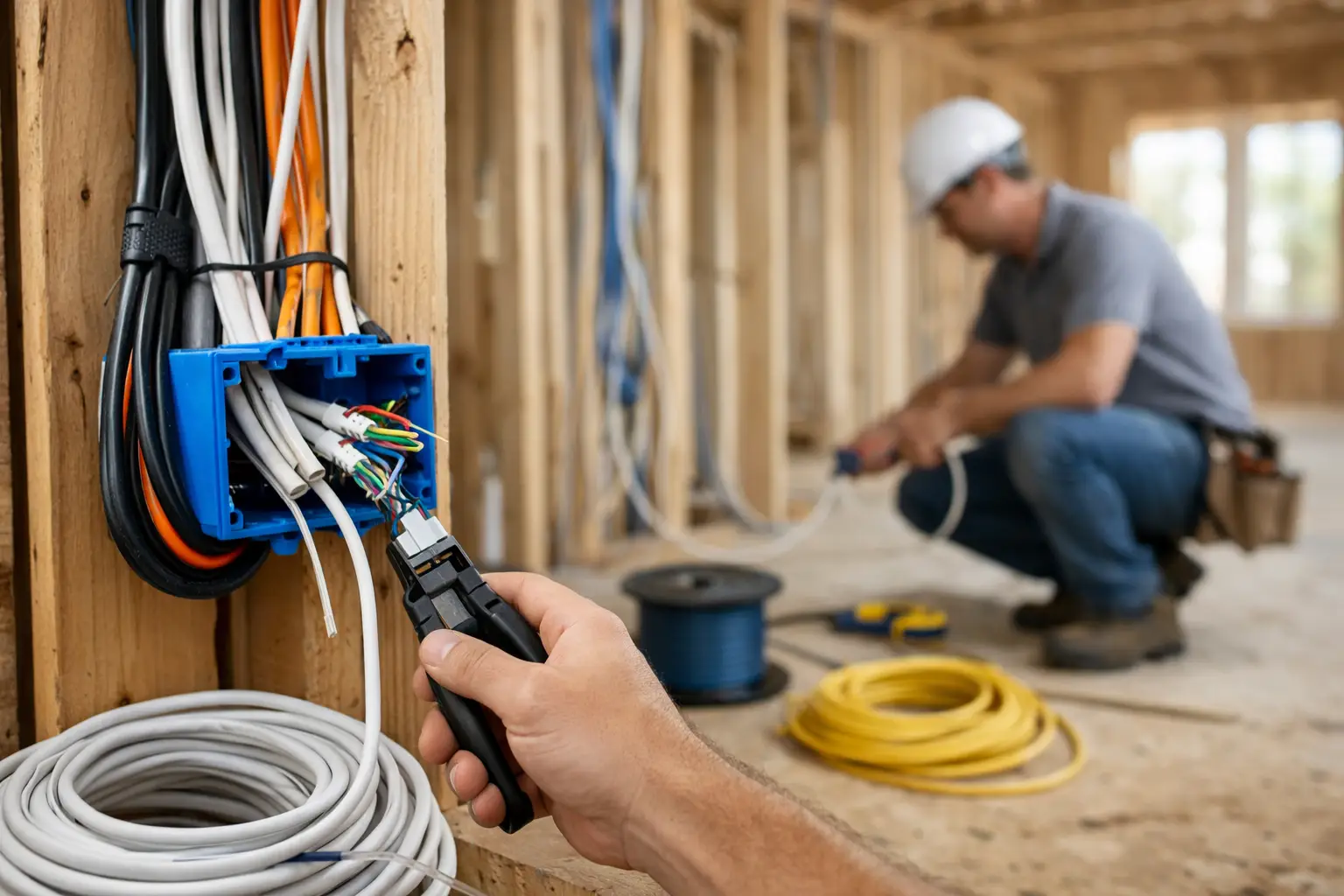
For builders, HOAs, and higher-end residential properties, planning early can also prevent costly rework later. If cabling pathways, equipment locations, and access point placement are considered before walls are closed up, the final result is cleaner, more reliable, and easier to support.
What is included in a professional home network setup service
A proper service typically starts with evaluation and design. That means identifying where the network currently fails, where performance is needed most, and whether the best answer is improved router placement, a mesh upgrade, structured cabling, hardwired access points, or a full redesign.
Installation is only part of the job. Configuration matters just as much. Devices should be set up with secure credentials, appropriate wireless settings, and a layout that minimizes interference and confusion. If a home includes smart TVs, surveillance systems, smart home hubs, home offices, or audiovisual components, those systems should be considered as part of the same network plan rather than treated as separate projects.
That is one place where having a single local technology partner makes life easier. Networking is often tied to low-voltage cabling, security cameras, access points, media equipment, and smart home devices. When one provider understands the full environment, problems get solved faster and installations are usually much cleaner.
Signs your network needs more than a reboot
Some issues are obvious. If rooms in the house have no usable signal, the setup is underperforming. If cameras go offline, video calls freeze, or your smart home devices constantly need to be reconnected, the network is not keeping up.
Other signs are easier to miss. If your speeds test fine near the router but feel inconsistent across the house, that points to coverage and placement problems. If performance drops when several people are online at once, the issue may be network capacity, not your internet plan. If your current solution only works after repeated restarts, the hardware may be undersized, outdated, or simply installed in the wrong way.
A good service call should identify the root cause instead of masking symptoms. Sometimes that means replacing a weak all-in-one router. Sometimes it means adding properly placed access points. Sometimes the bigger issue is cabling, interference, or a poorly designed smart home environment.
Home networking and smart home performance go together
A lot of smart home frustration is really network frustration. Video doorbells that lag, cameras that disconnect, voice assistants that stop responding, and TVs that buffer are often blamed on the device itself when the real problem is weak or inconsistent connectivity.
That is why homeowners adding automation, surveillance, or whole-home entertainment should think about the network first. A strong foundation supports everything else better. It also gives you more confidence when adding new devices later.
This is particularly important in larger Las Vegas homes where outdoor coverage, thick construction materials, and multiple entertainment or security zones can challenge a basic setup. A network designed with those realities in mind performs better than one that gets pieced together one extender at a time.
Why local support matters after installation
Even a well-designed network may need adjustments as your home changes. You might add cameras, expand outdoor Wi-Fi, build out a home office, or upgrade your entertainment system. When that happens, it helps to have a local team that can step in quickly instead of pushing you into a phone queue with someone who has never seen your property.
That responsiveness is a big part of what customers are really buying. They are not just paying for hardware. They are paying for cleaner installation, better planning, faster problem-solving, and ongoing support from people who know the system.
For homeowners and property managers who want one point of contact for networking, security, AV, and smart home technology, that matters even more. It cuts down on confusion, finger-pointing, and delays between vendors.
Las Vegas Tech Pros approaches home networking that way – as part of the larger technology environment in the property, not as a standalone box swap.
Choosing a home network setup service in Las Vegas
If you are comparing providers, ask practical questions. Do they only install off-the-shelf Wi-Fi products, or can they also handle low-voltage cabling and integrated systems? Do they design around the property layout, or do they push the same package every time? Will they support the network after installation if your needs change?
The cheapest option is not always the least expensive over time. A rushed setup may leave you buying more equipment, dealing with repeat outages, or paying another company to clean up the original work. On the other hand, not every home needs an enterprise-style buildout. The right answer depends on the property, the device load, and how much reliability matters to you.
A good provider should be clear about those trade-offs. Some homes can be fixed with a smart redesign and better equipment placement. Others need a more structured approach with hardwired components for long-term performance.
If your Wi-Fi has become a daily frustration, or if you are planning cameras, smart home upgrades, a remodel, or a better work-from-home setup, this is the right time to treat the network as core infrastructure instead of an afterthought. A well-built home network setup service pays off every day you do not have to think about it.